Mathfun. Math game for kids
My daughter had started spending her time with a phone. Fine — then let the phone hold the multiplication table.
How it started
The phone was already in her hands. That was the whole premise — not to take it away, but to put something on it worth the time. So the first version did exactly one thing: the multiplication table, four examples at a time, set large enough to read from across the room.
No levels, no lives, no timer. One row of the table, and a button for the next four.
Hold, look, then check yourself
Press and hold at the bottom of the screen and every answer appears at once. Let go and they are gone. Then she taps a single example, that one answer stays — and she finds out whether she had it right before she looked.
Nothing is ever marked wrong, because nothing is being marked. The answer is always one press away, and that is the point: the child is checking herself rather than being tested. What does the work is visual memory — you saw 6 • 8 = 48 a moment ago, and now you say it before you look.
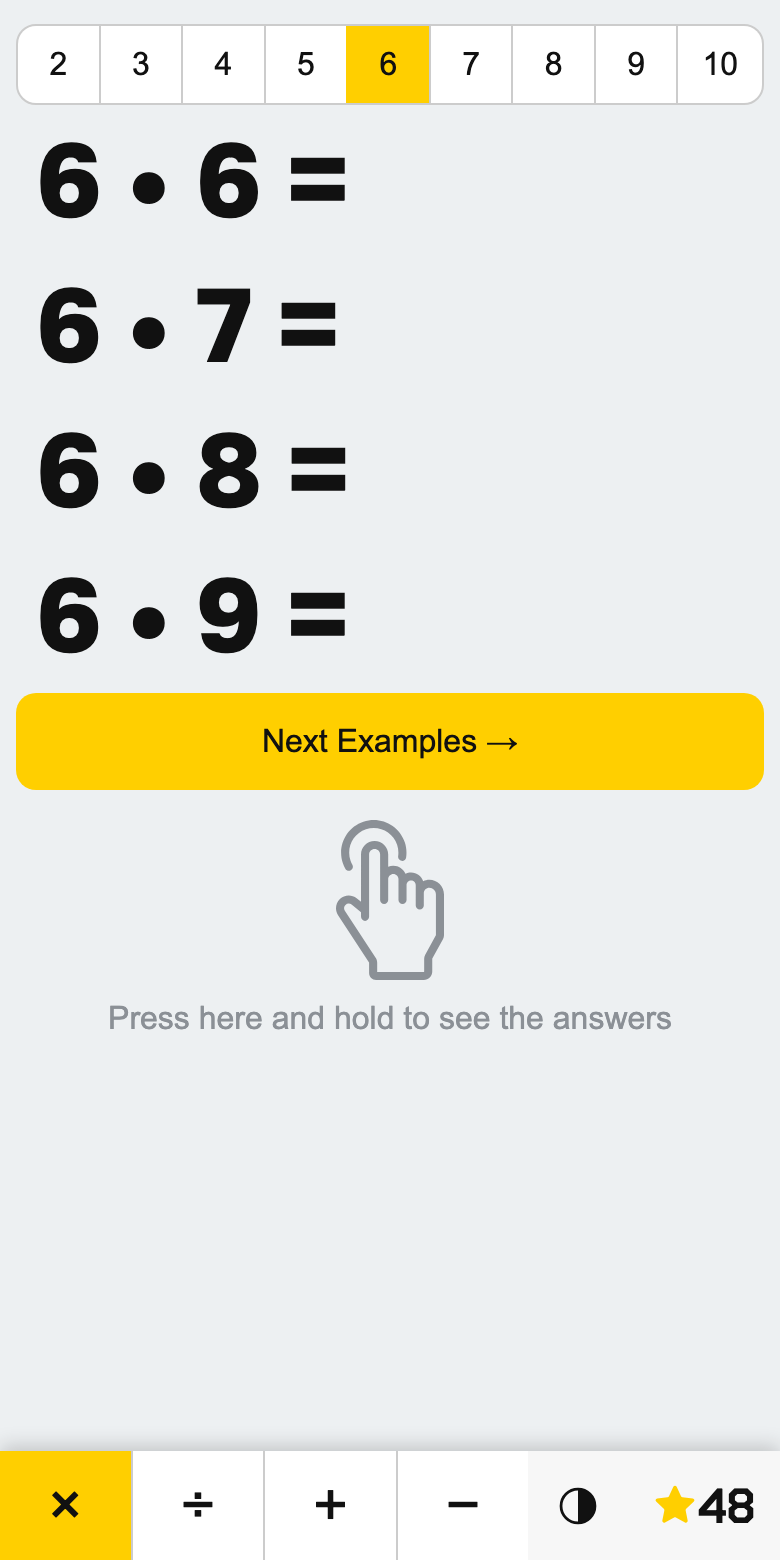
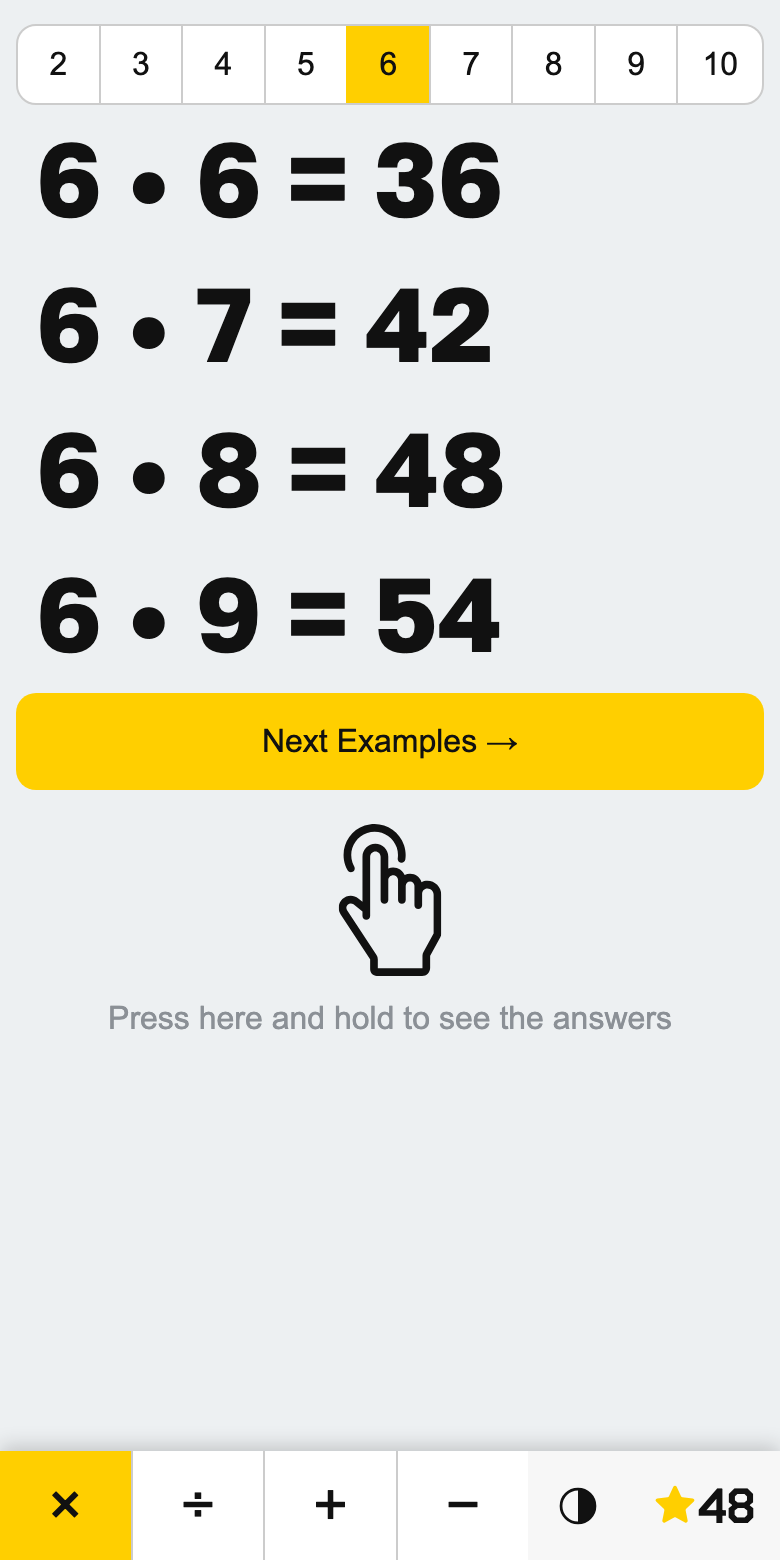
The answer is always available. Looking is not cheating — it is the method.
Nothing is graded, so there is nothing to be wrong about.
Tapping does pay, though. Harder rows are worth more: an answer in the eights counts seven points, while the tens — the easy row — count one. The star in the corner holds the day's total, a small chart behind it shows the score day by day, and every hundred points sets off confetti.
Then it turned out teachers wanted it
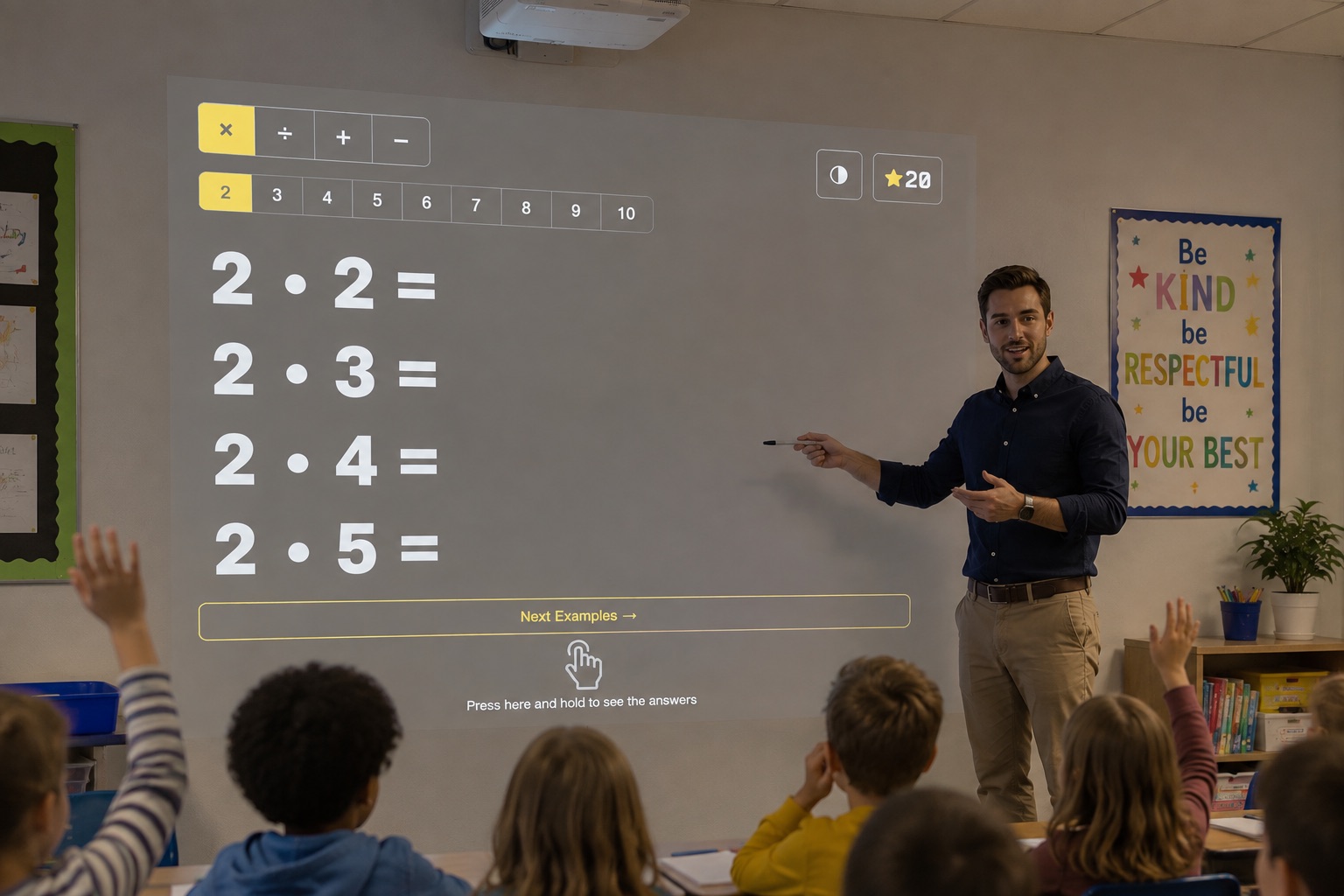
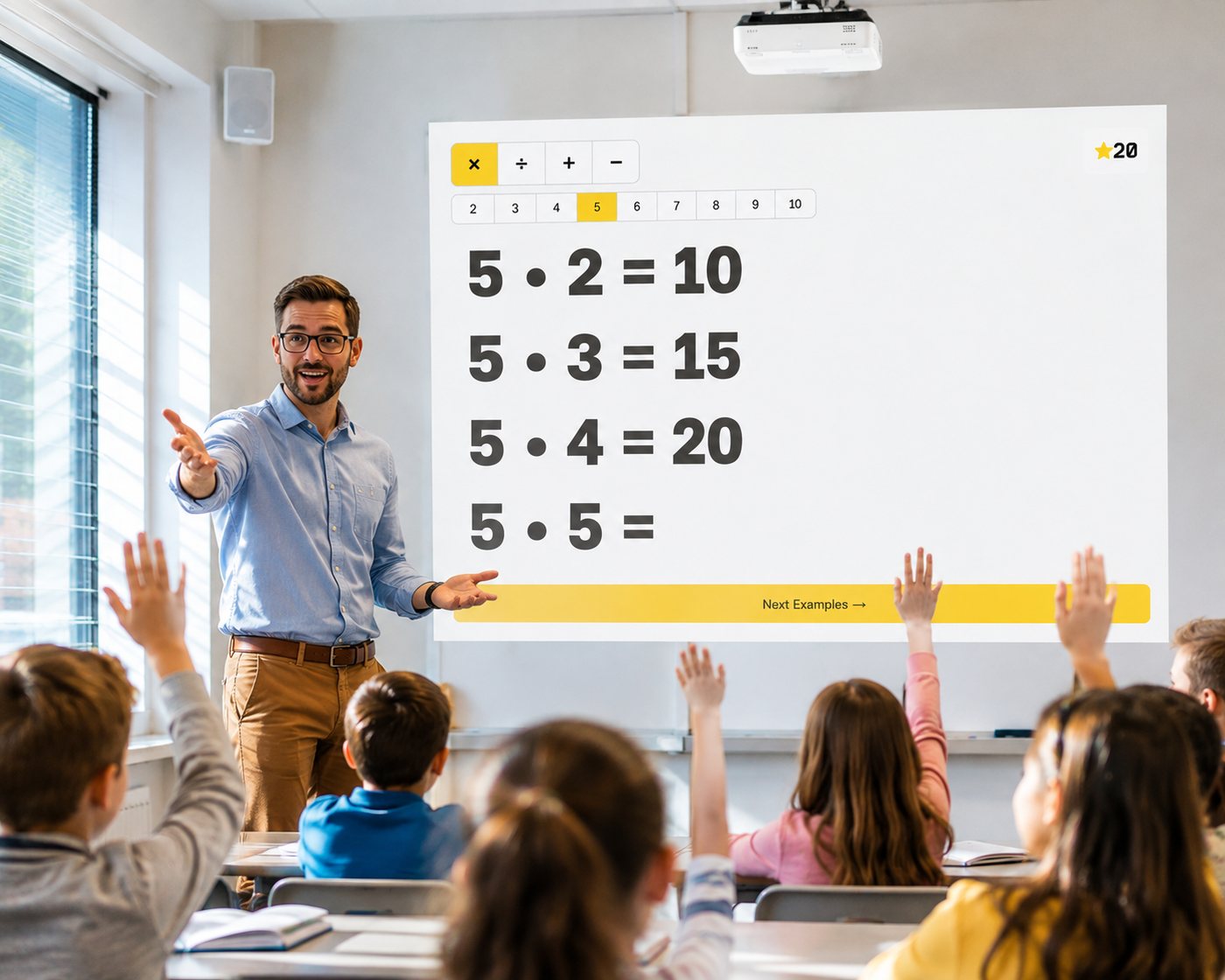
What worked for one child at a kitchen table worked on a whiteboard too. Four large examples are about a class's worth of attention: the room answers them, then the next four arrive.

Beyond multiplication
So it grew past multiplication — division built to always come out whole, addition, and subtraction that never drops below zero.
For adding and subtracting, the row of multipliers becomes a row of ranges: numbers up to 10, 20, 50 or 100. It keeps the exact same visual cadence and one-tap checking without adding any extra rules.
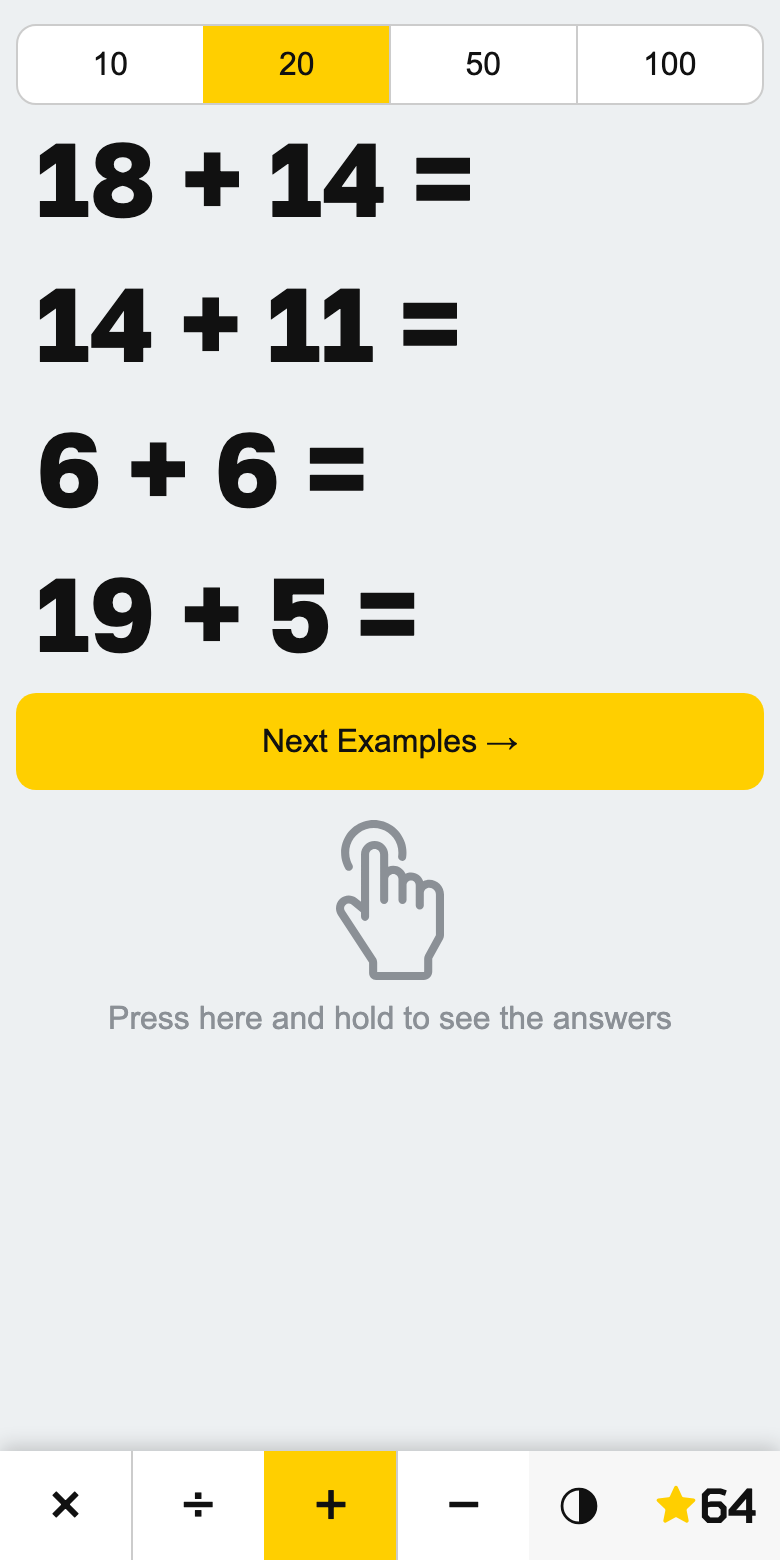
Four large examples are about one class's worth of attention.
Inverted, for a darkened room
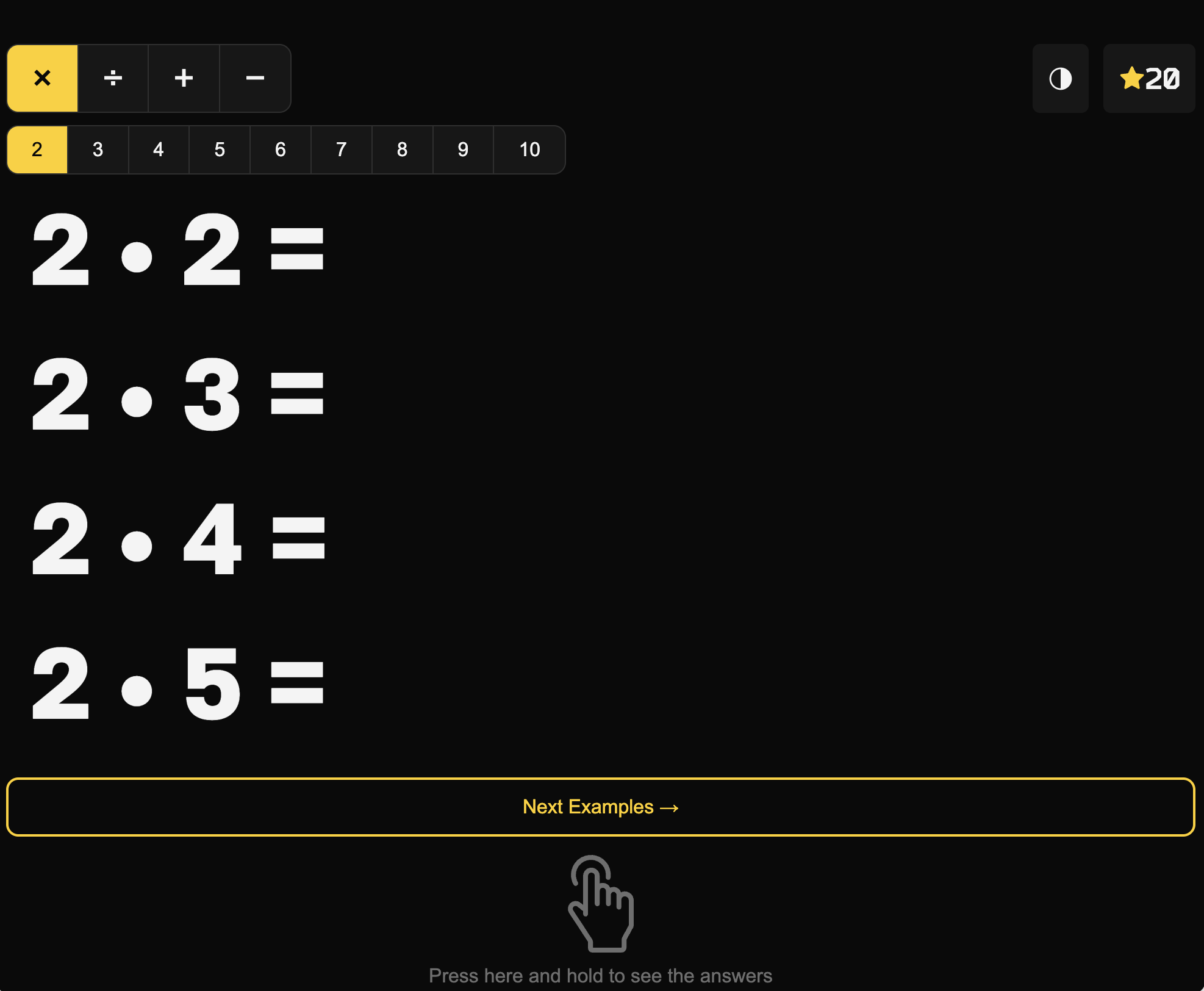
A projector does not show a white screen — it lights the whole wall with it. In a classroom with the blinds down that wall becomes the brightest thing in the room, while the examples are the only part anybody needs to see.
So inversion here is a switch, not a mood. The background drops away, the digits stay lit, the large yellow Next button comes back as an outline, and the score sheet turns dark. Only the small things stay solid: the selected operation and the selected row, because a child at the back still has to see which table is running.
What's in it
Multiplication tables
Any row from 2 to 10, either straight down in order or shuffled.
Division
Built backwards from a product, so every example comes out whole.
Addition and subtraction
Numbers up to 10, 20, 50 or 100. Subtraction never drops below zero.
Press and hold
Every answer at once while the finger is down, gone the moment it lifts.
A day's score
Harder rows pay more. The total resets daily, and the days show as a chart.
Inverted mode
For projectors and dark rooms: lit digits, unlit wall.
More projects