Practise the times table four examples at a time.
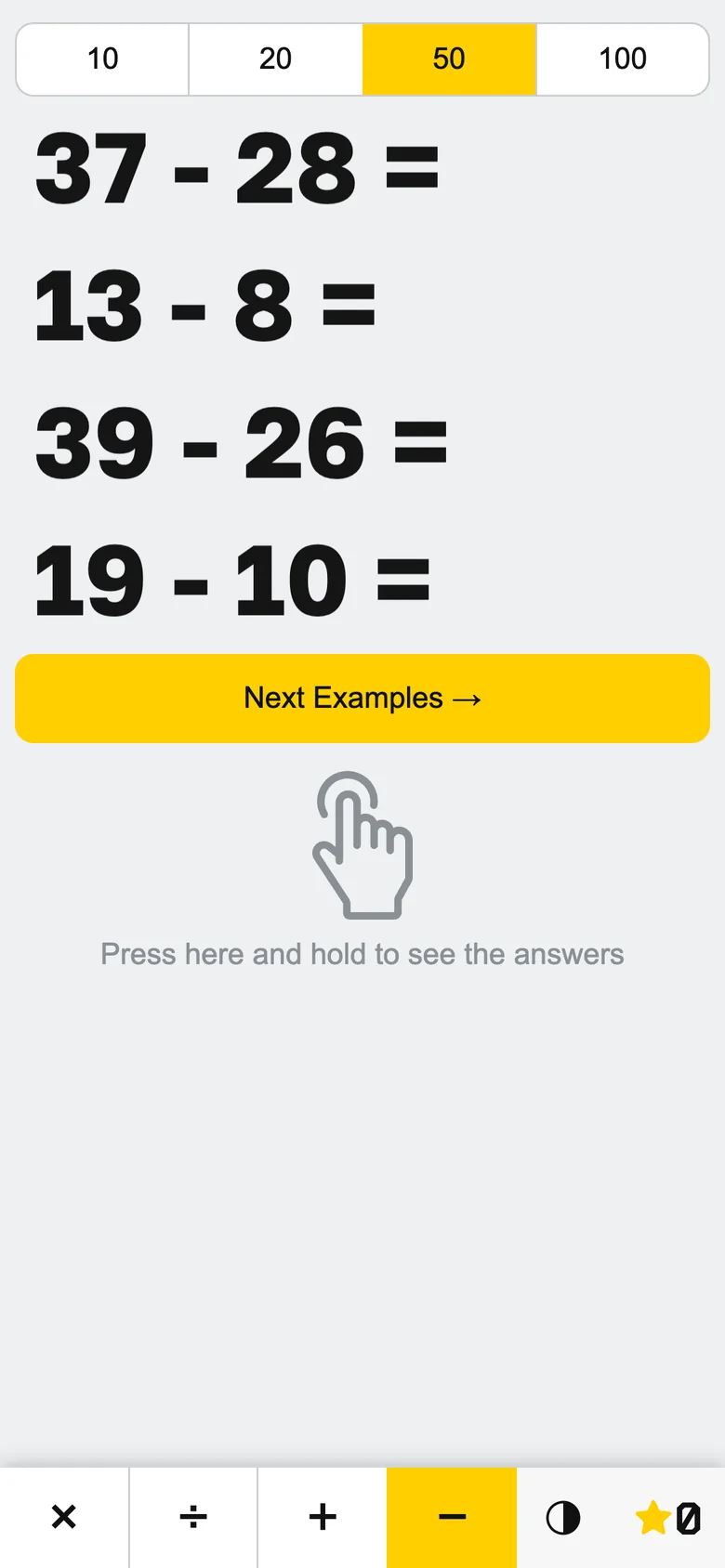
Mathfun is a free browser game for multiplication, division, addition and subtraction. It shows four large examples, big enough to read from the back of a classroom. Hold a finger down to see every answer, or tap one example to check yourself.

Hold the hand to see all four answers.
Nothing in Mathfun is marked wrong. Press and hold the hand under the examples and every answer appears; let go and they disappear. The board below follows the rules in the app's code.
0
I put Mathfun online in November 2024, when my daughter had started spending her time on a phone. I didn't want to take the phone away, so I put the times table on it. The answer is always one press away, so looking isn't cheating.
Tap one example to check your answer.
Say the answer first, then tap the example. The answer stays on screen in a random colour that fades back to ink over three seconds, a short beep plays, and the star adds points.
Earn more points on the harder rows.
An example from the row of 8 earns 7 points and the row of 9 earns 8, while the easy row of 10 earns 1. The score resets every day, the Daily Score sheet shows it day by day, and every hundred points sets off confetti.
- +12
- +23
- +34
- +45
- +56
- +67
- +78
- +89
- +110
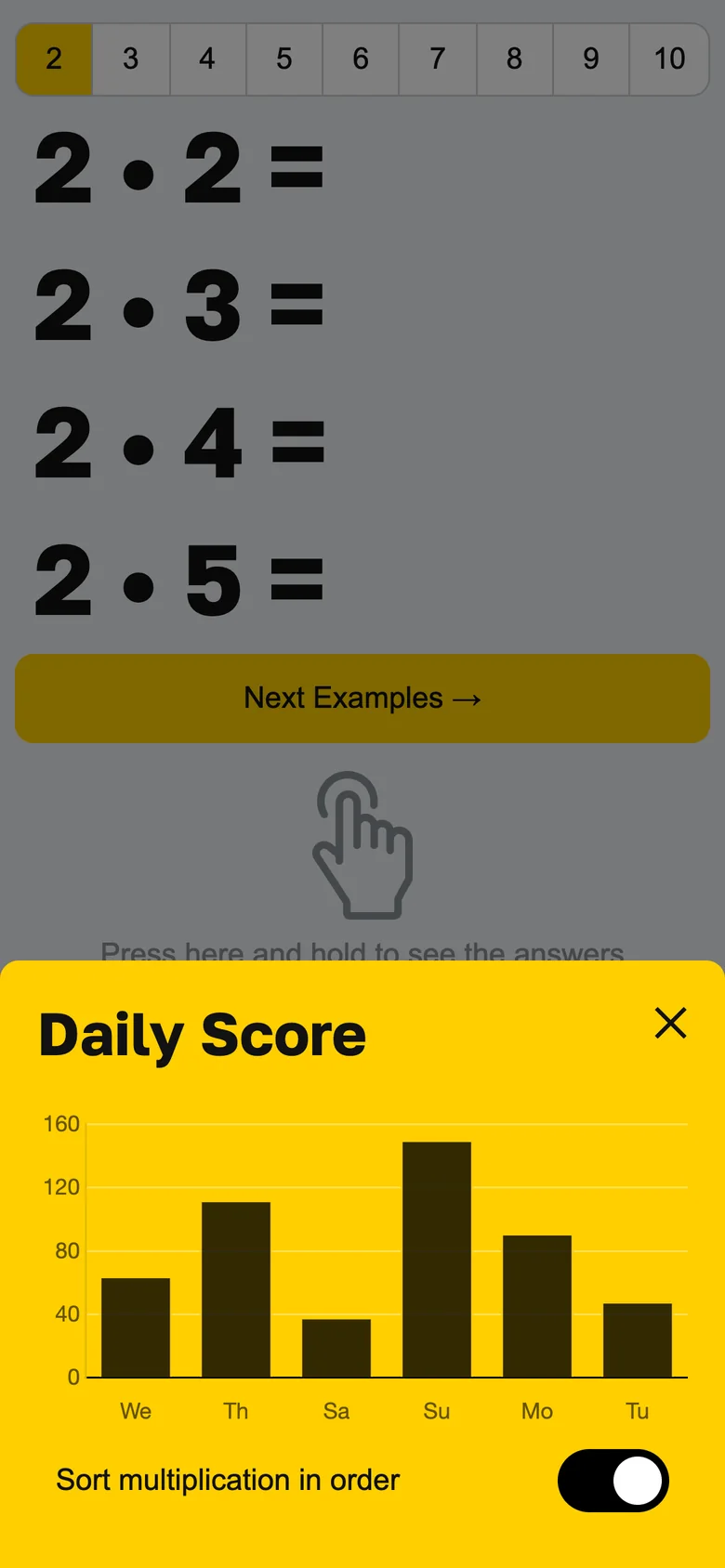
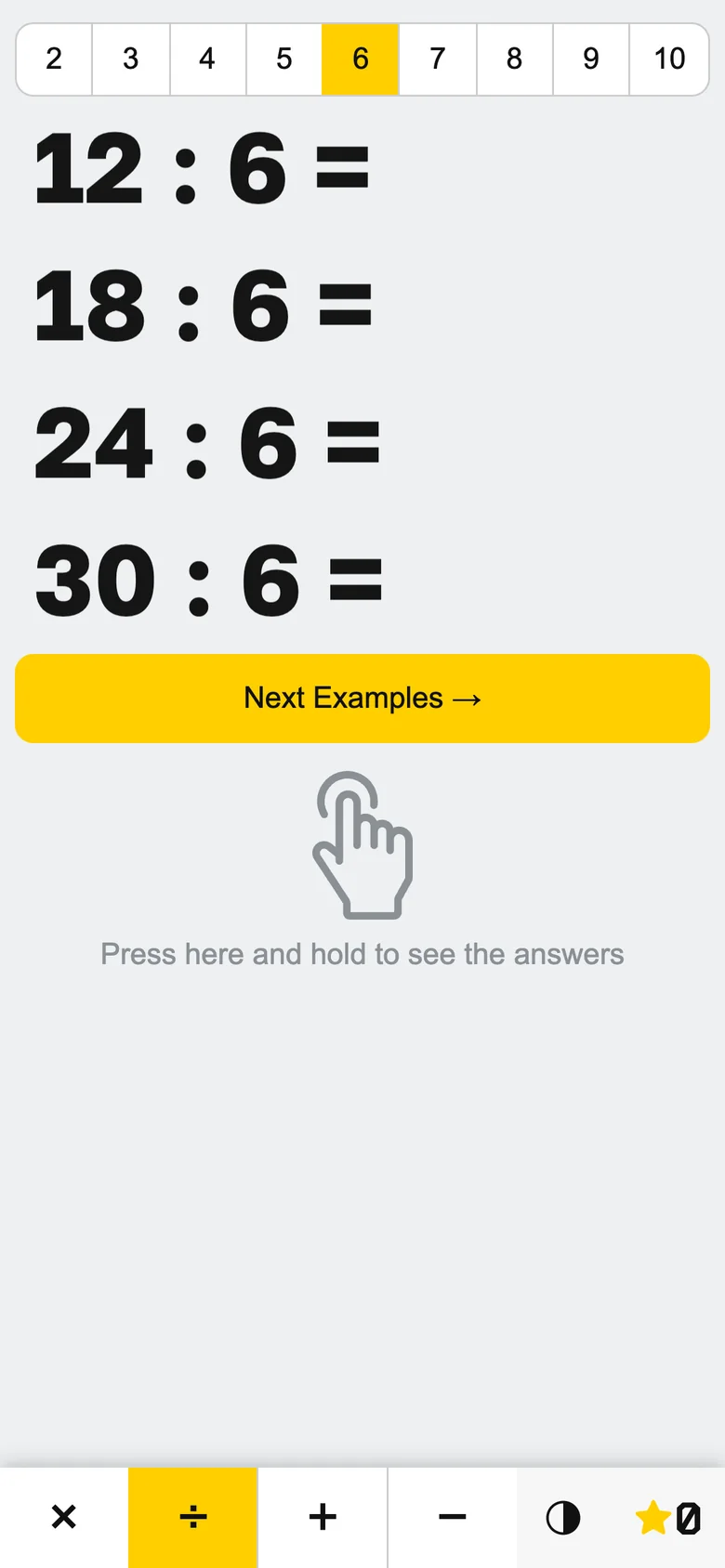
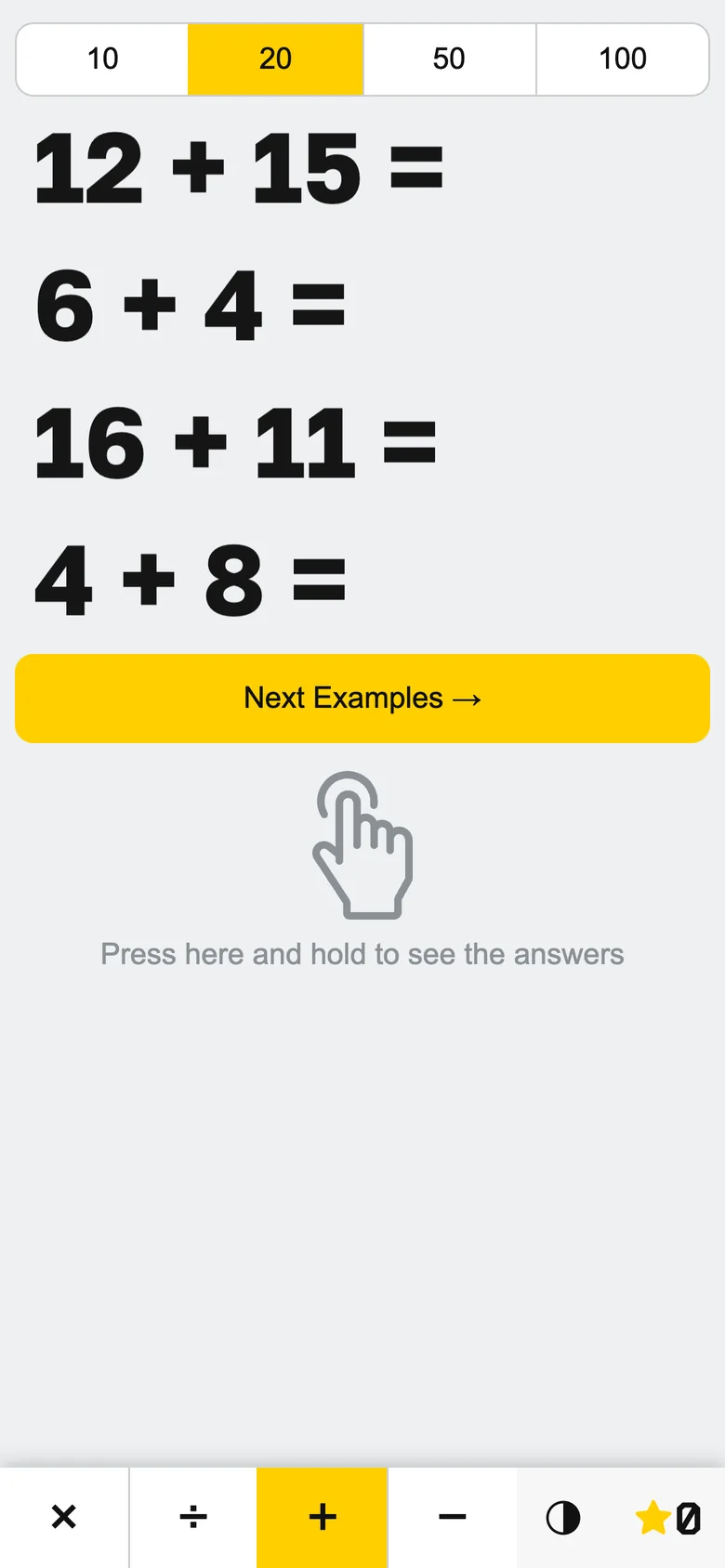
Switch between multiplication, division, addition and subtraction.
Division is built backwards from a multiplication, so every example comes out whole. For addition and subtraction the row of 2 to 10 becomes a choice of numbers up to 10, 20, 50 or 100, and subtraction never goes below zero.
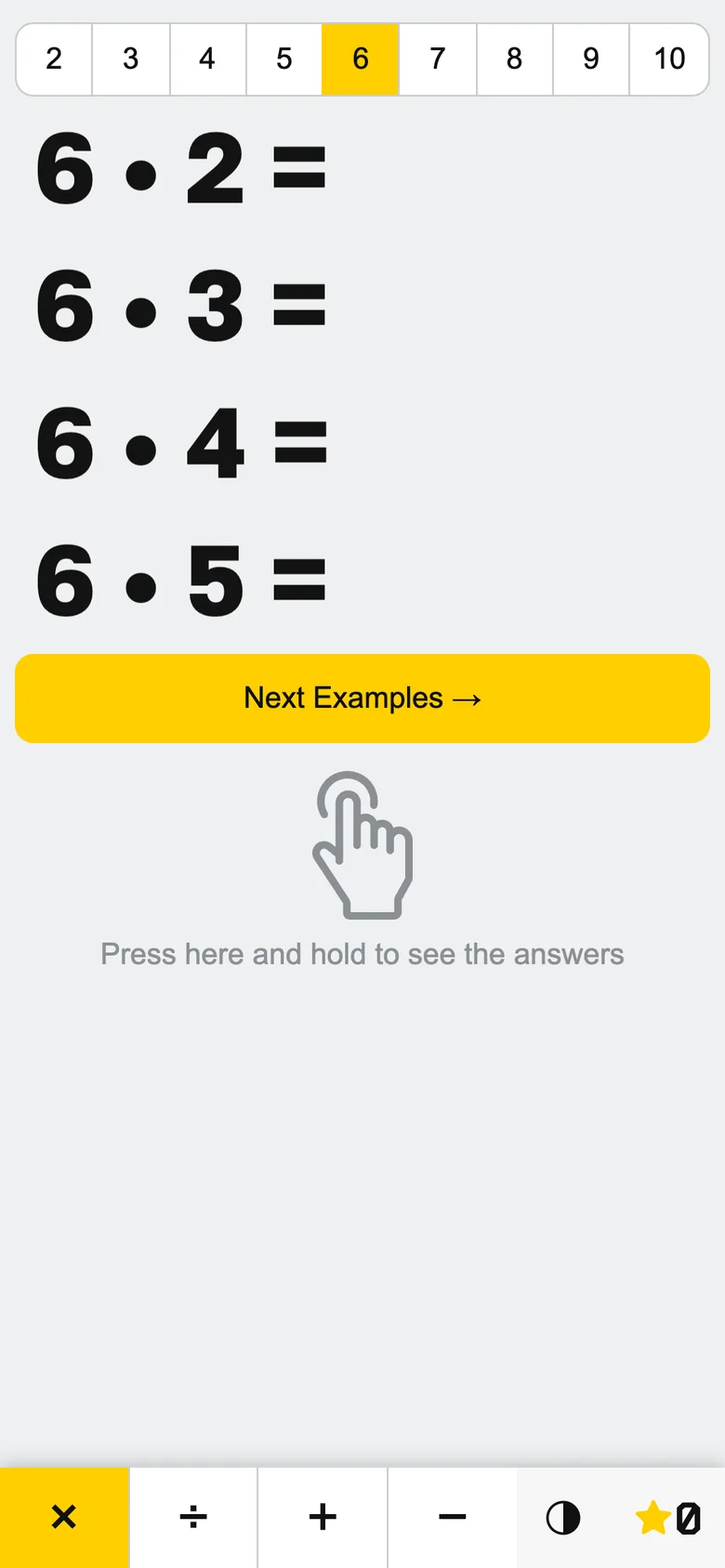
By default the examples go in order, 7 • 2 up to 7 • 9, then start again. The switch on the Daily Score sheet shuffles them.
Invert the colours for a projector.
A projector turns a white screen into a glowing wall. The button with a half-filled circle turns the background off and keeps the digits lit, and the big yellow Next Examples button becomes an outline. The chosen operation and row stay yellow, so the back row can still see which table is on.


I set the theme before the page draws anything. Otherwise the screen would flash white in a dark classroom every time it loads.