Memorizun. Memory trainer app
Learn poems, songs and speeches by heart: words vanish as you go, then you recite it out loud and the app checks you.
A black marker and a printed sheet
The whole project started from an old pedagogical trick described in a Telegram post by the children’s educational publisher Banda Umnikov. To help a kid memorize a poem without tears, you print the stanza on paper and hand them a black marker. First, you read the whole rhyme together. Then you black out two or three words and recite it again. Then half the words, and finally almost every line — until the child recites the entire poem prompted only by the black rectangles on the page.
It worked effortlessly on paper. Naturally, the immediate instinct was to find a phone app that did the same thing. But looking around the App Store turned up nothing clean: either dense, academic flashcard software built for spaced-repetition medical terms, or clunky quiz apps buried under banner ads. Nobody had built the simple, tactile magic of words progressively dissolving on screen.
A designer with two AI co-pilots
I am a product designer, not a professional frontend engineer or Swift developer. But I knew exactly how the tool ought to feel: calm, immediate, and free of cognitive noise.
I opened ChatGPT, described the word-hiding mechanic, and had a raw interactive proof of concept running in the browser before sunset on day one. Over the following months, late-night elective coding turned that prototype into a responsive web application and an iOS build. When ChatGPT hit repetitive walls on complex state, Claude stepped in. As I wrote in my development log on vc.ru: ChatGPT had the scaffolding, but Claude had soul. In the end, they split the work roughly half and half.
Reading ten times builds confidence. Recalling builds memory.
Cognitive science calls it the illusion of competence: rereading a poem five times feels productive because your eyes effortlessly recognize the words. But recognition is passive. The moment you look away from the page, the lines dissolve, because your brain was never forced to retrieve them from within.
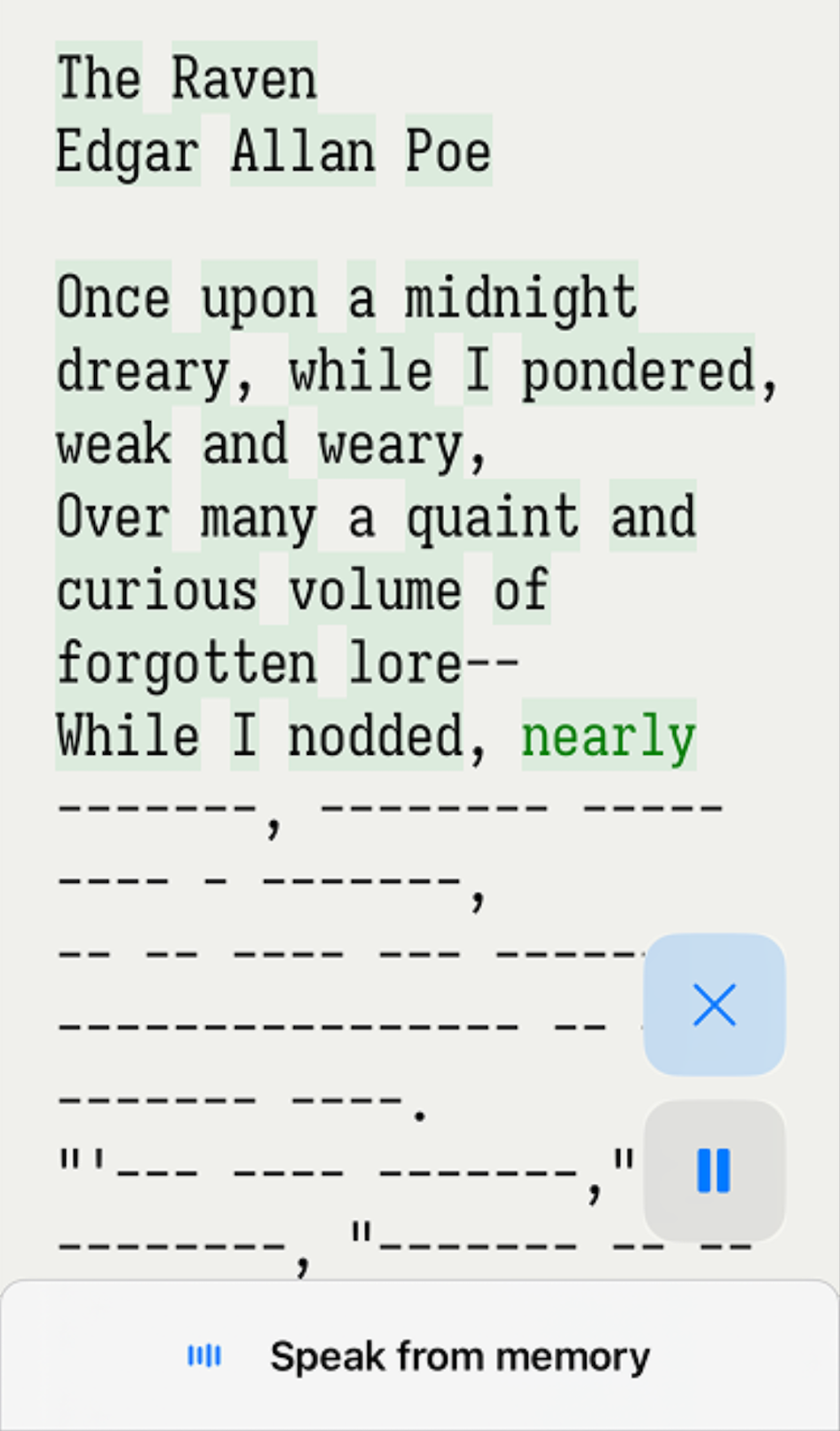
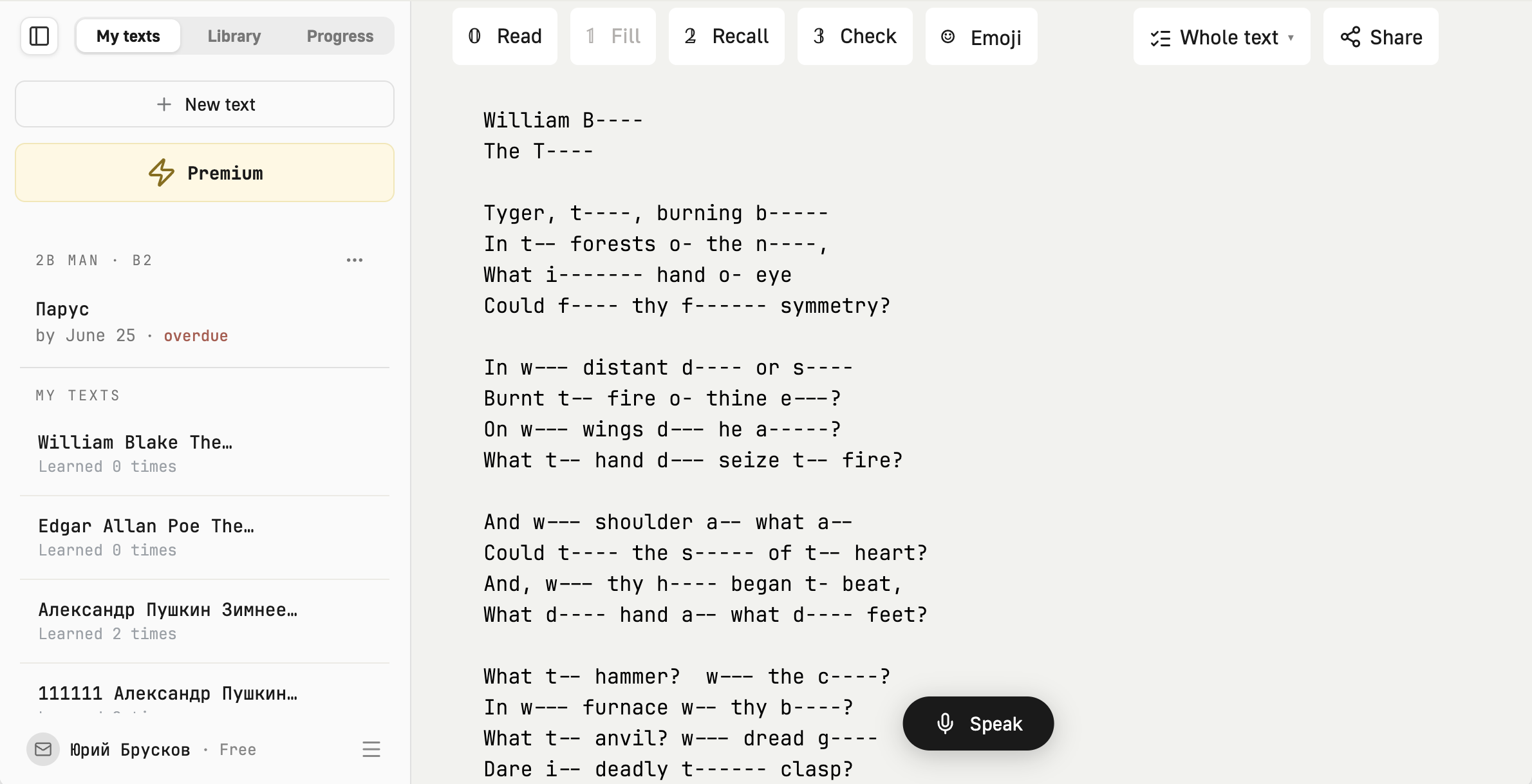
Memorizun inverts the process. Instead of rereading, you step through four progressive passes, numbered 0 to 3. You start with the full text, move to scattered gaps, drop down to skeletal dashes with only first letters visible, and finish with a blank slate. On desktop and Mac, keys 0 through 3 switch passes instantly, so your hands never leave the home row.
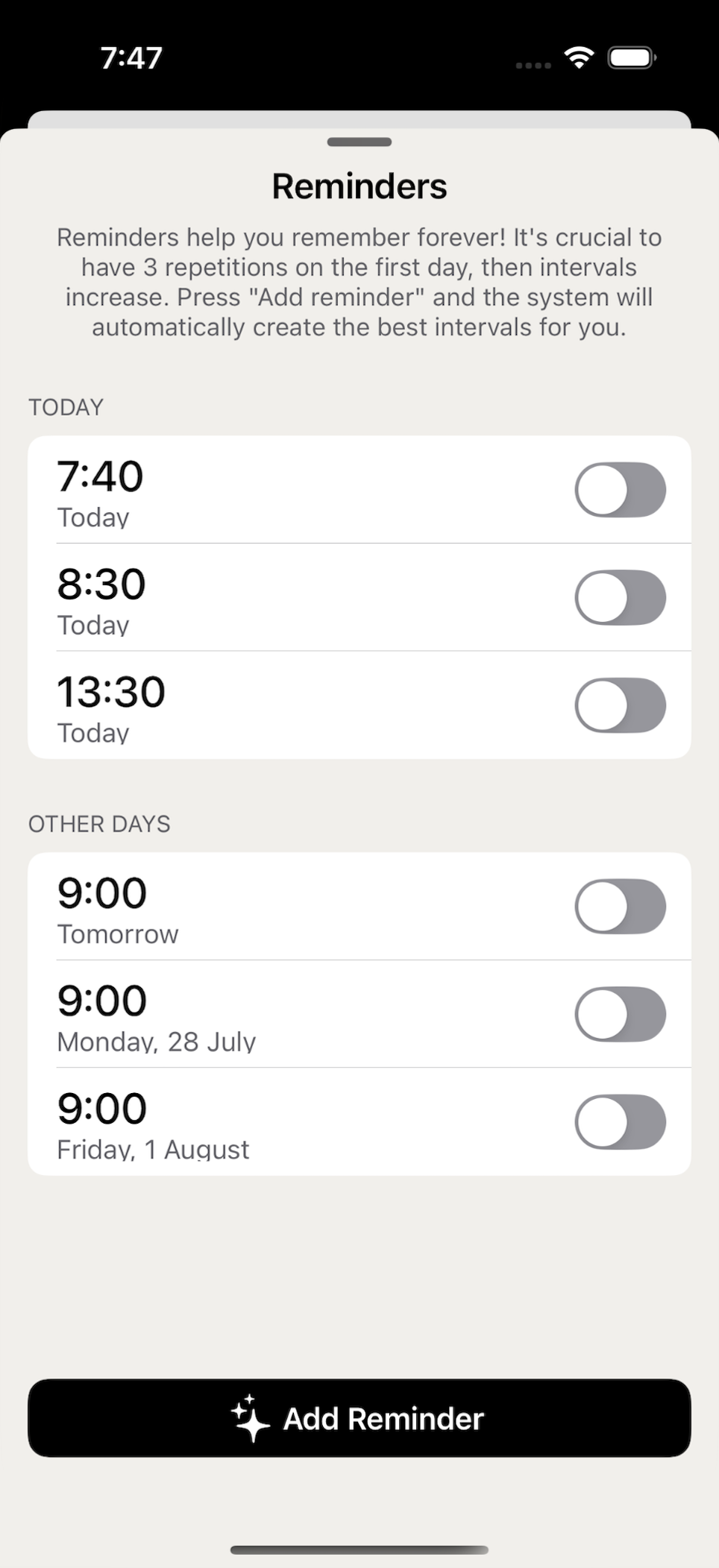
Speak is the same voice check as in the app. A text handed out by a teacher lands here too: it sits above your own library with its deadline on it, and says plainly when that date has gone.




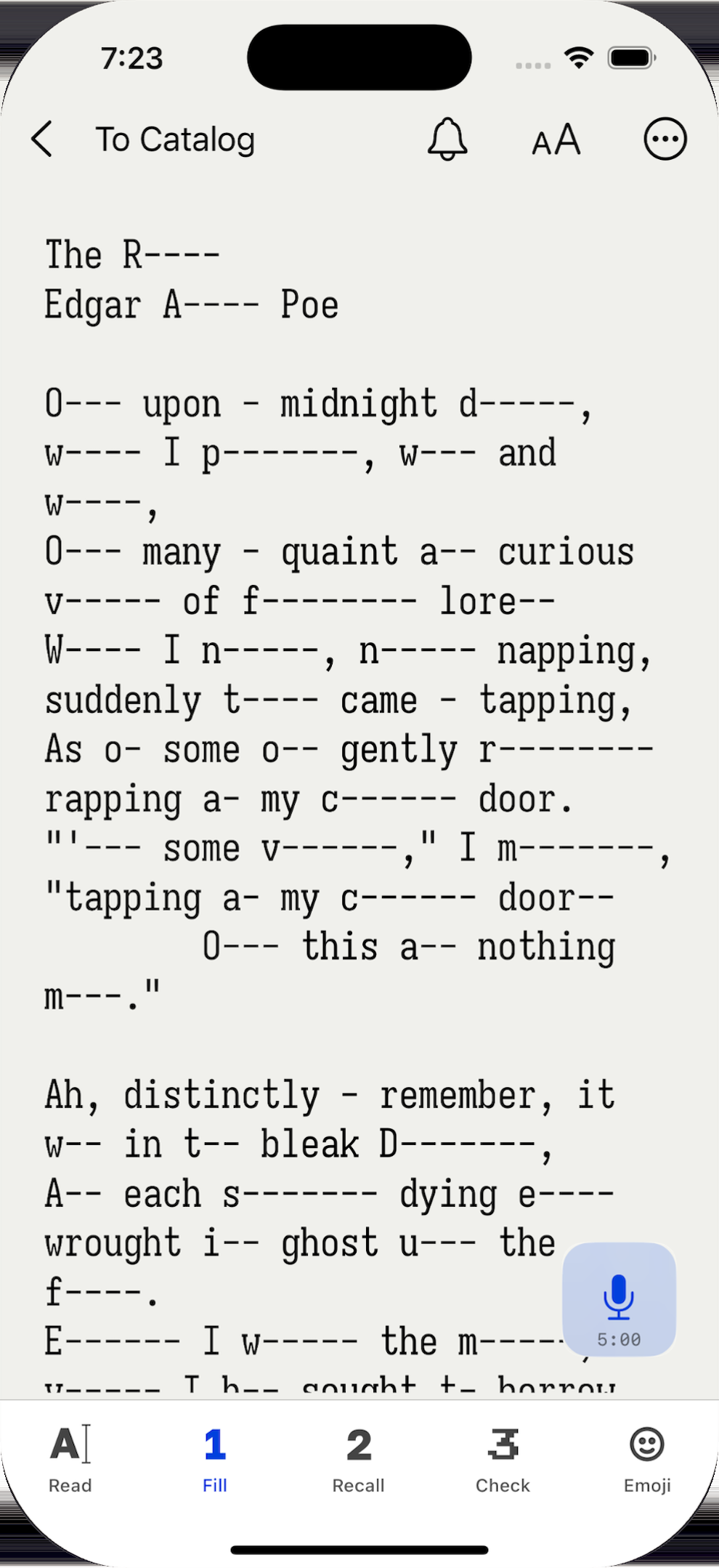
Words drop away into dashes a few at a time, forcing active recall rather than passive re-reading.
What it actually does
-
01
Add any text
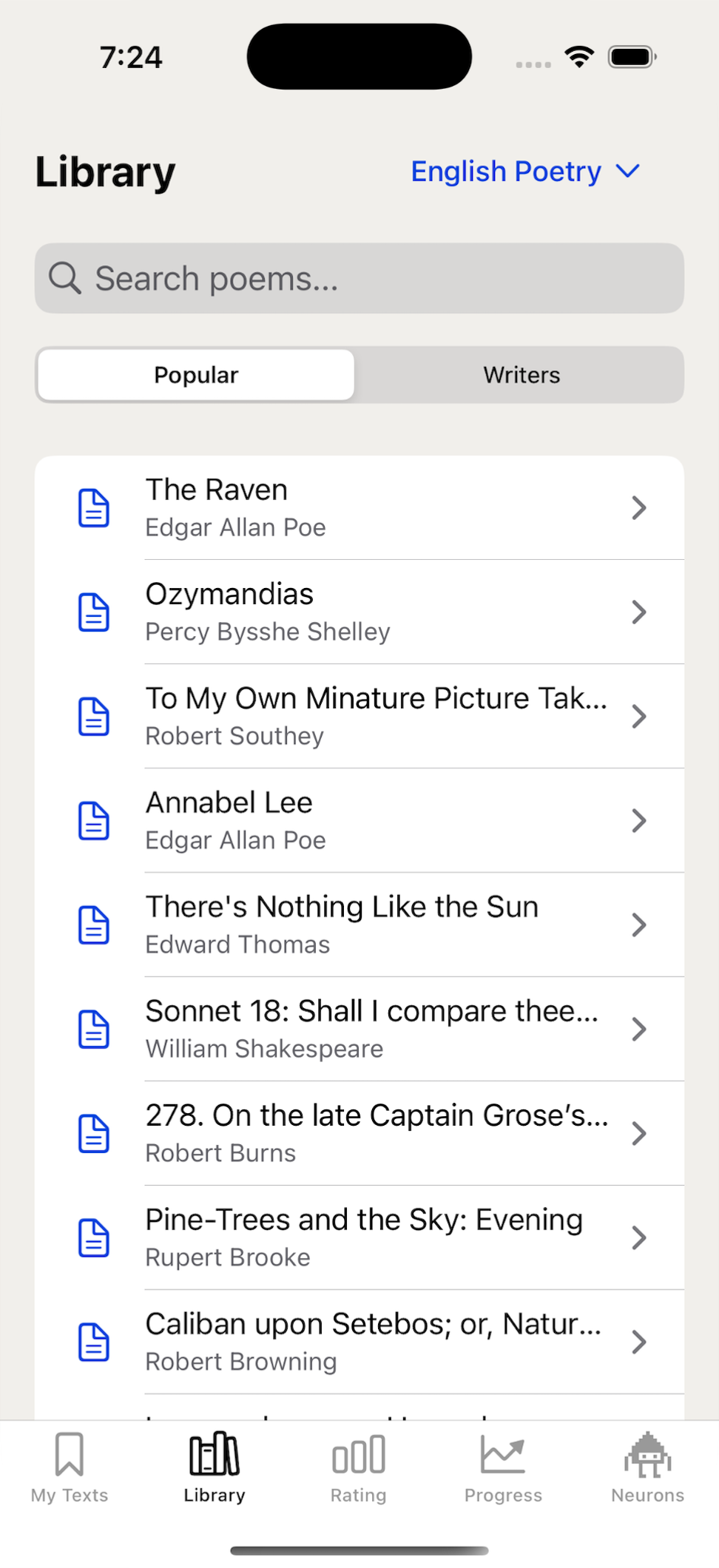
A poem, lyrics, a wedding toast, a theater monologue, or a keynote speech. Pick from classic poetry or paste your own.
-
02
Words vanish into dashes
Each pass hides more letters, forcing active retrieval rather than passive rereading. You decide how fast the text dissolves.
-
03
Recite it out loud
The ultimate test: you speak the lines from memory while the on-device engine listens along, turning words green as you hit them.
-
04
100% offline & private
Speech recognition runs entirely on the iPhone. It works in airplane mode, on the metro, or deep in the countryside with zero signal.
The unhinged emoji mode and zero-account links
Memorizing text can become monotonous. To break the fatigue, I built an experimental emoji translation mode. It swaps words for emoji icons — turning serious classical poetry into eccentric visual rebuses. As I admitted on vc.ru, the emoji dictionary can feel a bit cringe and confusing at first, but it is surprisingly effective: when your brain connects an abstract line to a bizarre sequence of icons, the rhyme sticks like glue.
For the web version, I wanted zero barriers. When you enter a text, Memorizun encodes it directly into a unique URL. Sharing the link hands the full lesson to anyone instantly. Soon, school teachers and parents were pasting Memorizun links into WhatsApp and Telegram chats for weekly homework. Children tap the link and practice right away — no accounts, no passwords, no email verification forms.
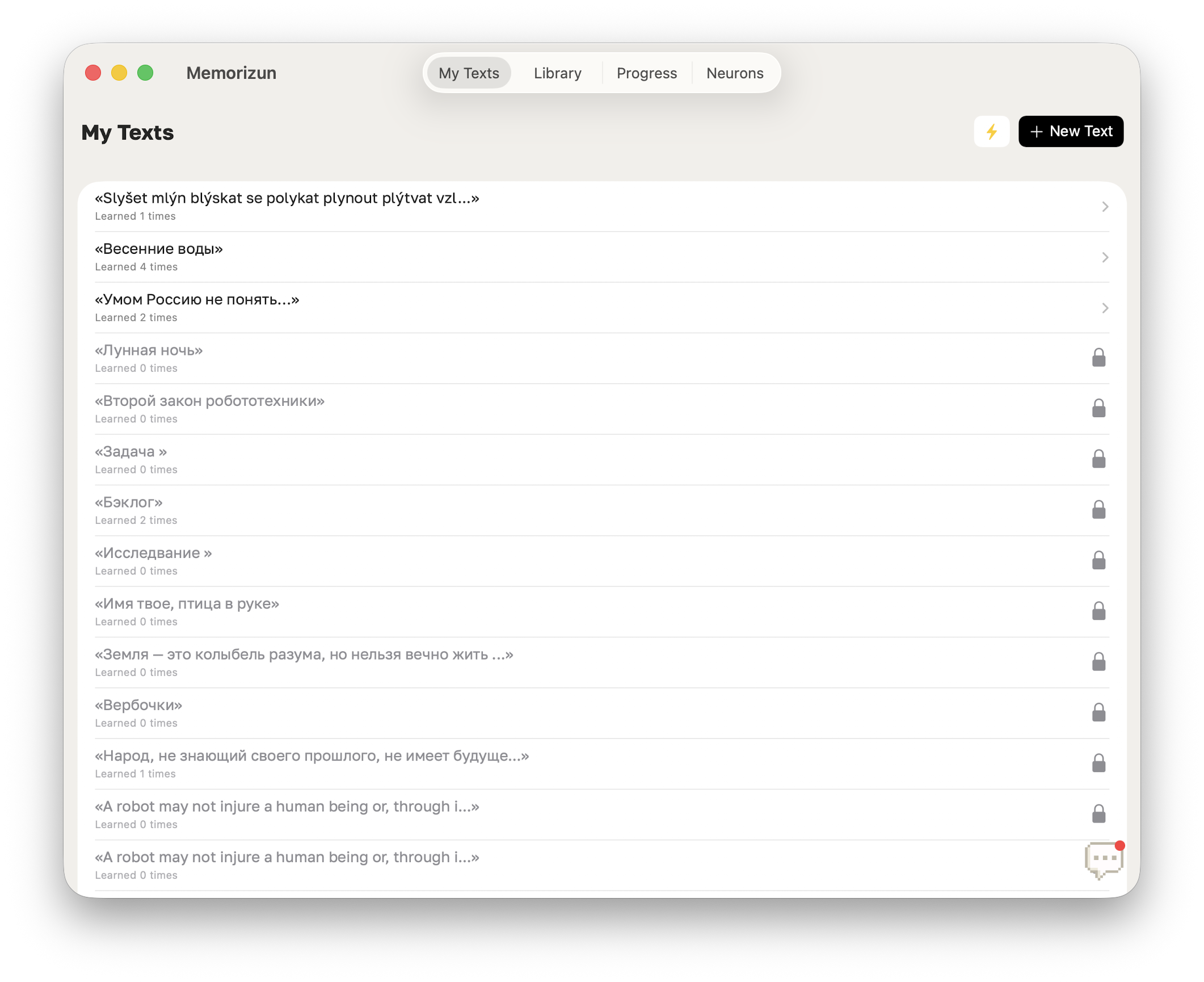
The business model was kept just as transparent: you can save up to three custom texts in your personal library completely free. If you need an unlimited archive for your repertoire, a simple subscription unlocks everything.
The words disappear one by one until the poem lives in your head.
Three dead ends before the fourth try
Learning by heart works. Wanting to come back tomorrow is the harder design problem, and the first three answers to it all died the same way — the progress was real, but it wasn't anywhere you'd want to look.
Points
One recognized word, one point, synced across devices and spendable on goals. It held until it got boring: no visible progress, only an abstract number ticking up.
Portraits
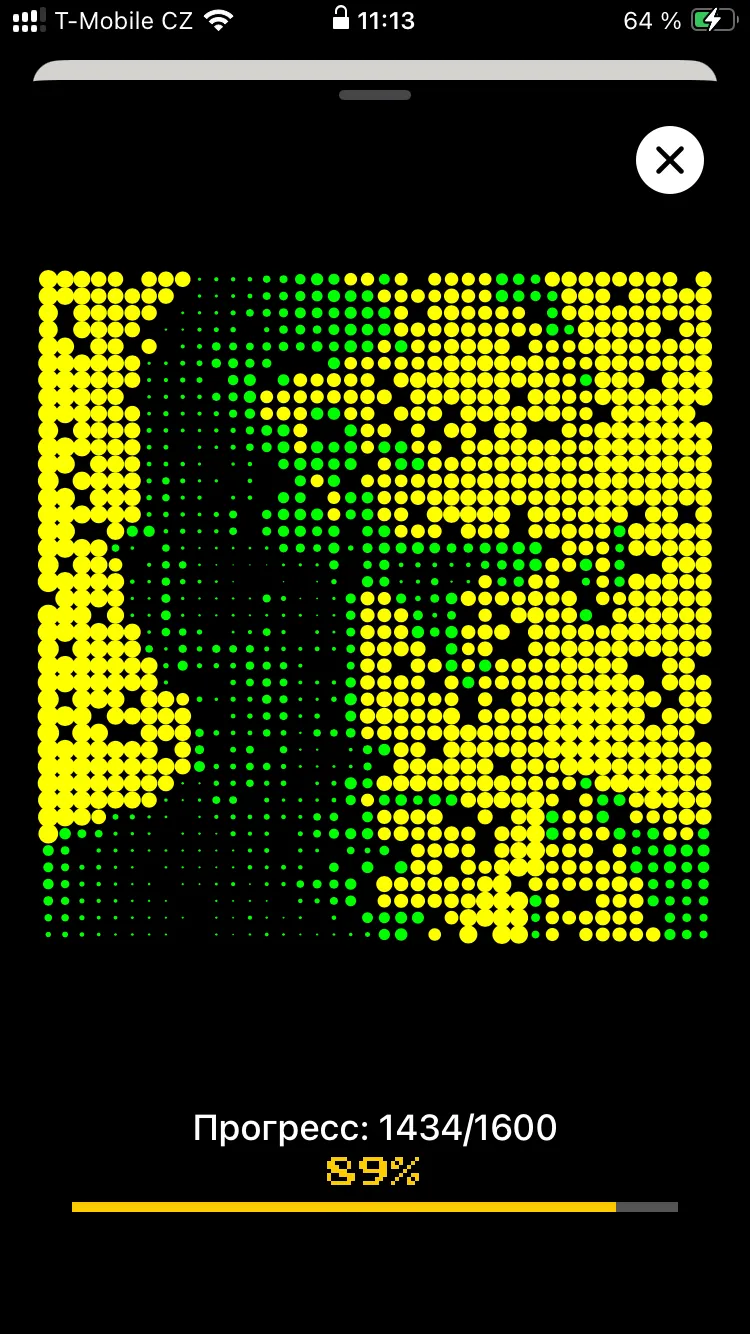
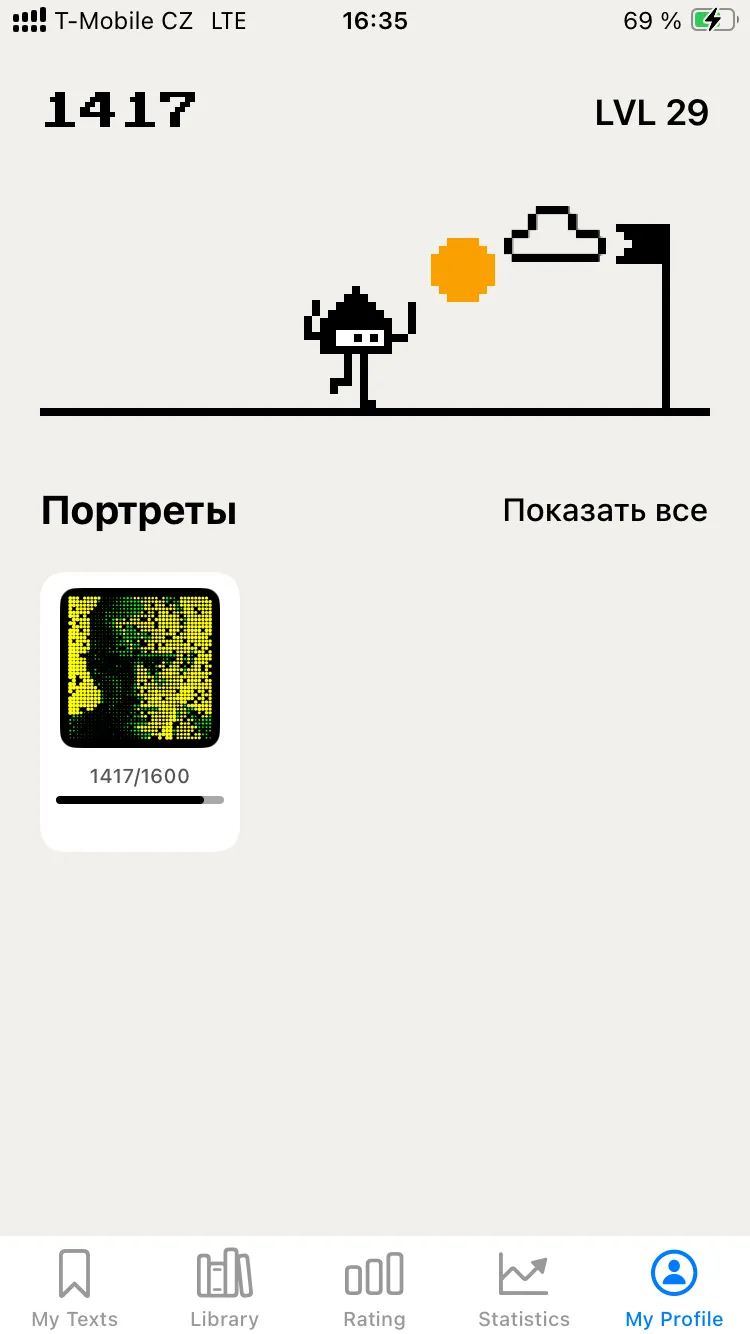
Every text opened a fragment of a writer's portrait, a dot per word, 1,600 words for a whole face. It ran on a custom script I wrote that turns any photograph into SVG where every piece carries its own id. But uncovering a face felt like a mechanical chore.
Flags
A character walking towards a flag at every 1,000 stars, with a jump and some confetti on arrival. Achievements alongside it. Neither brought anyone back.
Attempt four: the neural world
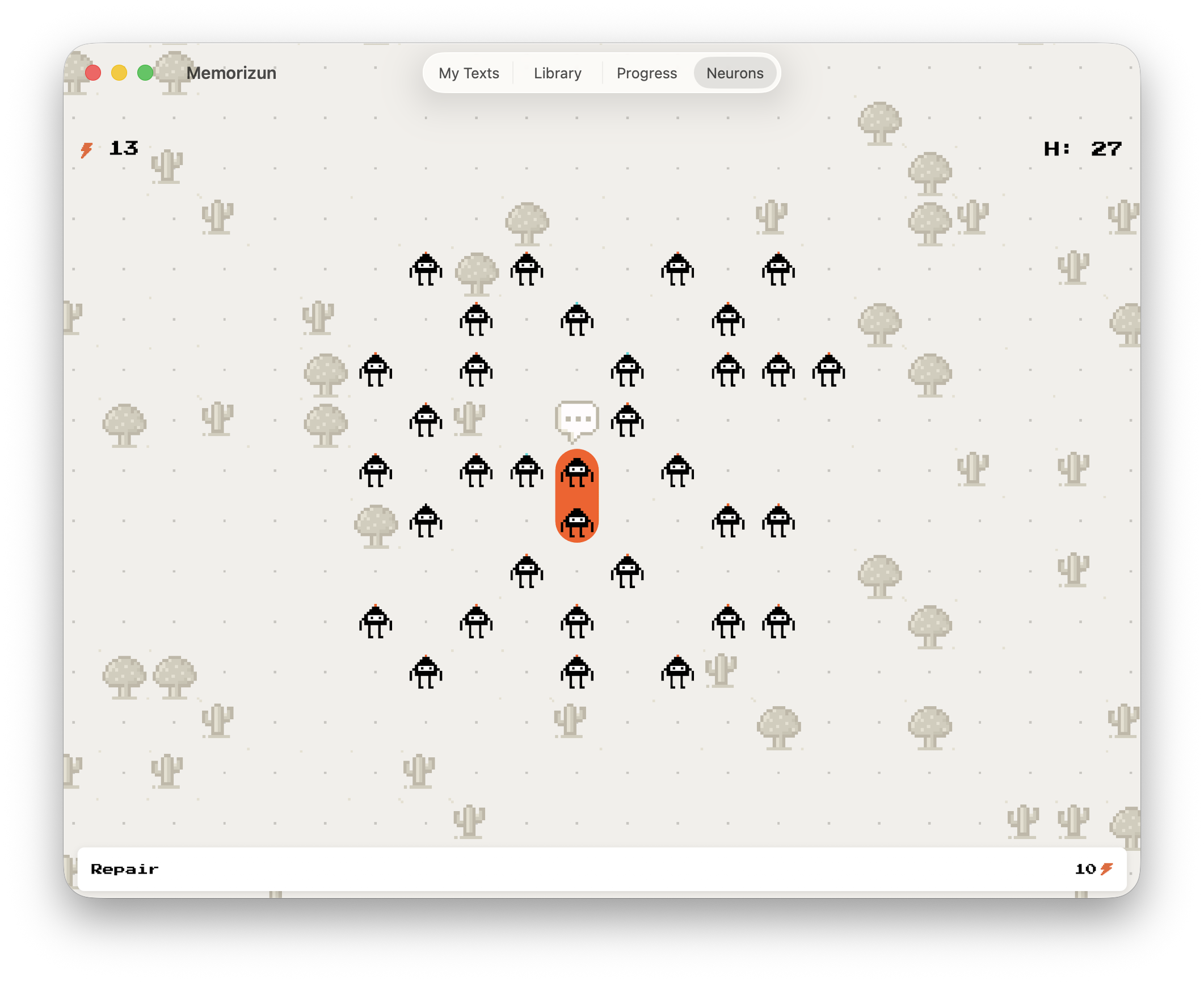
Then a different picture arrived: a world where every text you learn becomes a neuron. You learn, neurons appear, roads grow between them. Stop learning and the roads crack; repairing them costs energy (⚡), which you also earn by learning.
Progress became alive — not a score, but a map of a brain that reacts to what you actually do. I stopped every earlier system and put everything into this one.

At first it was awkward
Placing the neurons and drawing the links turned out to be the hard part. I wanted every neuron connected, but the result still had to read as a map and not as a cobweb.
At first the characters stood directly on the lines. It looked clumsy — narrow broken links, neurons scattered at random.
Four passes at the same screen fixed it. The characters came off the lines and got roads of their own; the roads got wide enough to read; and the map started filling up from the middle outwards, as texts pile on.

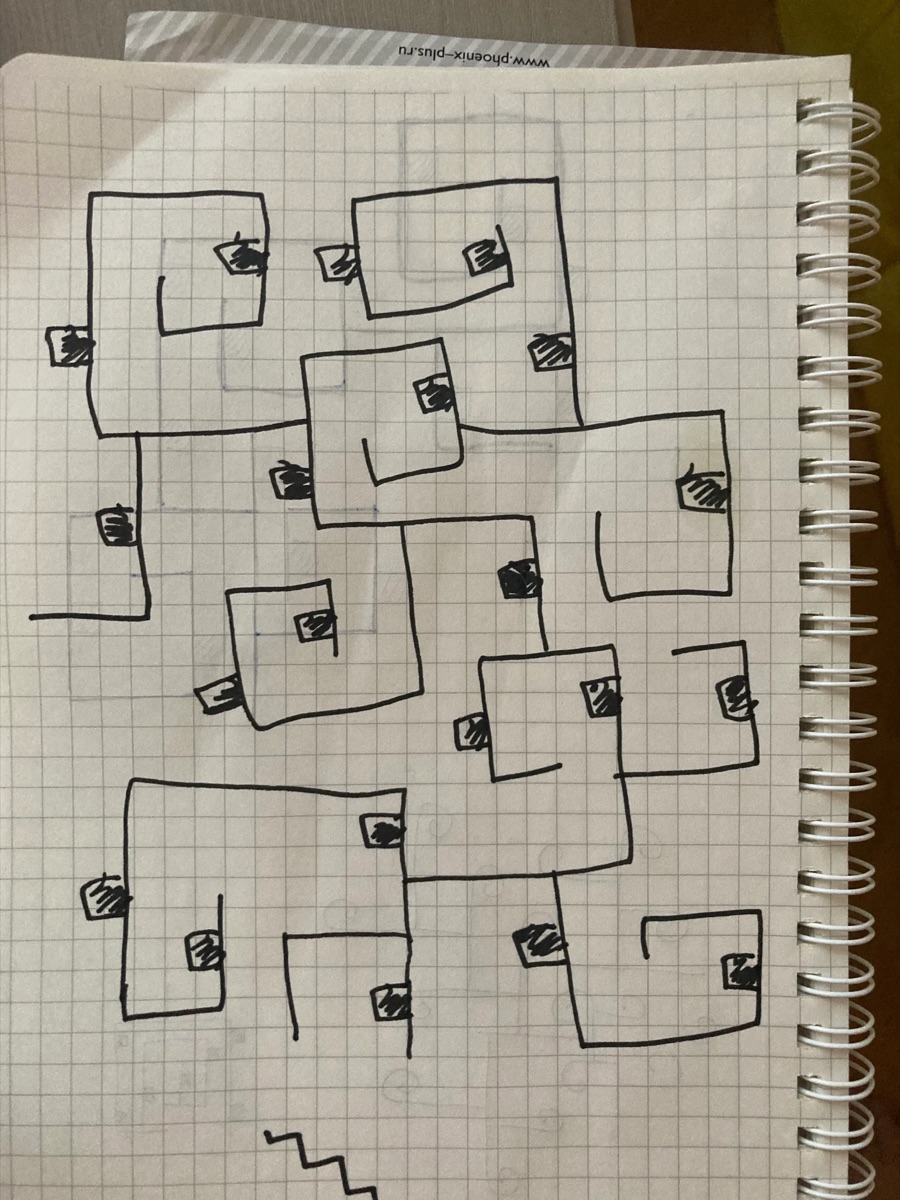
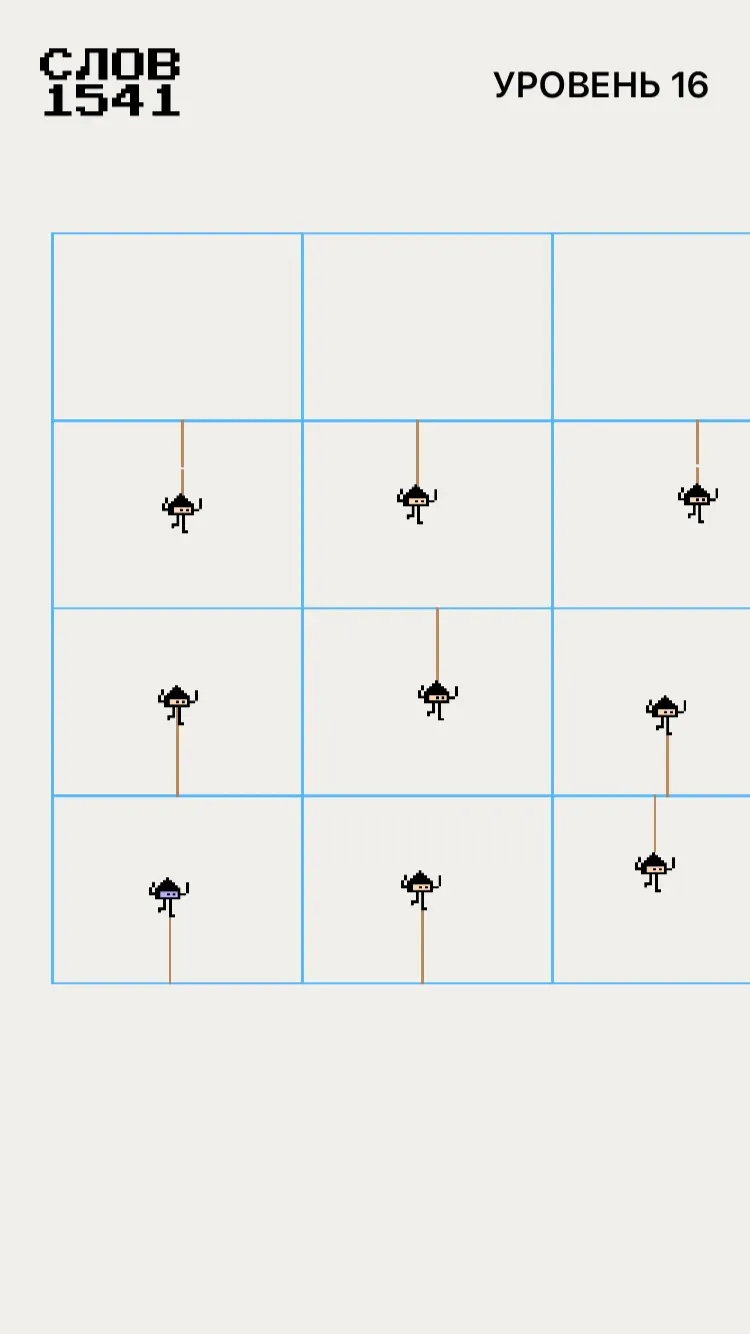
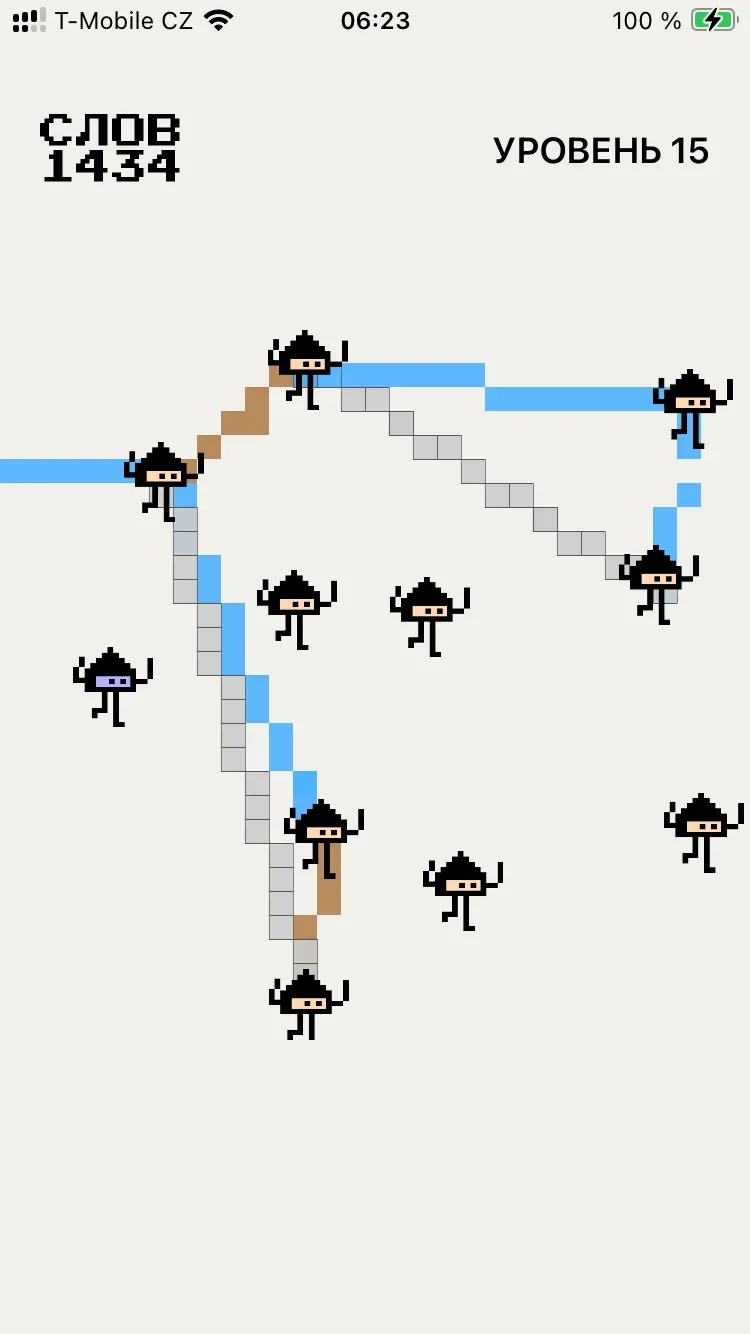
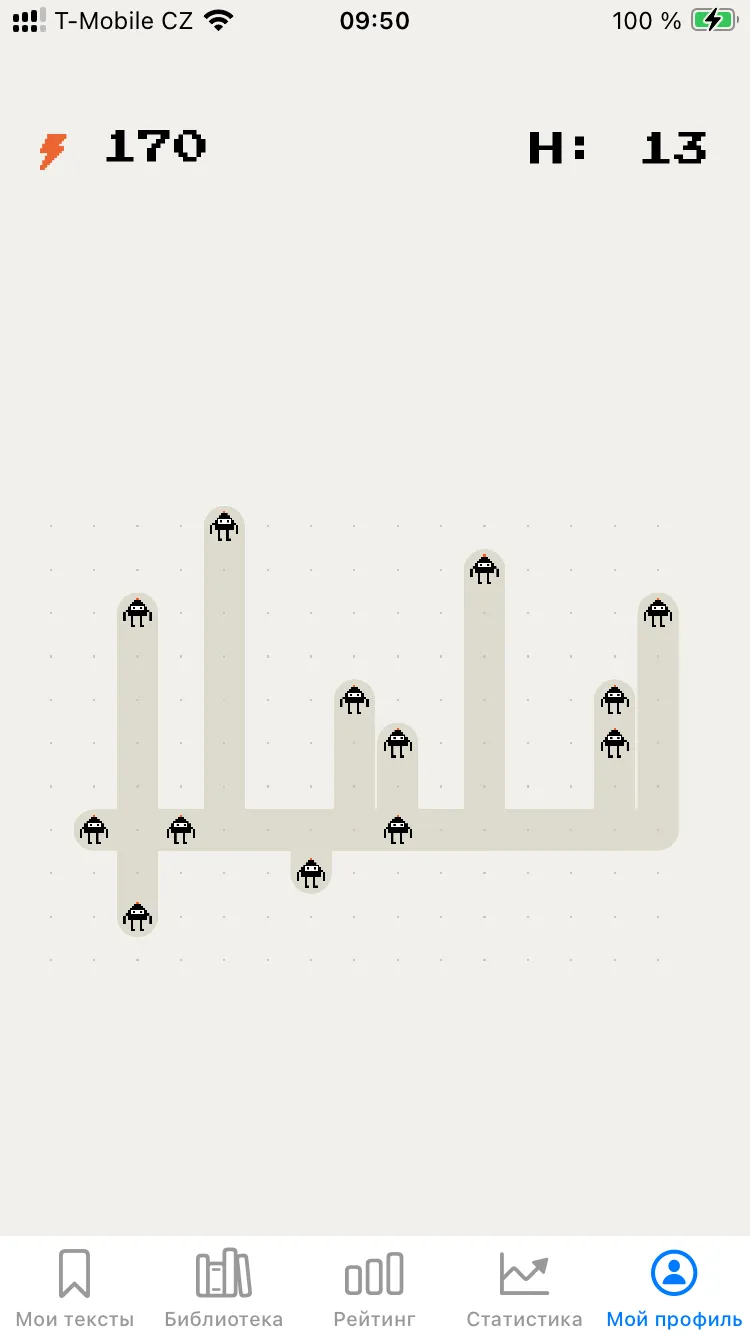
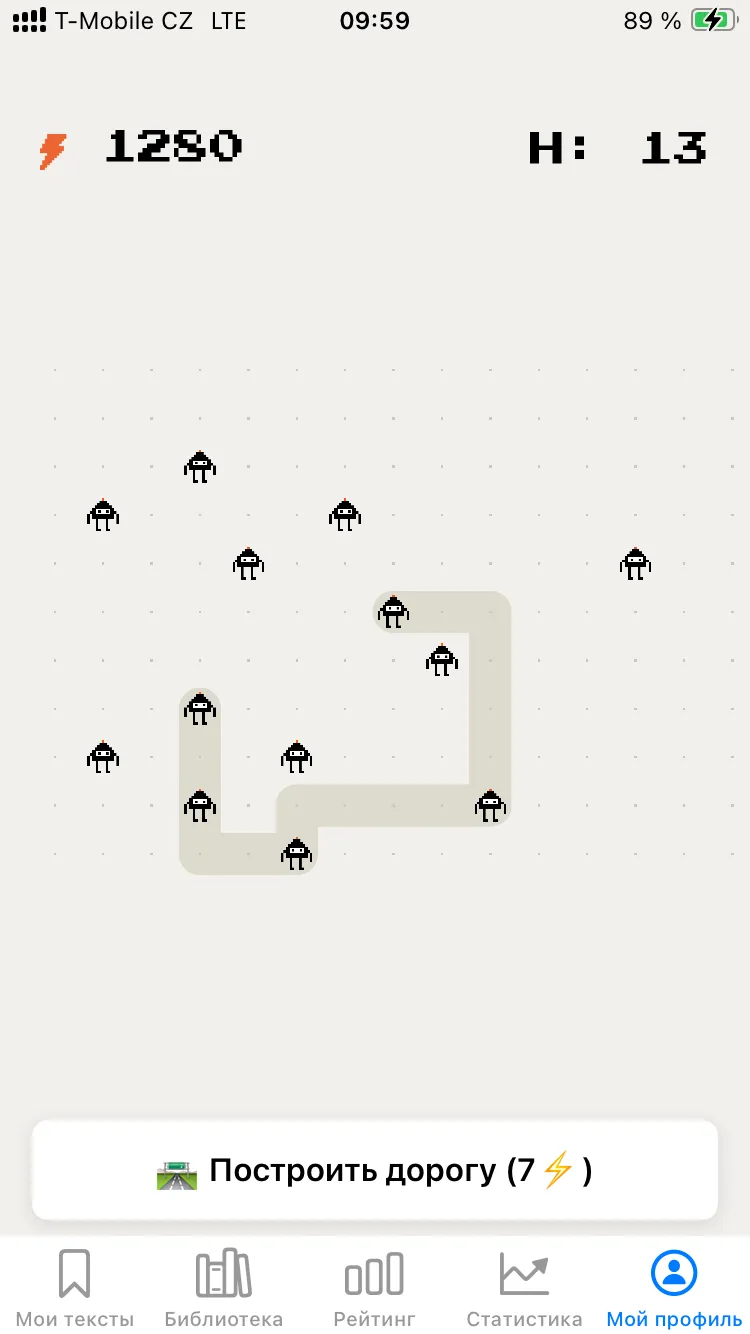
When the logic finally clicked, the map became legible and the characters got their animation. Then I drew a few pixel trees, to make the place friendlier to be in.
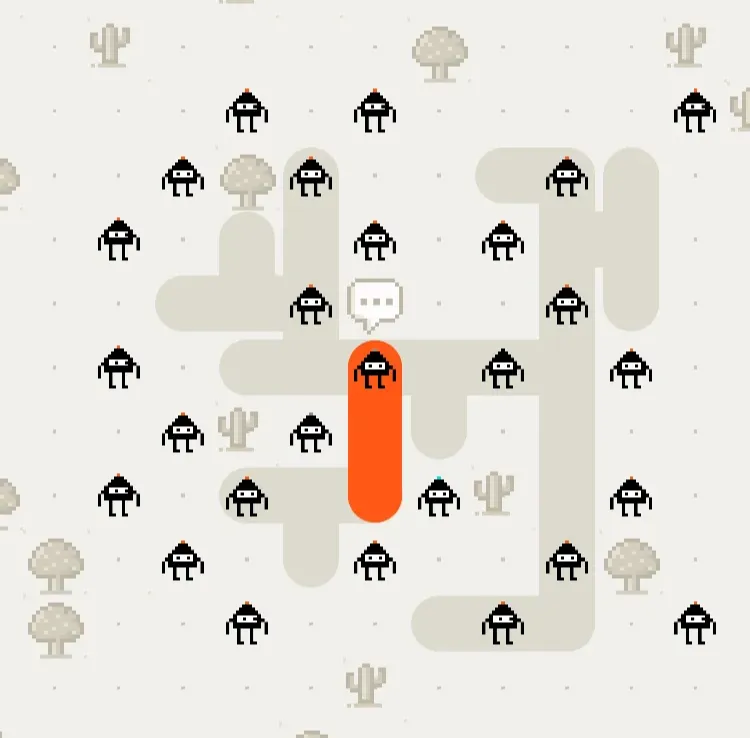
The philosophy of one button
I still carry a one-button iPhone. That is probably why I decided the game should work the same way: one button, one action, and it always knows what you need next.
- A road has cracked — the button offers to repair it.
- There is somewhere to build — it offers to build.
- Not enough energy — a tap tells you what to do about it, usually: go and learn something.
- Everything is built — the button says so honestly, and waits for new neurons.
The map is the progress. There is nothing else to look at, and nothing else needed.
In the end, the map is you
Now you look at the screen and see your own brain — its links, and the cheerful little creatures living along them.
I recorded the sounds myself — first onto a Teenage Engineering PO-35, then layered the effects on the same box. The road-building sound began life as a kind of “too-boo-boo-doo-tzhoo”.
An easter egg: while they lay a road, the characters shout “Glory to J!”
The virtual brain, like the real one, grows from learning — and its links break from doing nothing. Which is what forgetting actually looks like.
⚡ Energy, messages and neurons with names
Energy is the currency — not coins, not gems, but the thing a brain runs on: you learn, you get charged. Ten to repair a road, a hundred to build one. Tapping the message bubble brings up short news and small tasks, so stepping back into learning by heart is less of a jump.
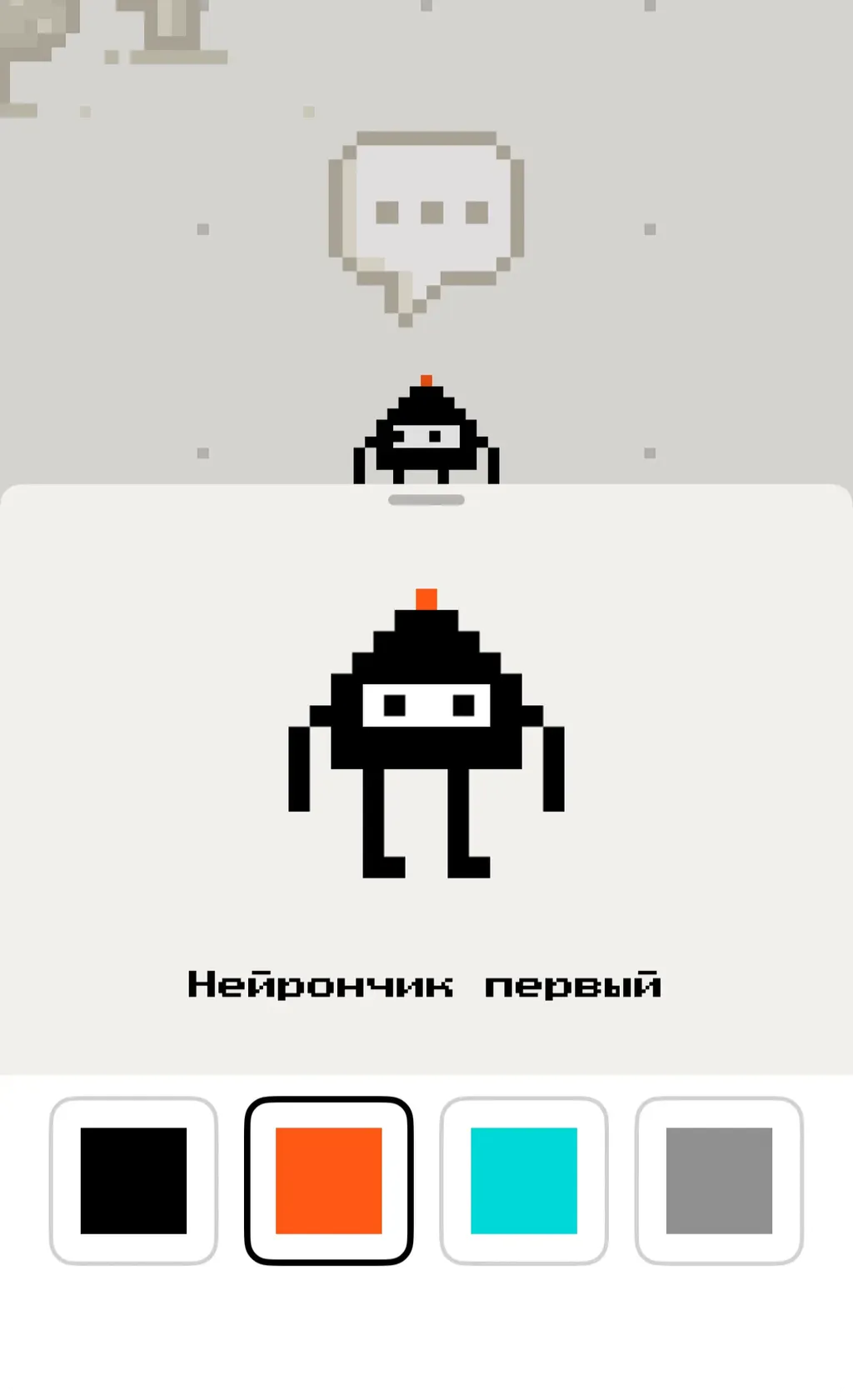
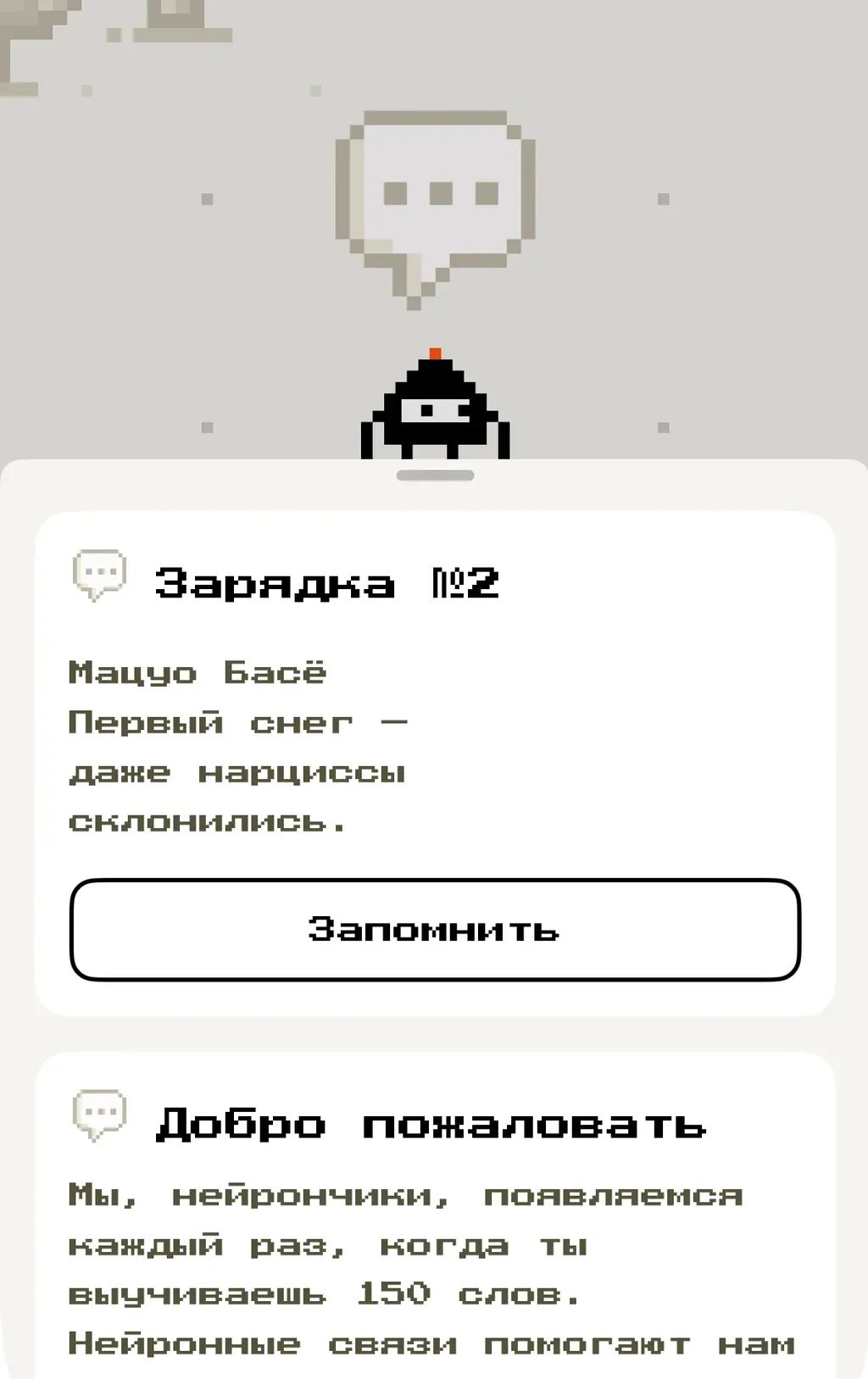
Plenty of ideas had to be thrown out and tested again. Chasing abstract progress gets you nowhere — you have to watch how a person actually uses the thing, and what they feel while doing it.
Neurons Mode
A separate mode built into the app. Your memory is under attack — neurons keep spawning around you, and the only way to clear them is to recall your text correctly. It reframes practice as something you actually want to come back to.
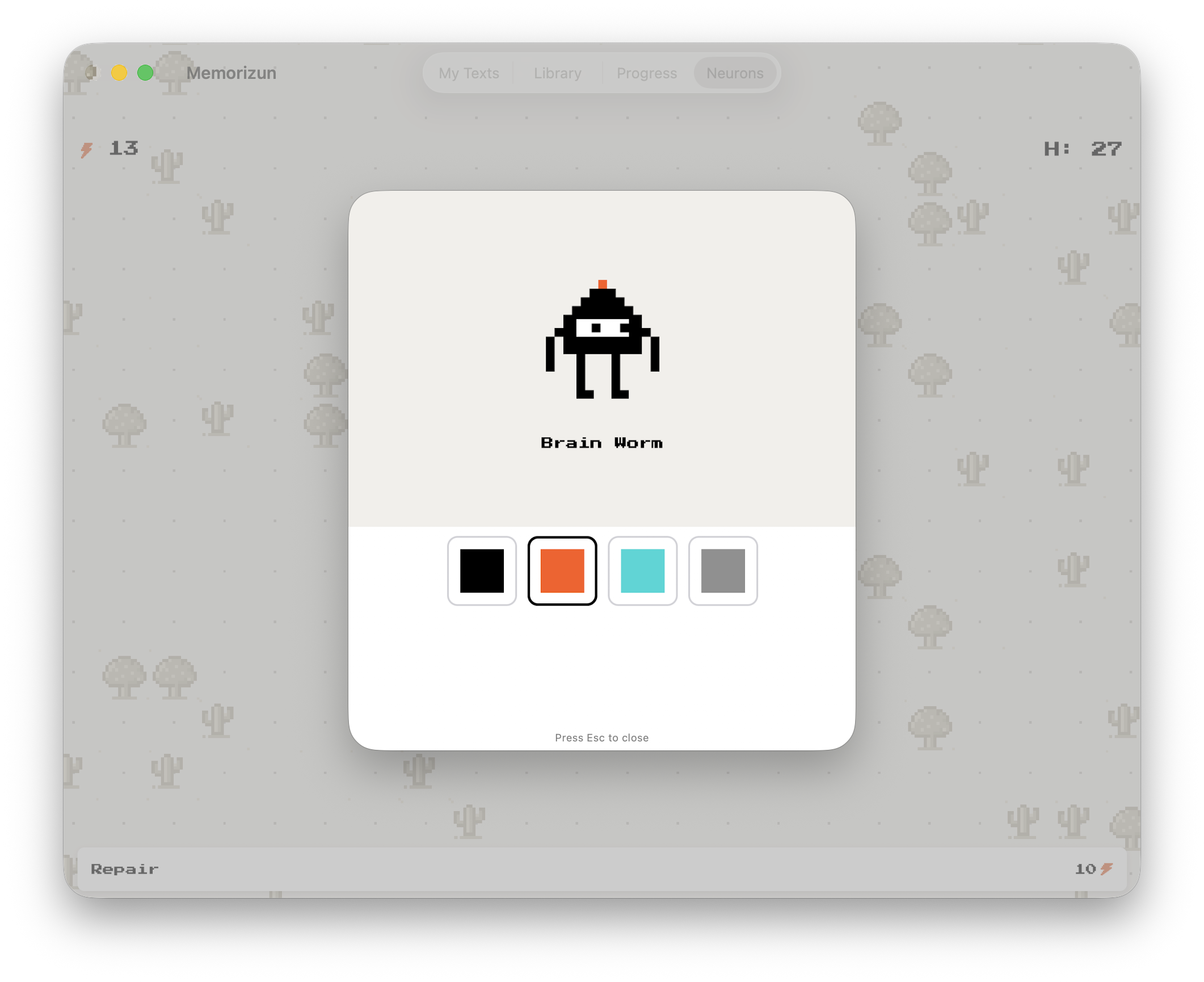
Pick your Brain Worm character, choose a color, and hold the field.
Recall builds memory. Rereading only builds confidence.
In Neurons mode your memory is under attack and reciting is the only defence.
More projects