Planner A2. A year you can print
Twelve months on one sheet for the wall, or one month on a sheet for the desk. Open it in a browser, pull in your calendar, print it, write the rest by hand.
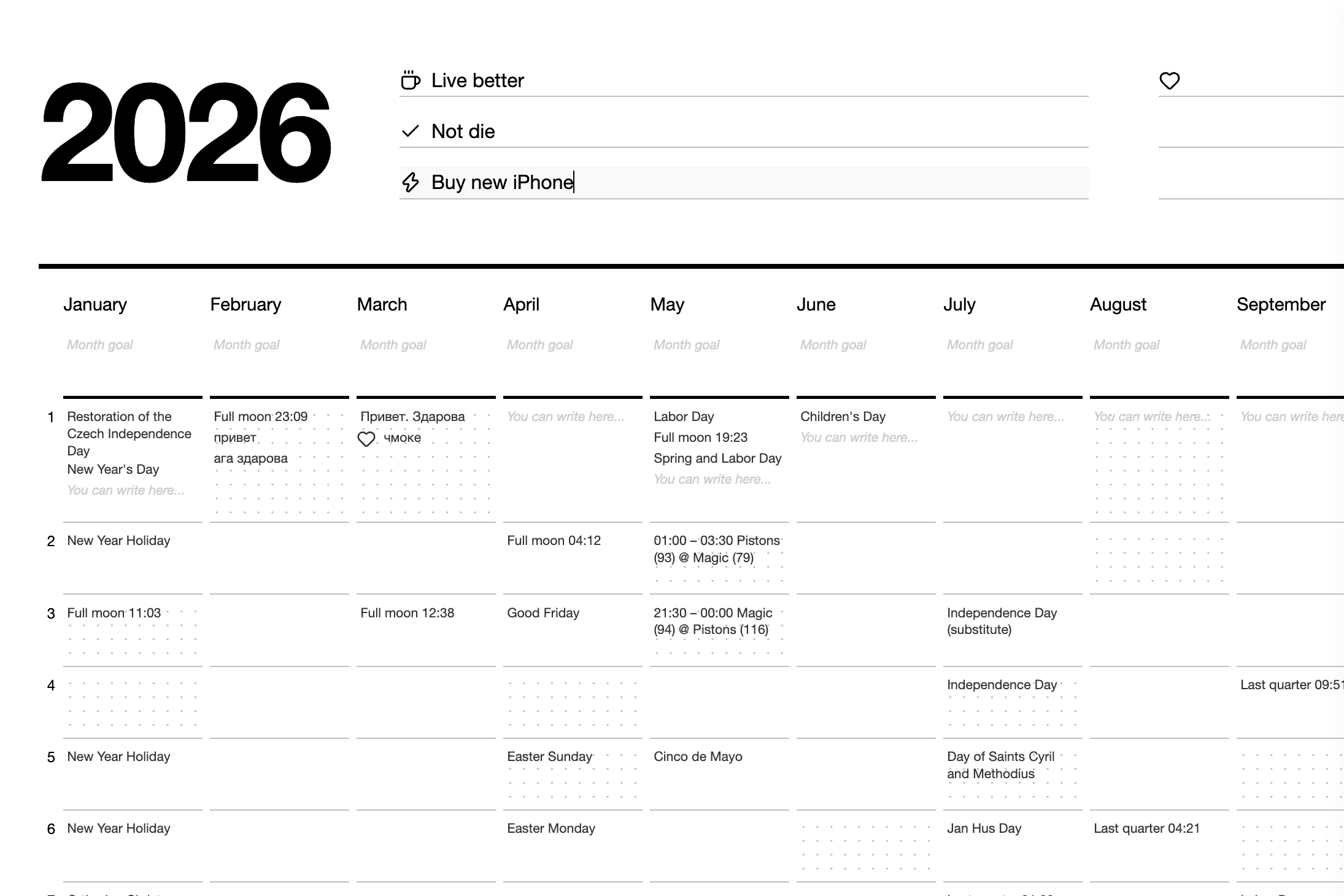
A phone calendar answers what is on today and refuses every other question. The year it keeps in a scroll — you cannot look at March and June in the same glance, and so you never notice that March is always the busy one.
Planner A2 lays the whole year out flat: twelve columns, thirty-one rows, everything at once. It runs in the browser, needs no account, and its only output is a PDF you send to a printer — A2 for the wall, A4 if you would rather carry a month around.
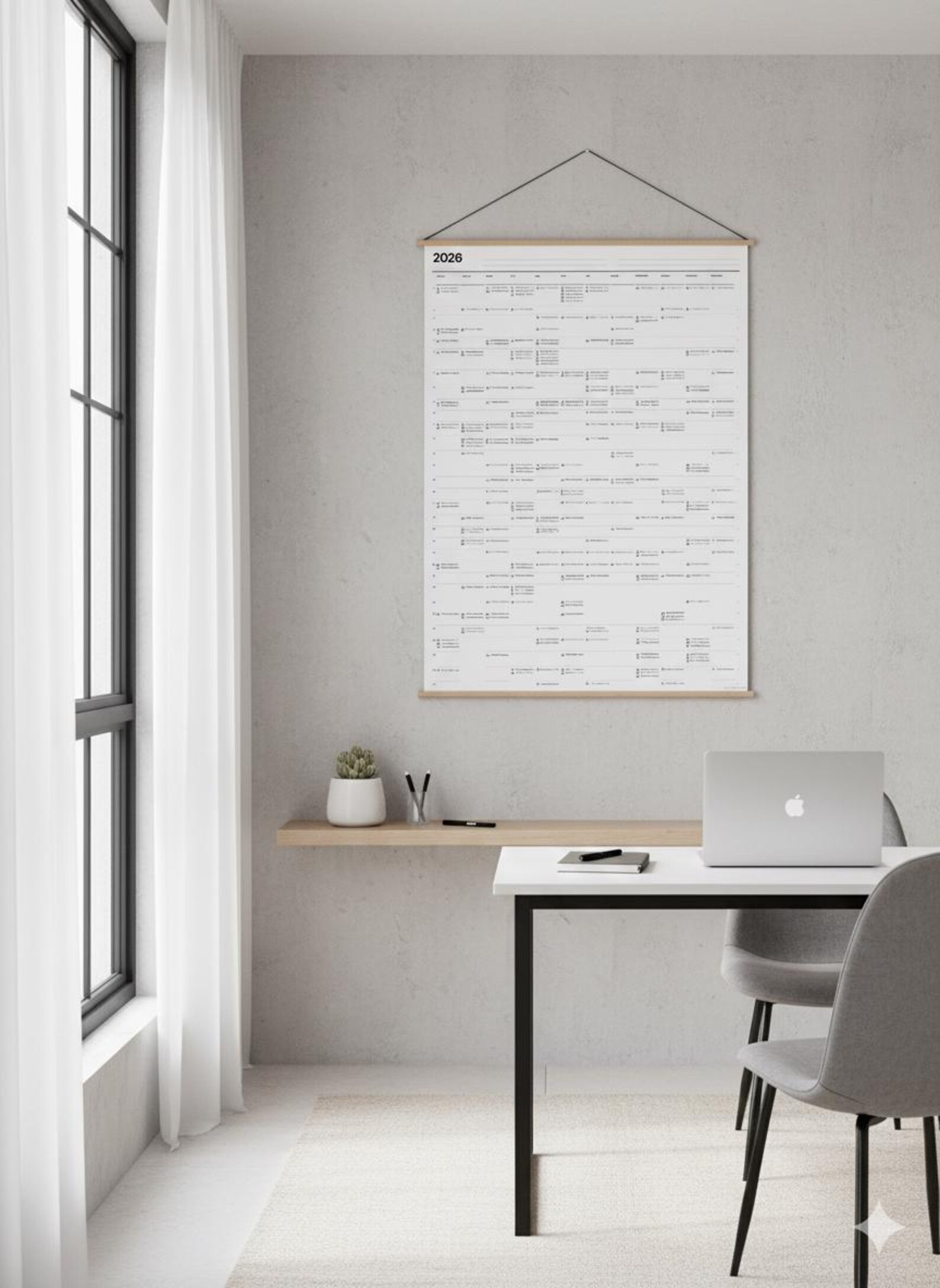
A year you can see all at once is a year you can plan.
One month, one ordinary sheet
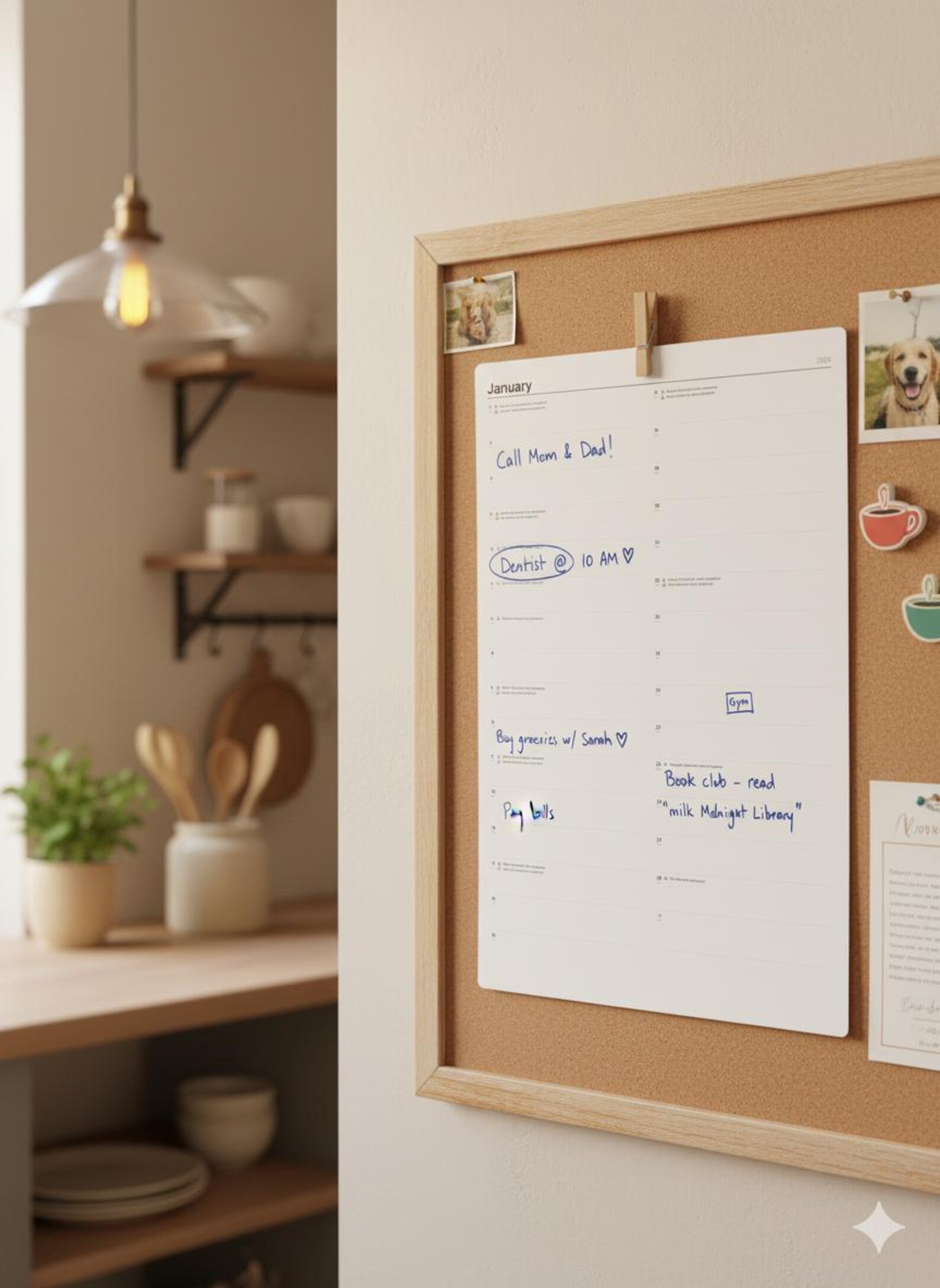
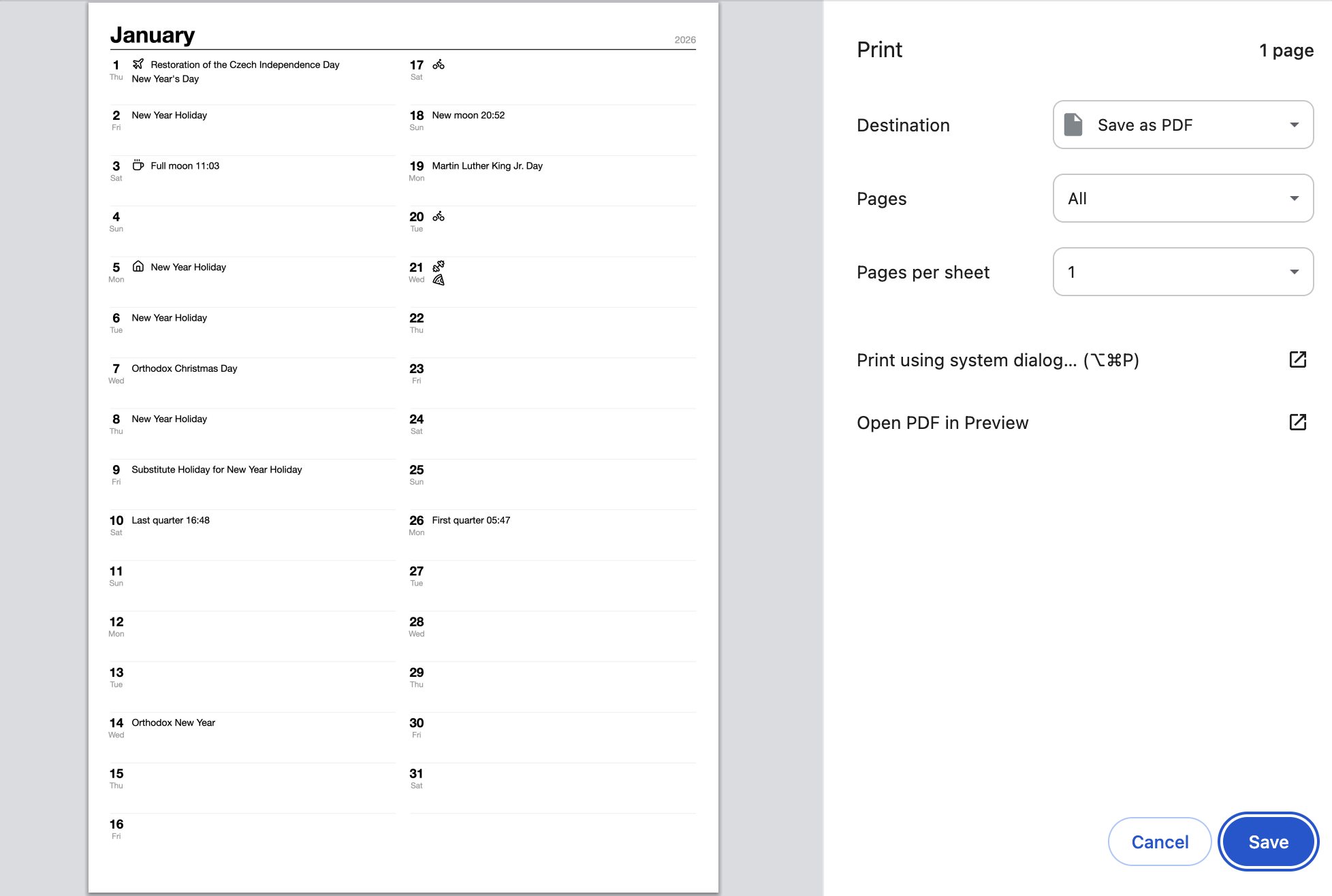
Not everyone has a wall to give up, and A2 needs a print shop. So the same planner folds down to A4: one month per page, days 1–16 in the left column, 17–31 in the right, printed on the paper already in your printer.
You tick the months you want and get them as one PDF — all twelve, or just December before the exams. When the month is over it goes in the recycling and the next one prints. Nothing is wasted, because nothing was bound.


The sheet is the interface
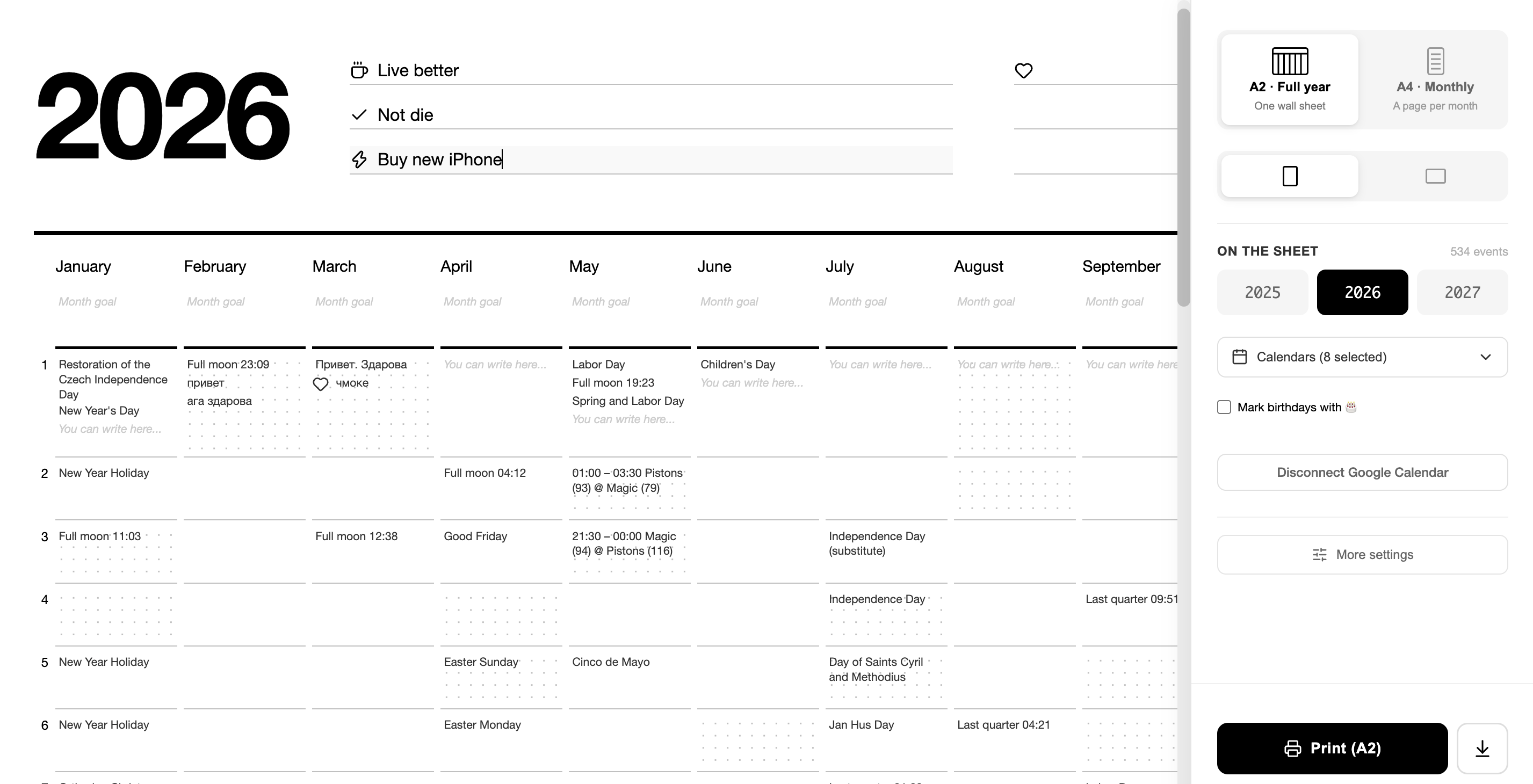
There is no editor and no preview — you type straight into the page that will be printed. Goals for the year go along the header, a goal per month under its name, and every day is a line you can write on. What you see on screen is the paper, at the size it will come out.
Everything that is not the sheet lives in one panel on the right: A2 or A4, portrait or landscape, which calendars are switched on, and the button that prints. Nothing is hidden two menus deep, because there are only ever a handful of decisions to make.
Your calendar arrives already filled in
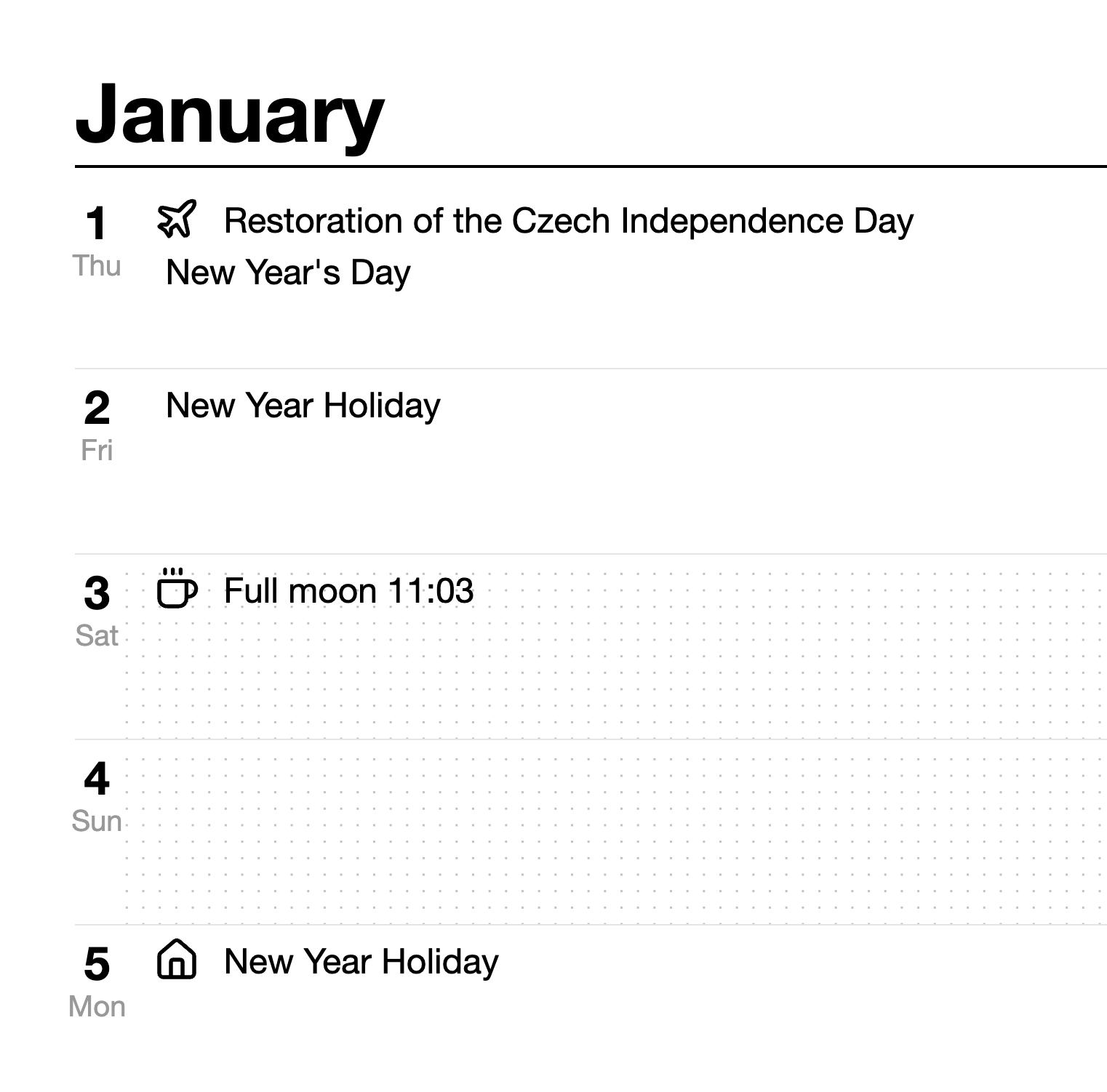
The obvious objection to a paper planner is that everything would have to be written twice. So the planner reads the calendar you already keep. Connect Google, or paste the public URL of an iCloud calendar, and the year comes across in one go — every calendar you tick, all twelve months of it.
Birthdays can be marked with a 🎂 rather than a line of text, which is the whole point of seeing them a month ahead instead of the morning of.
What you print is the routine. What you add by hand is everything you actually wanted to think about.
When the year does not fit
A busy calendar can overflow even an A2 sheet, and silently shrinking the type until it is unreadable would be the wrong answer — the sheet exists to be read from two metres away.
So the planner measures first. If the content runs over the page it says by how much, and offers the choice out loud: compress it onto one sheet, or keep the size and split it across as many sheets as it needs. The decision is yours, and it is made before the PDF exists rather than discovered after printing.
Nine languages, and two at once
Month names are printed in the language you choose — English, German, French, Spanish, Italian, Polish, Czech, Russian or Ukrainian. On the portrait A2 sheet a second language can be printed under each month name, which is what you want on a wall in a household that runs on two.
Key Features
Whole Year on A2
Twelve months side by side on a 420×594 mm sheet, readable across a room.
A4 by the Month
Tick the months you need and print them at home, one page each.
Calendar Import
Google Calendar or an iCloud link, a full year of events, birthdays marked 🎂.
Overflow, Handled
Too much for one sheet? Choose to compress it or split it before the PDF is made.
Nine Languages
Month names in your language, with an optional second one under them.
No Account
Runs in the browser, free, nothing to install and nothing to sign up for.
Digital for tactics, paper for strategy.
Print the routine. Write the thinking by hand.
More projects