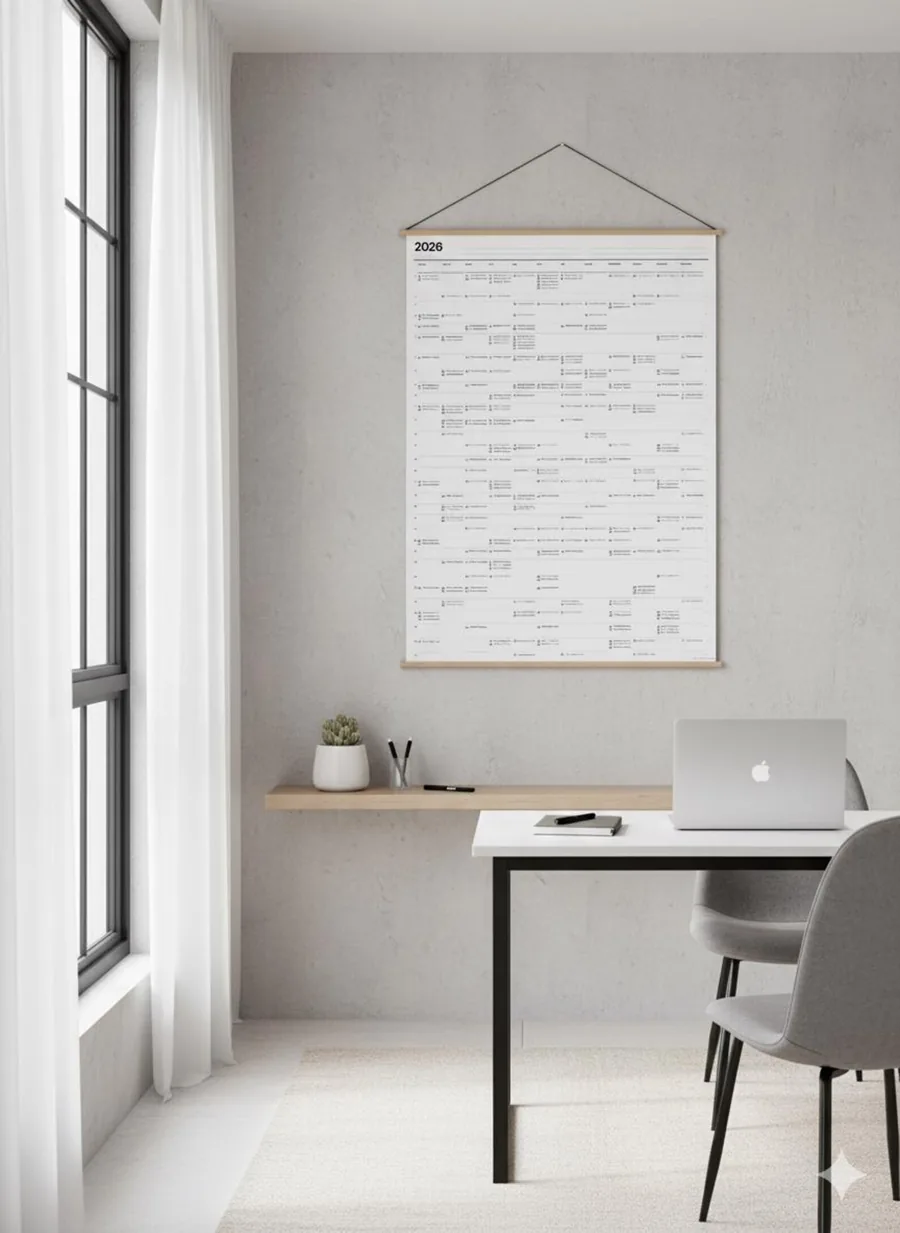
Print your whole year on one sheet for the wall.
Planner A2 puts twelve months side by side on an A2 sheet, 420 × 594 mm. It runs in the browser without an account: type your goals onto the sheet, bring in Google or iCloud Calendar, and download a PDF for the print shop.

Type your goals straight onto the sheet.
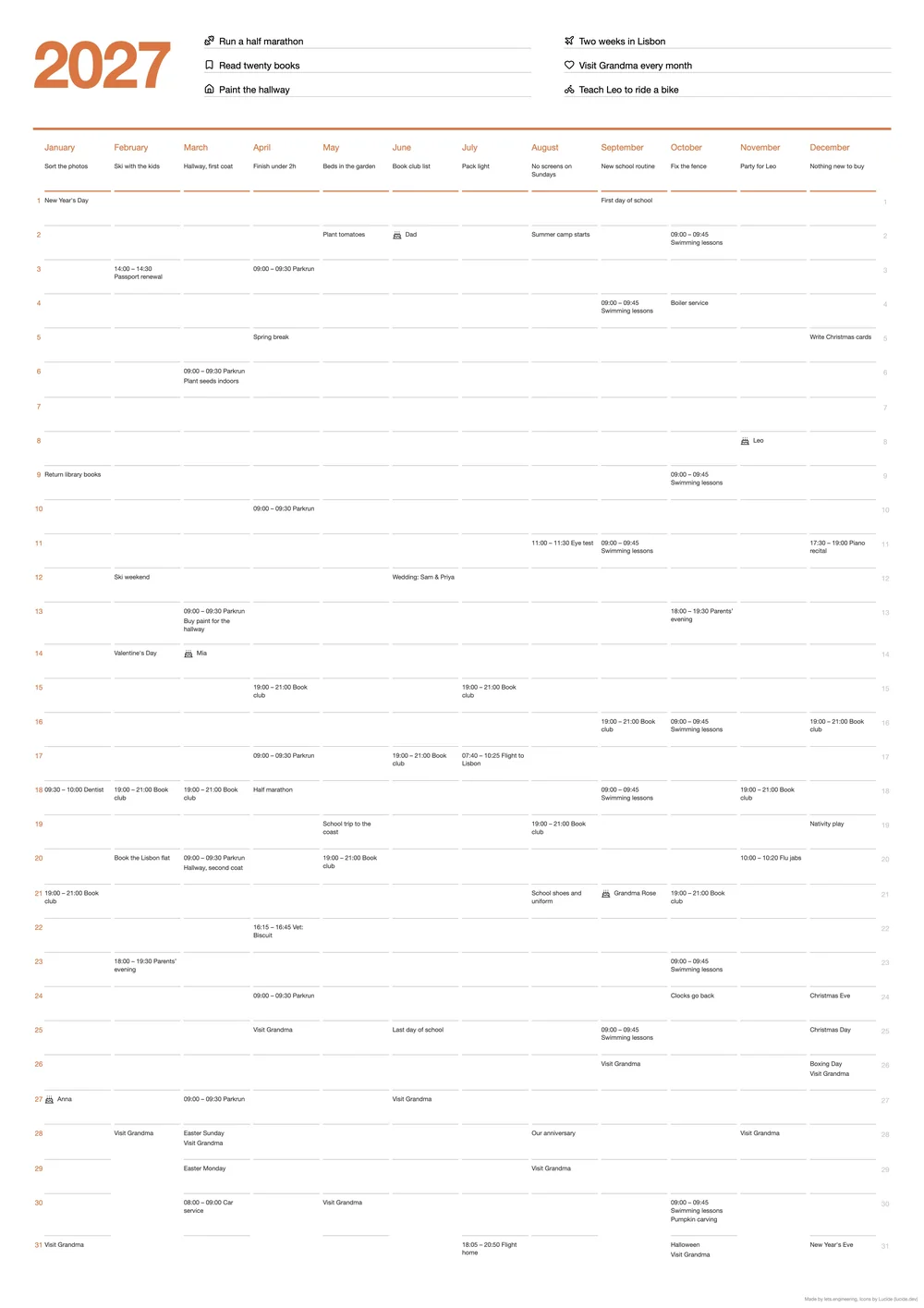
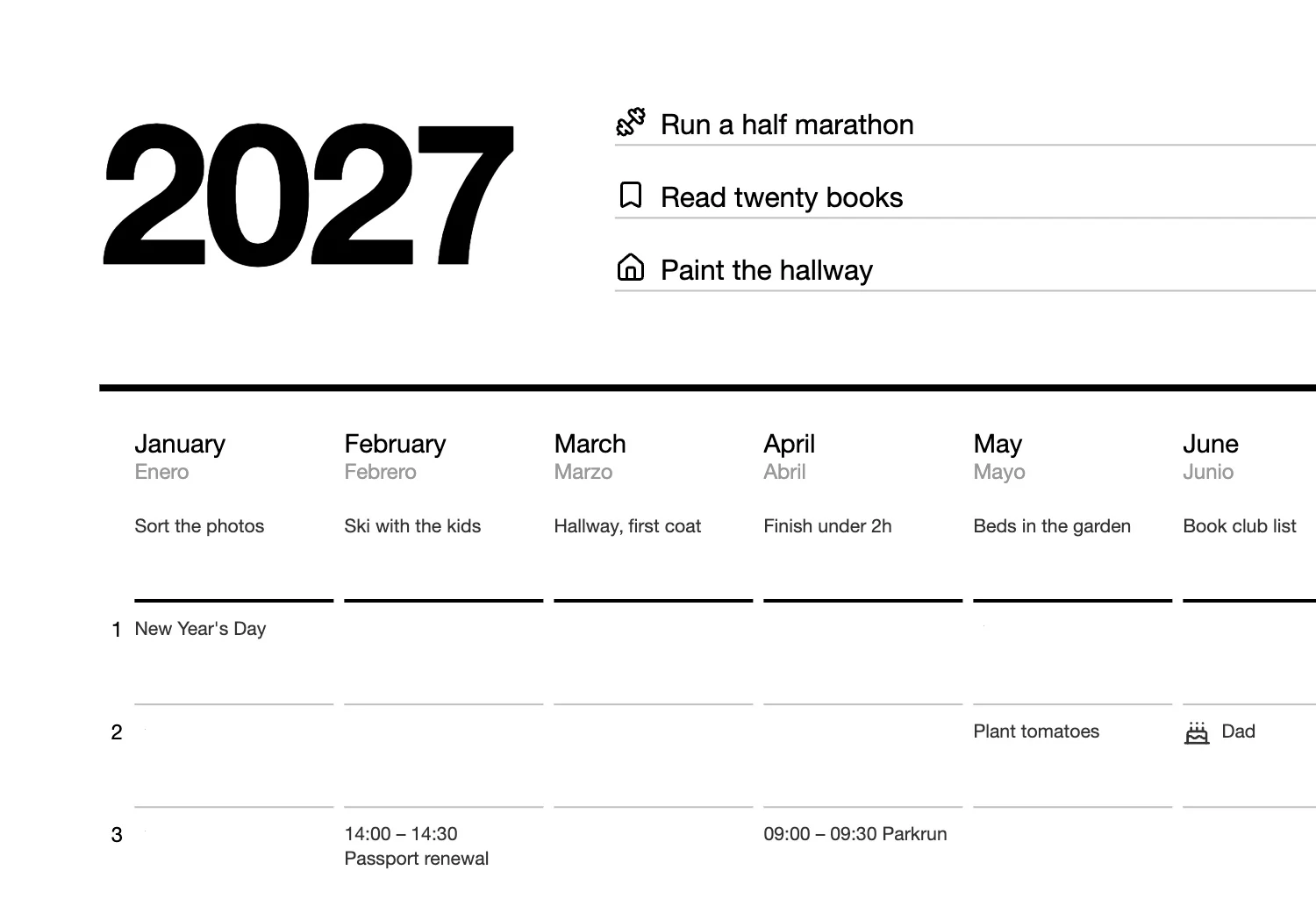
There is no separate form. The sheet on screen is the page that gets printed: six goals for the year beside the big number, a goal under each month and a line for every day. Hover over a line to add one of 60 icons.
Bring in the calendar you already keep.
Connect Google Calendar and the whole year comes across from every calendar you tick. For iCloud, paste a public calendar link. Tick the birthday box and birthdays get a cake icon instead of the word.
The planner has no holidays of its own; they come from whatever holiday calendar you follow. In this recording a stand-in replaces Google's sign-in and the calendars are made up. Everything else is the app.
Decide how a packed year fits before you print.
When the events run past the bottom of the sheet, the planner says by how much and asks what to do: compress everything onto one A2, or keep the type size and split the year across more sheets.
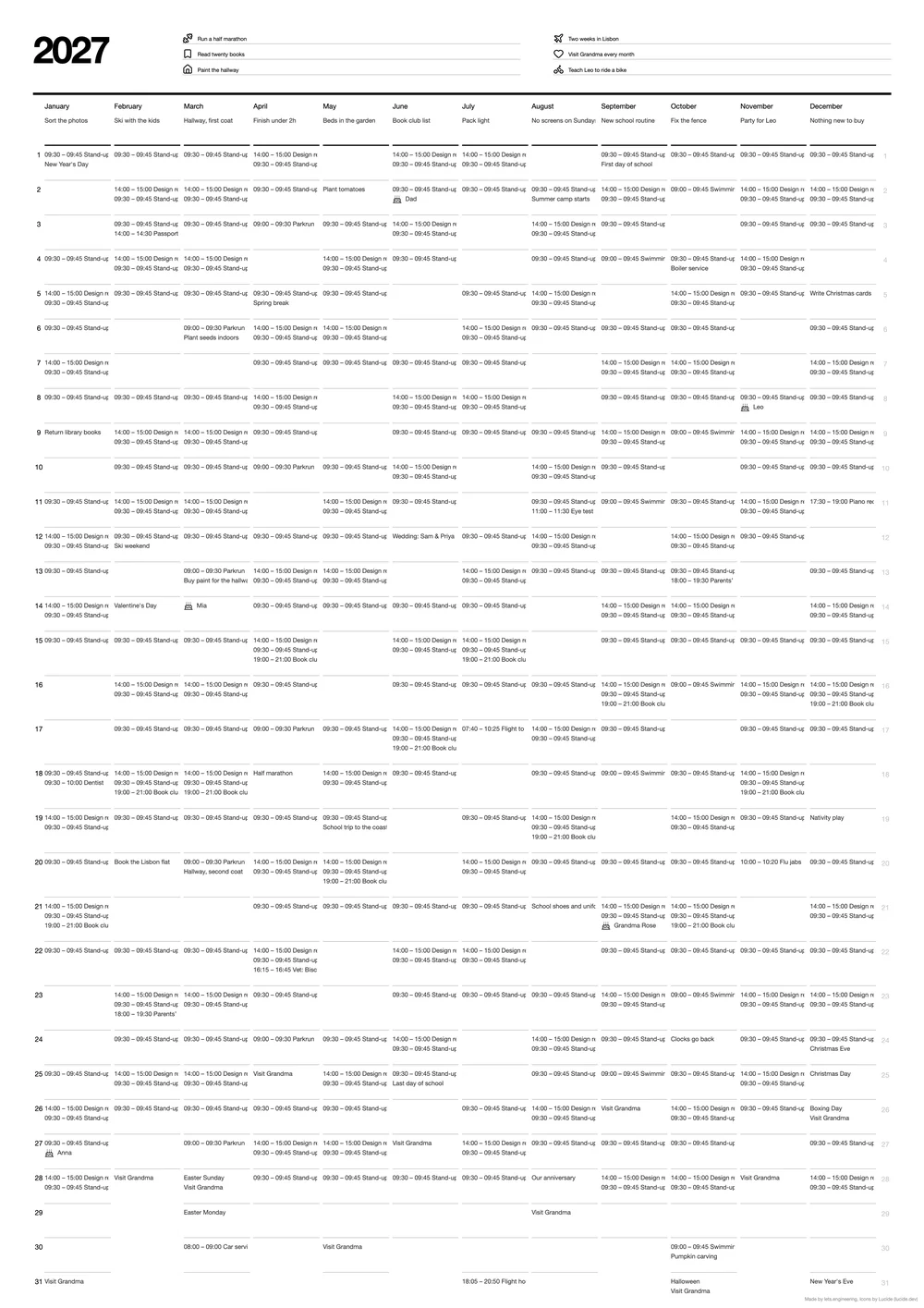
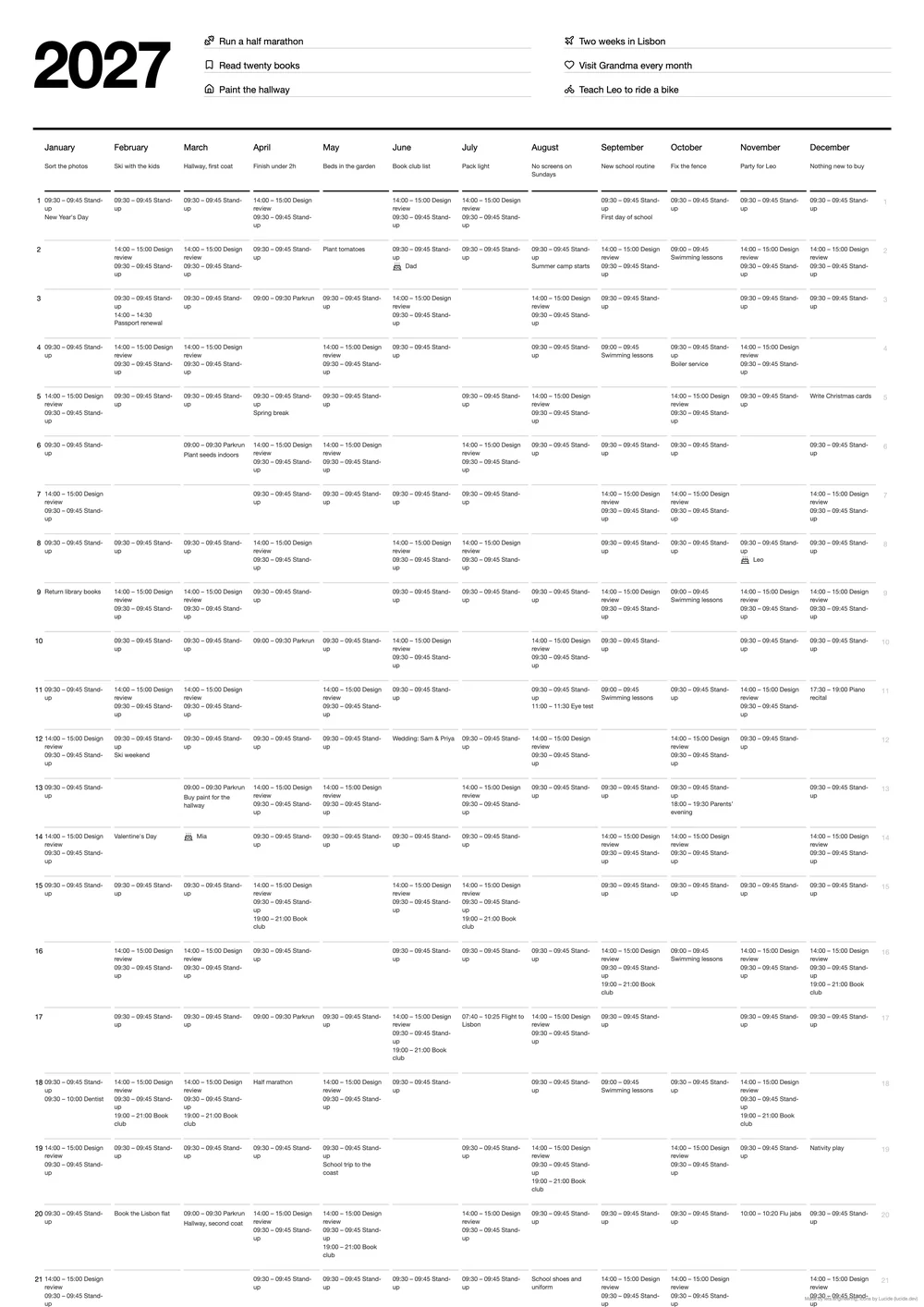
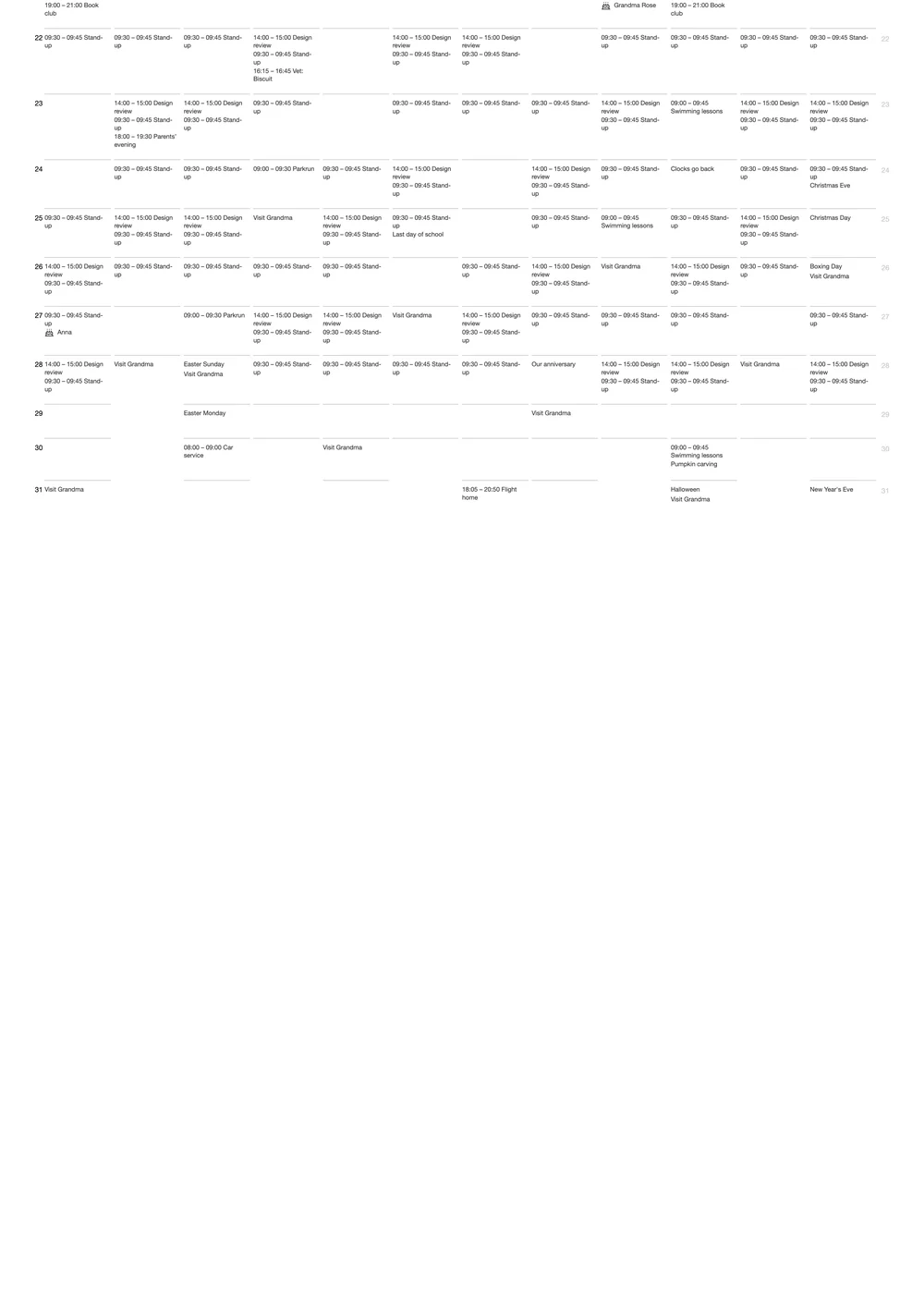
A wall planner has to be readable from across the room, so it asks before shrinking anything. Compressing has a cost: long entries get cut to a single line.
Print a month at a time on A4.
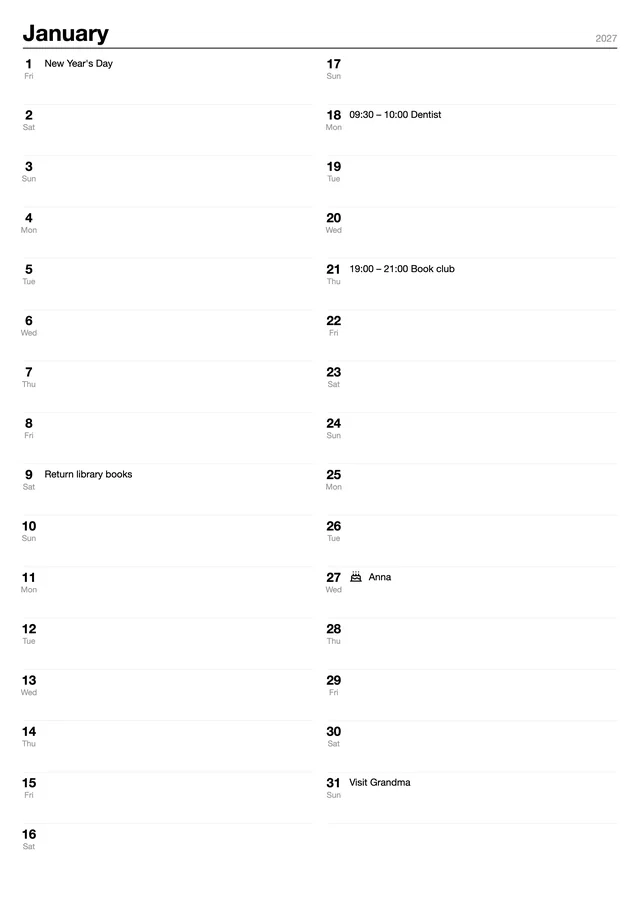
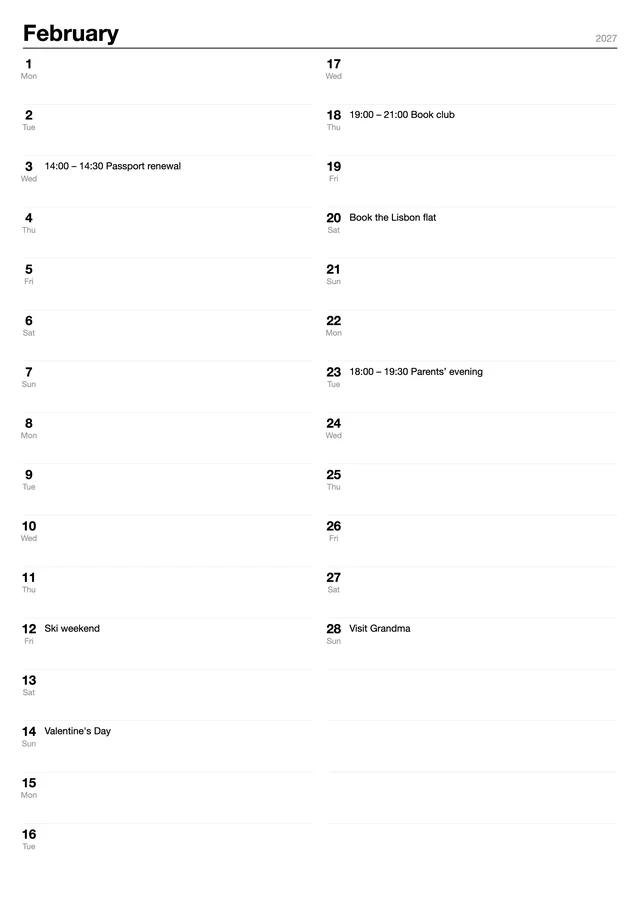
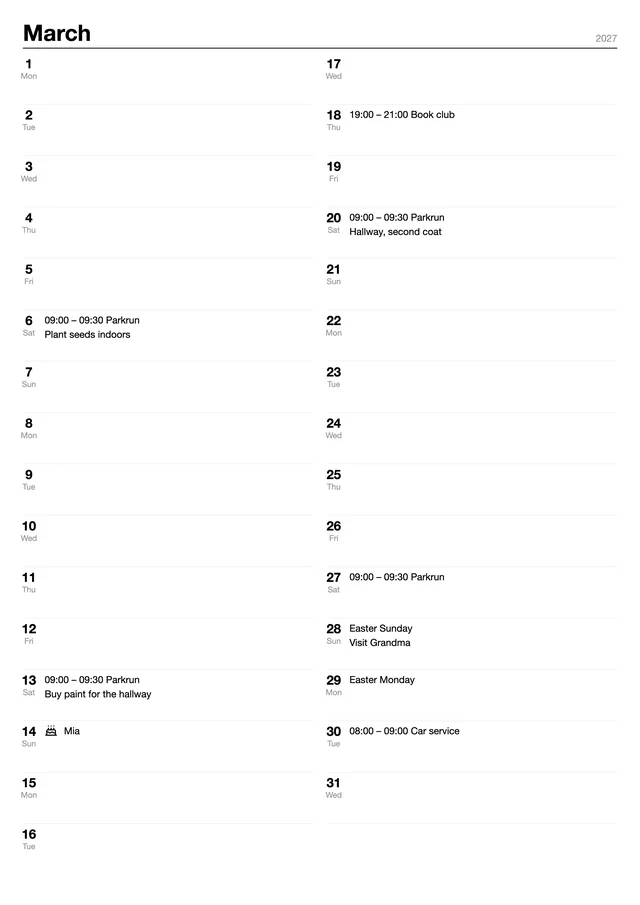
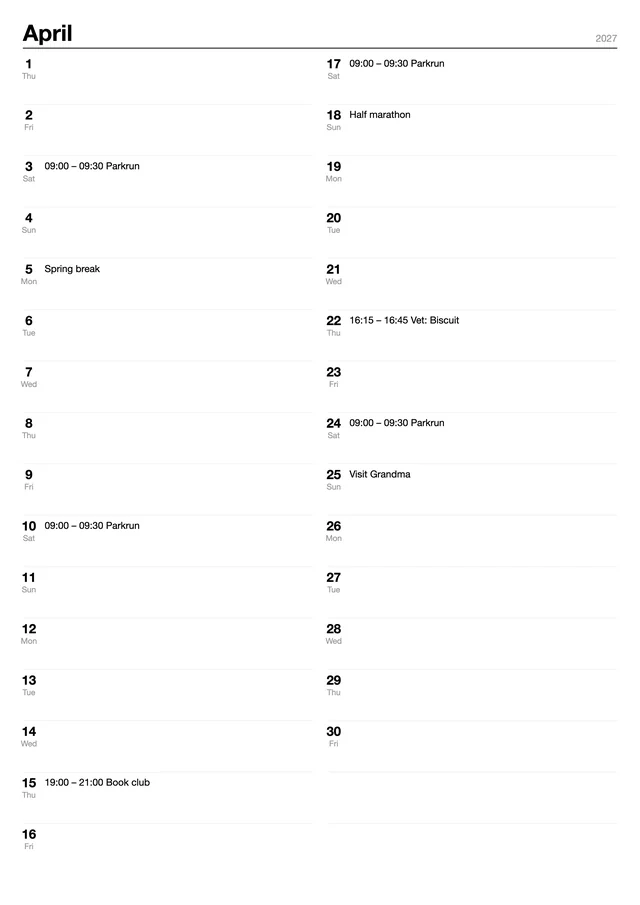
Switch to A4 · Monthly and each month gets its own page: days 1 to 16 on the left, 17 to 31 on the right, with the weekday under each date. Tick the months you need and they come out as one PDF.
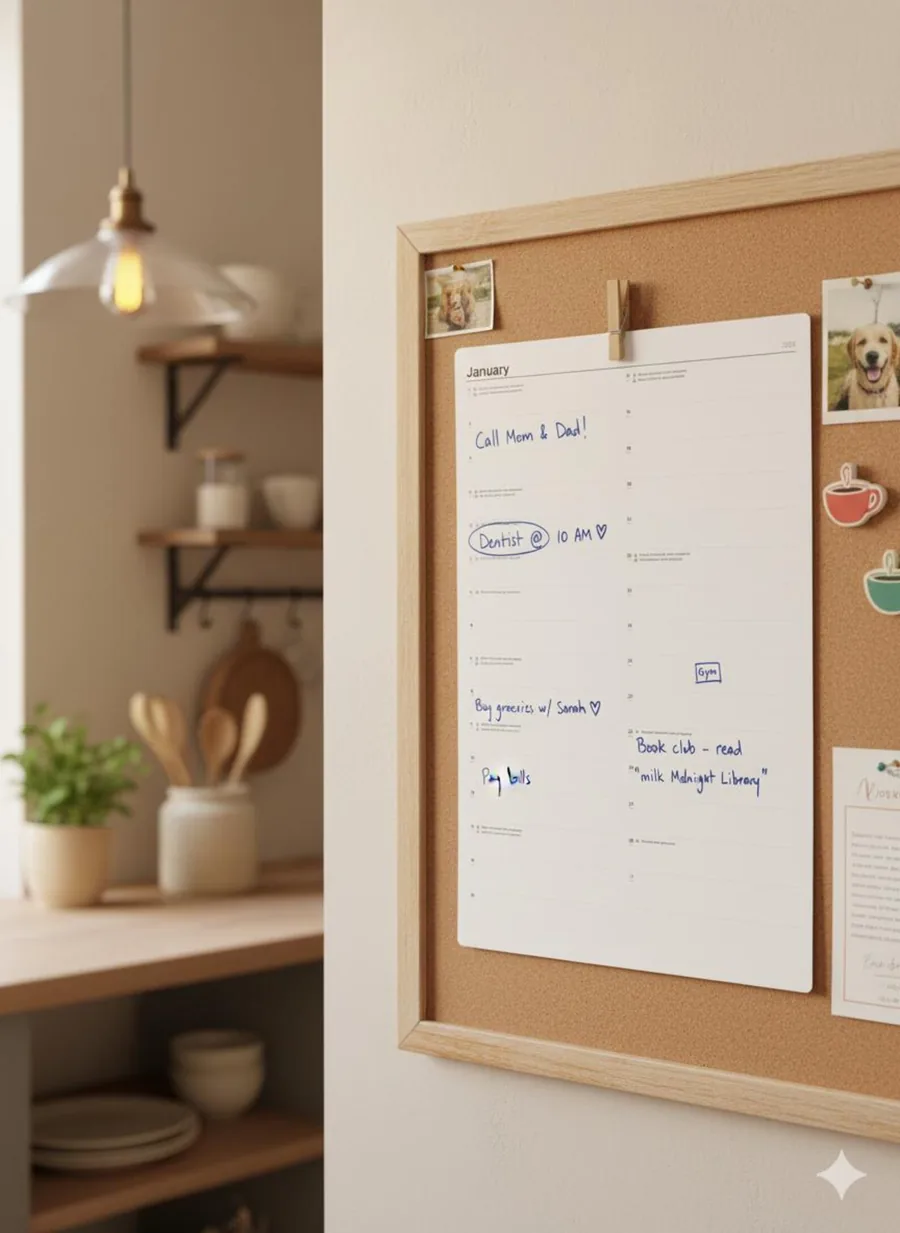
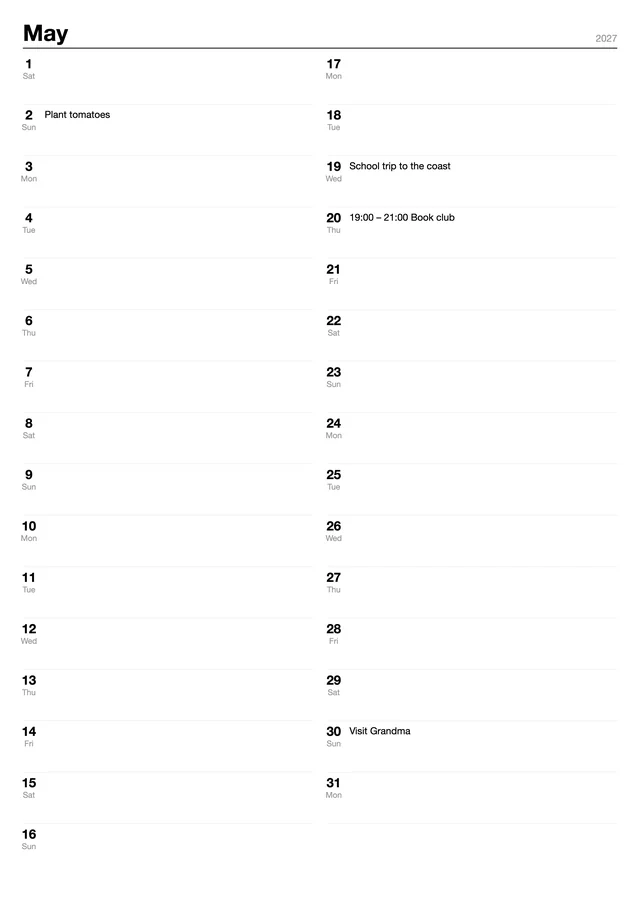
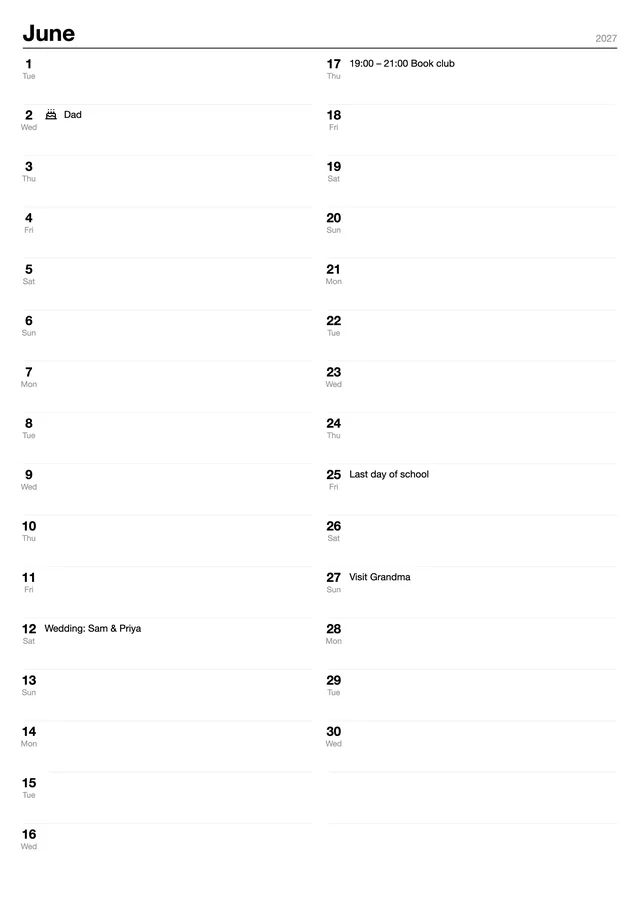
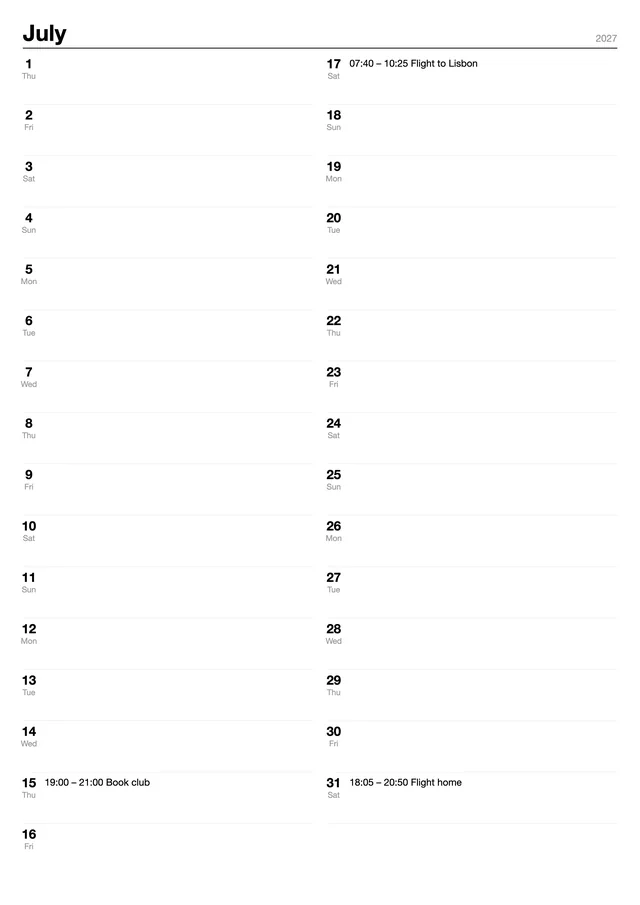
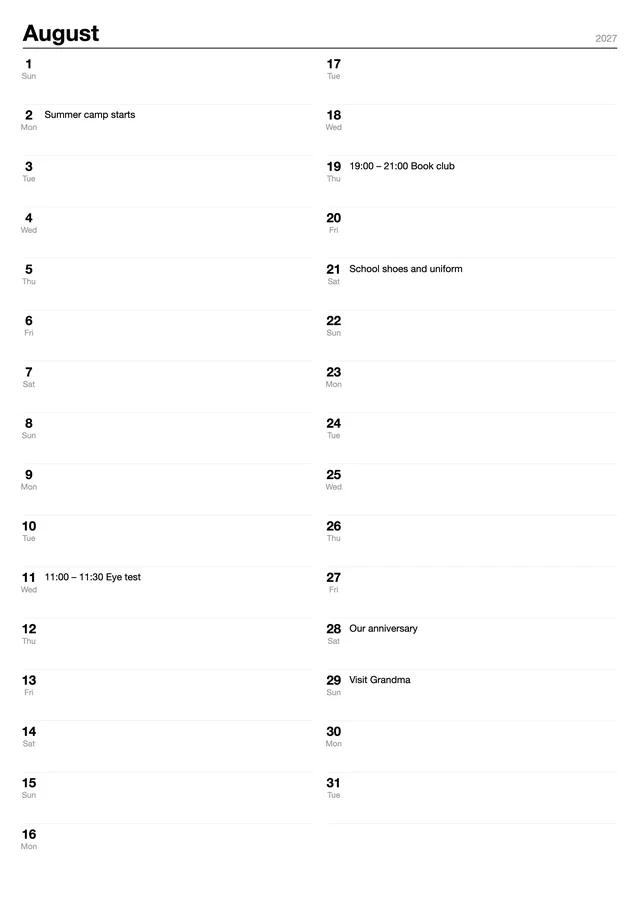
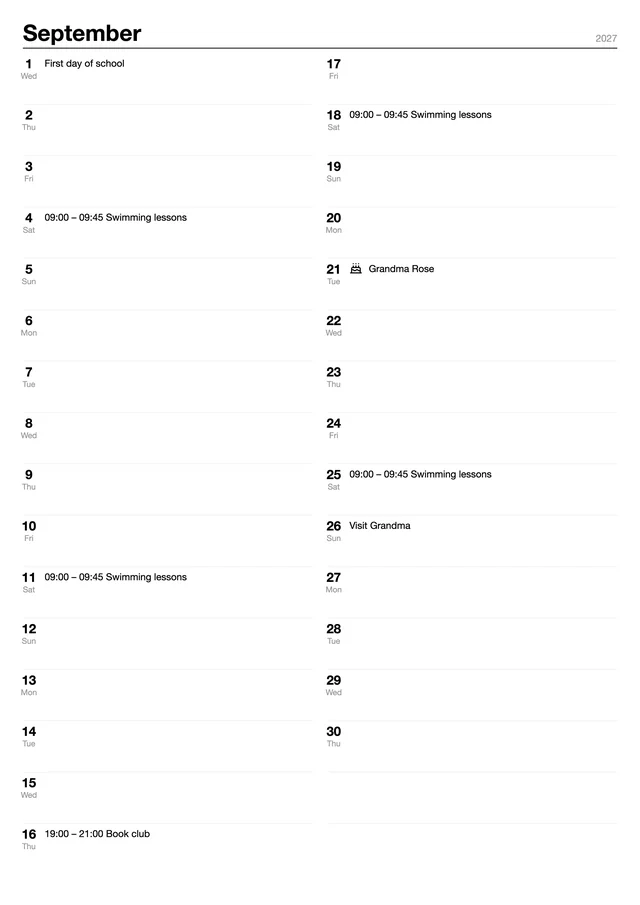
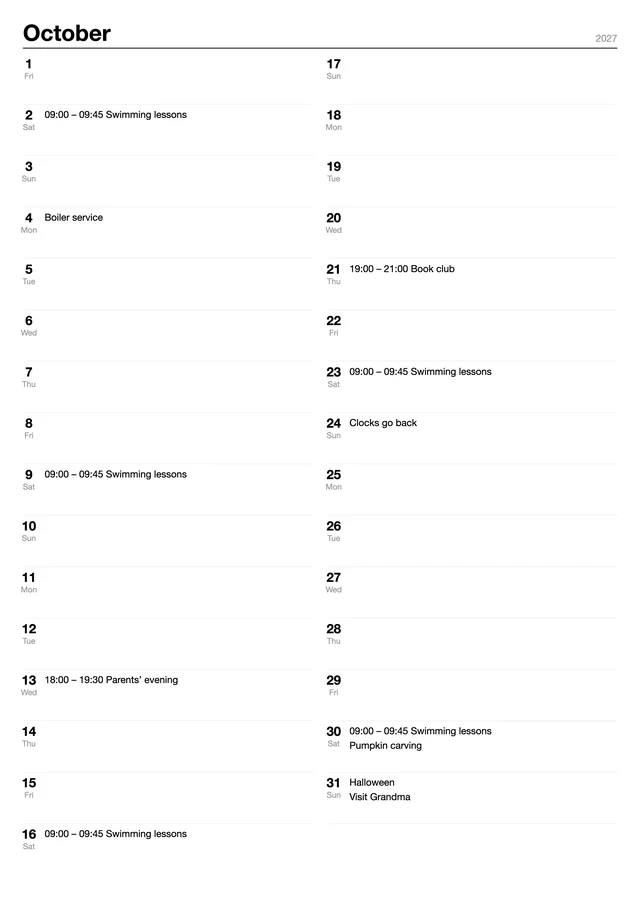
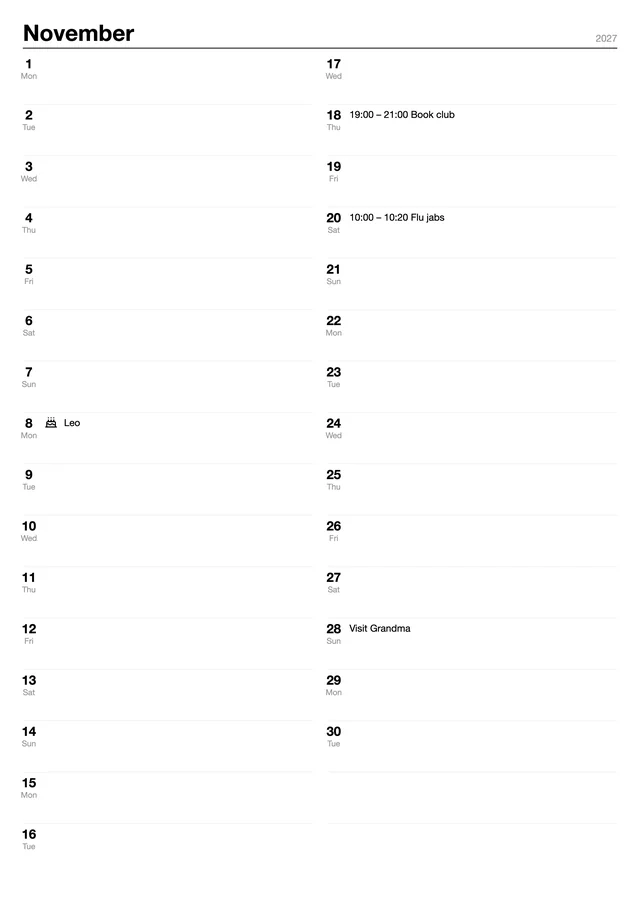
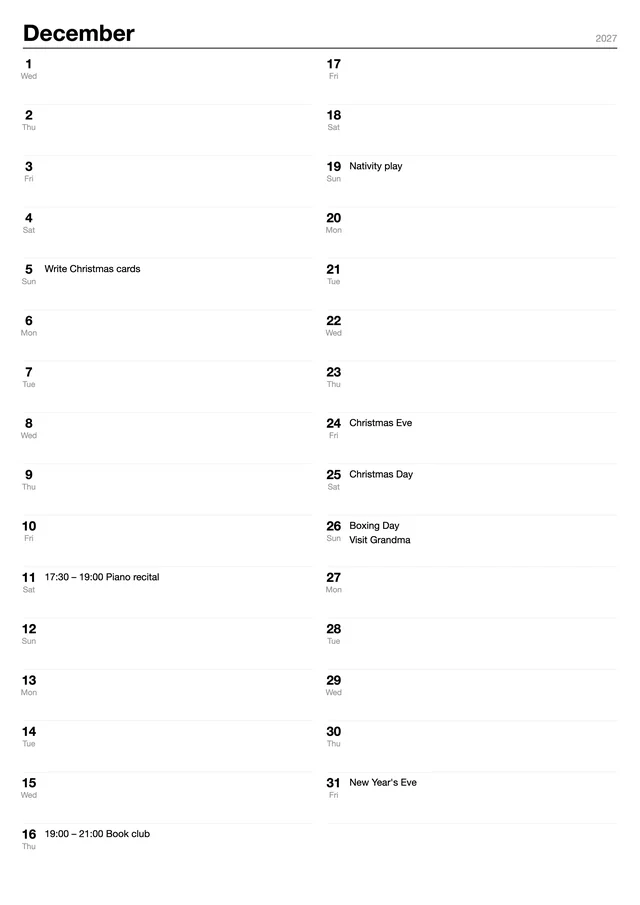
Turn the sheet sideways, change the ink, add a second language.
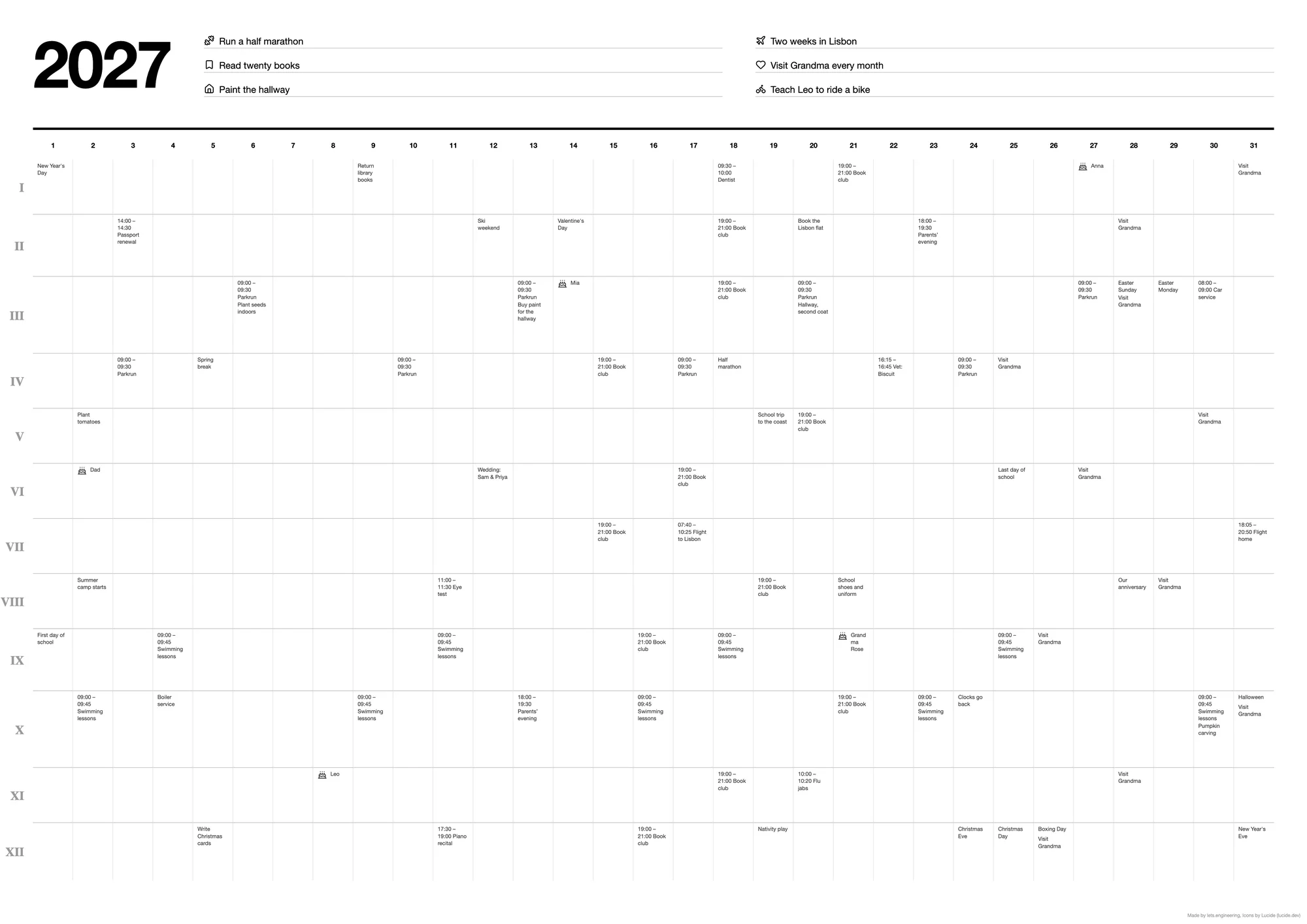
In landscape the months become twelve rows marked with Roman numerals. More settings has five ink colours and nine languages for the month names, and on the portrait sheet a second language prints in grey under each month.
Read what a supporter wrote.