Tihun. The screen by the front door
Every morning in our hallway, checking the school timetable and minutes until the tram was pure friction on a phone. I simplified the flow: a screen by the front door that shows only what’s needed at that exact time — large, glanceable, with zero extra manipulation.
It started with a present
Lesha handed me a thing: a small board with a two-inch AMOLED glued to the front — 502 × 410, and not a button anywhere. No case, no battery, and nothing it was supposed to do.
The first thing I built was not firmware but a way to replace it in one command. Over the next three days the board went back on the wire more than a hundred times. Had each of those cost five minutes, most of what follows would not have been tried.
Then it needed a job. The first one was small and specific: show the trams at Palackého náměstí. Which one, and in how many minutes. Nothing extra.
That stayed the brief. Everything added since has had to argue against it, and several things lost.
Which tram, and in how many minutes. Everything else had to argue for itself.
Where it lives
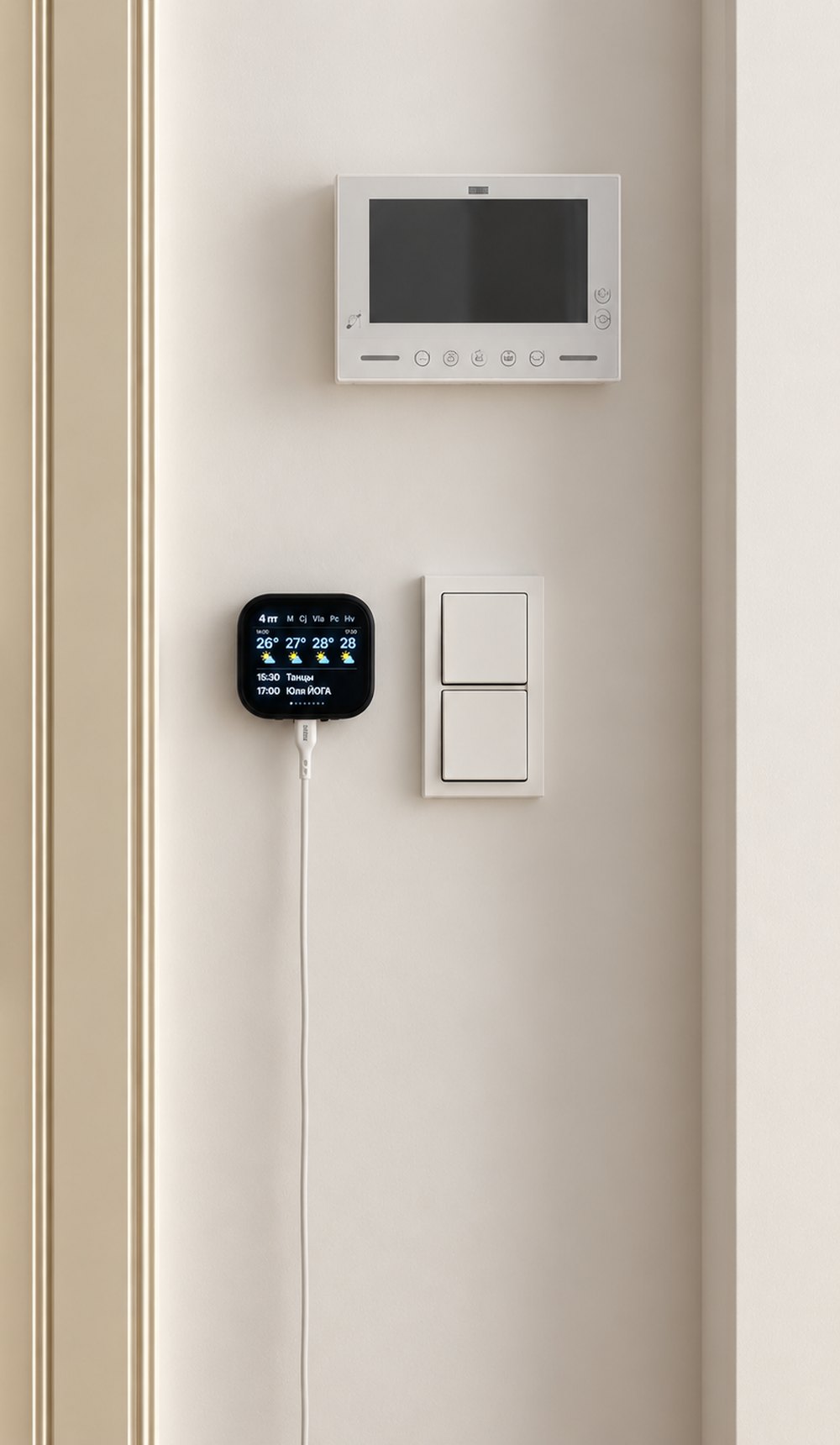
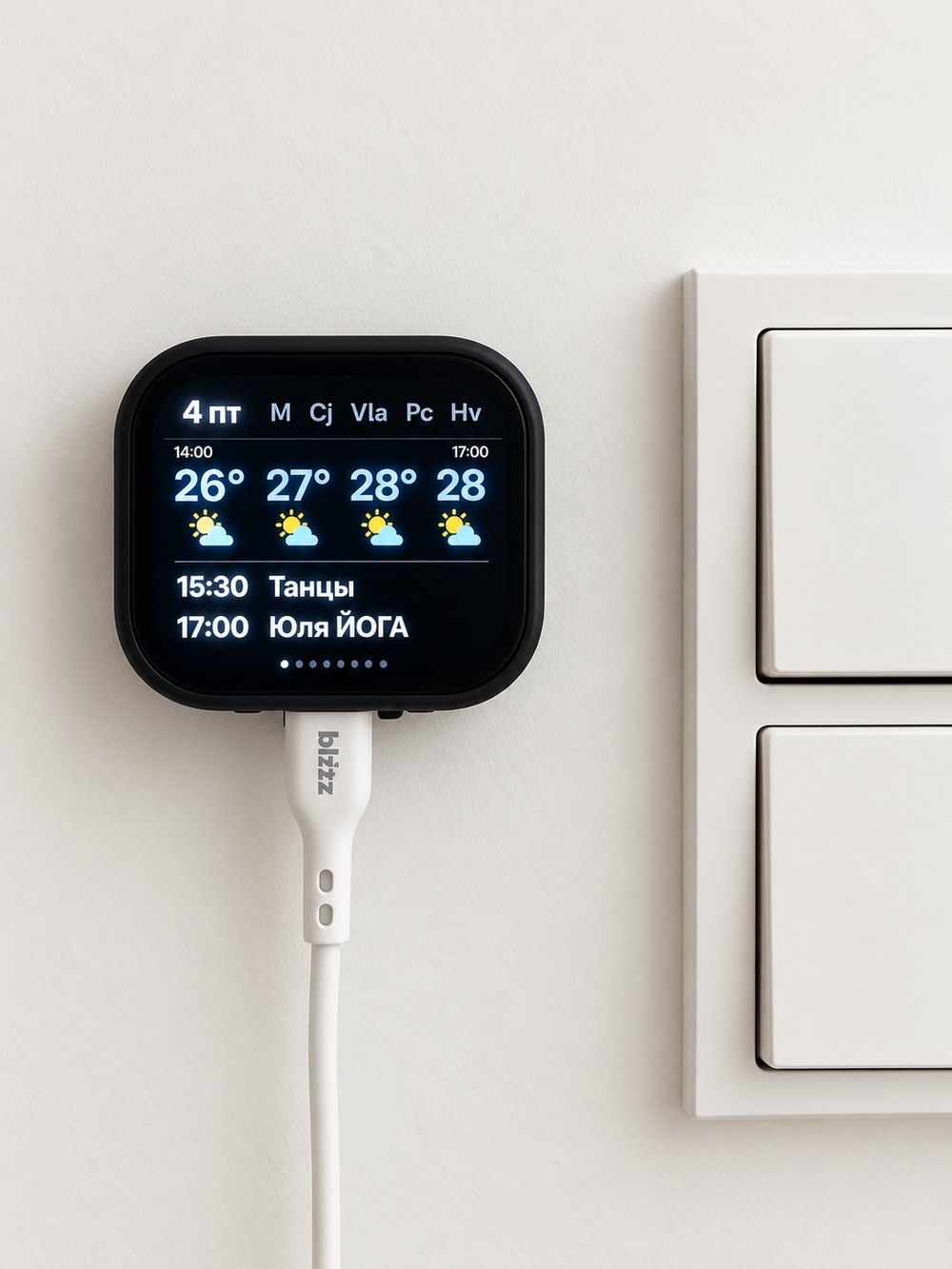
Eye level, beside the light switch, on the nearest socket. You get about two seconds of somebody's attention there — standing, coat half on, hands full.
Two seconds rules out scrolling, small type, and anything you have to tap before it answers.
A day, top to bottom
Nobody sets it to anything. The hours below are the ones it picks itself.
The day begins: lessons, trams, weather
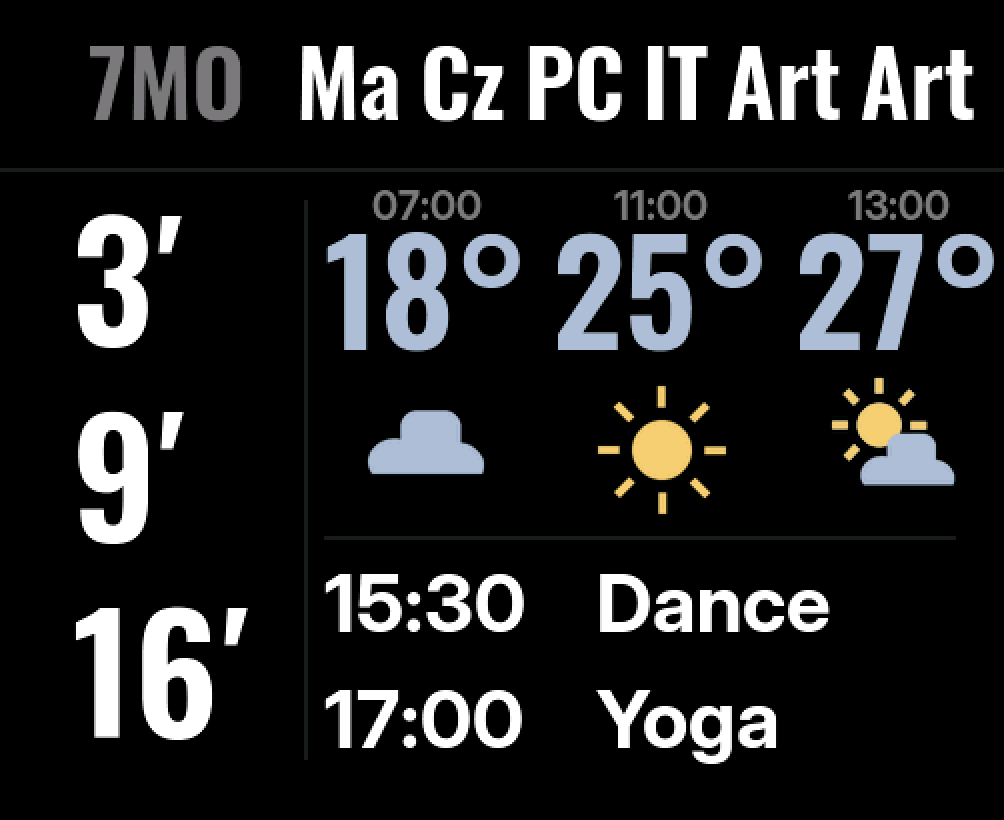
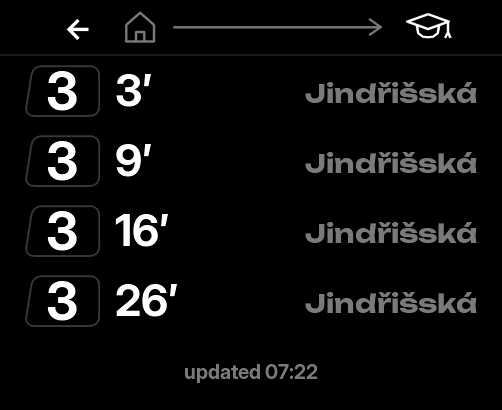
This is the screen the whole thing exists for. No controls, no menu, nothing to open — a nine-year-old reads the top row for what goes in her bag, and the left column for whether to hurry.
It puts the timetable up without being asked
The bag gets packed before anybody thinks about the tram, so from five past it stops waiting for a tap: the day goes up whole, two subjects at a time, big enough to read while walking past.
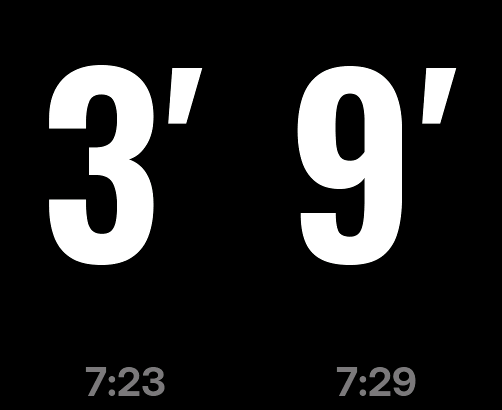
At sixteen past it hands over to the tram
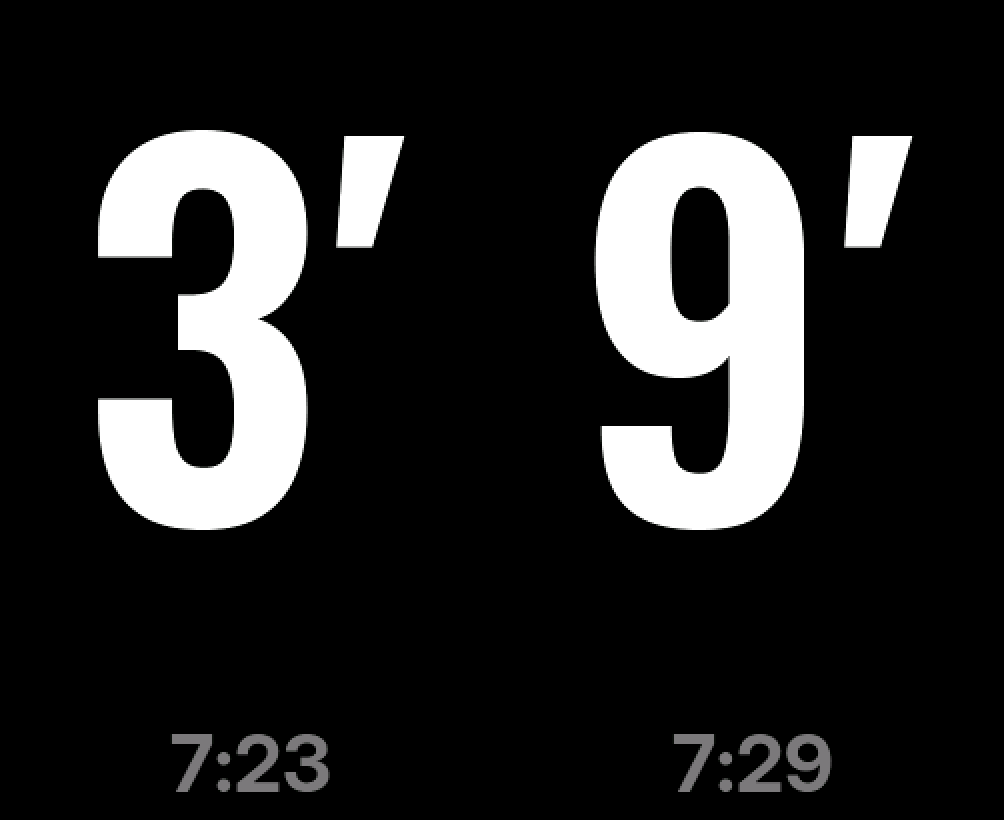
No dashboard flashes in between — this is one morning, not two events. The screen becomes two numbers and nothing else: at that size a word saying «next one» only takes room from the number that answers.
By mid-morning the trams give back their column
She is at school, and the minutes mean nothing until tomorrow. Nothing is configured for this: the rule comes from the same lesson table that draws the row along the top.
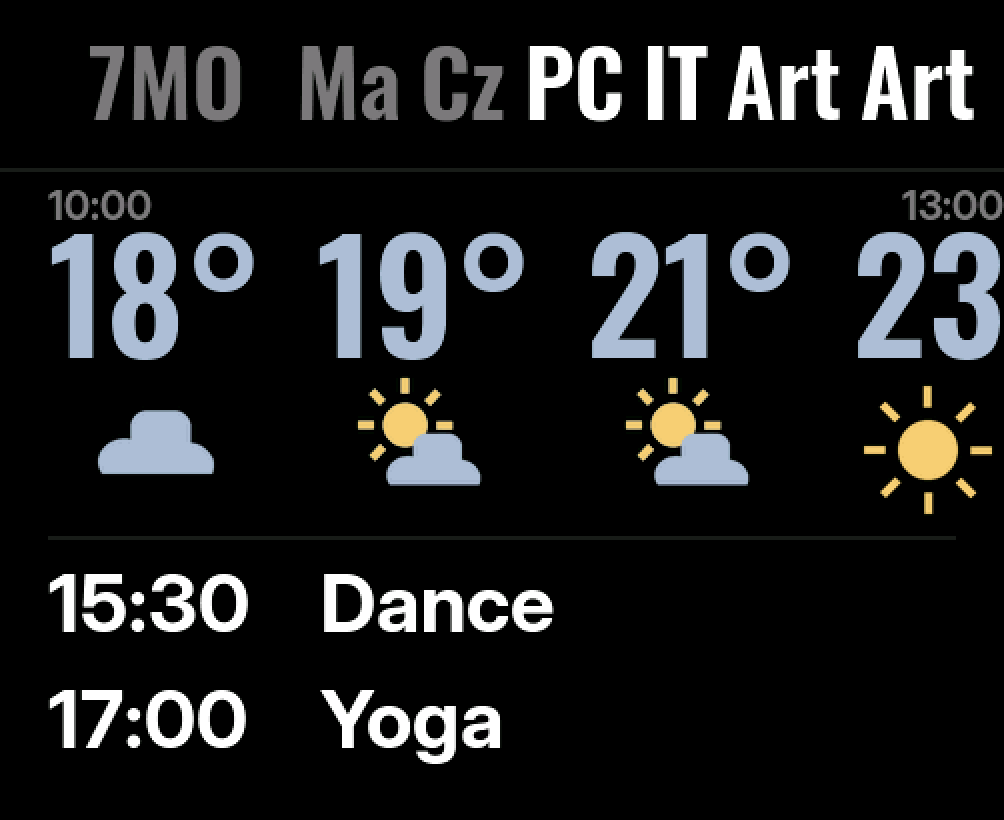
Classes are over, and the row where they were goes empty
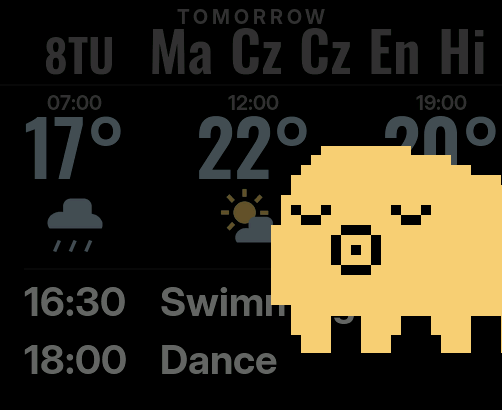
Empty looks broken, so it says something instead: one of fifty phrases, a new one every ten seconds, and she leans in from a different edge each time.
The hallway empties, and she comes in to sleep
Forty-five seconds of silence is enough. It costs nothing — there is nobody in the hallway to read the numbers, and any sound at all sends her off.
After eleven it keeps one thing: the time
The brightness drops and the clock takes over. A timetable at that hour is no use to anybody; a hallway screen at night should not be a lamp.
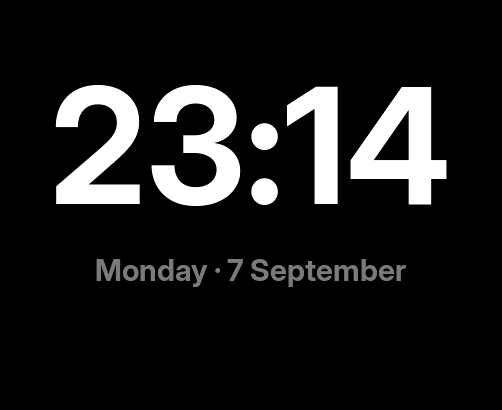
A widget doesn't just take up space on a screen. It takes up hours — and it has to earn them.
Black that isn't there
The panel is AMOLED, and on an AMOLED a black pixel is not dark — it is off. Nothing leaks around it, nothing glows grey. In a dim hallway the screen has no visible edge at all: the numbers hang on the wall and the device disappears from around them.
So there is no frame to breathe against, and no reason to leave a margin: on 502 pixels a fourteen-point edge is three per cent of everything you have, and it says nothing. The frames on this page are drawn the same way — black body, black screen, no seam — because that is what it looks like on the wall.
Sound control without speech recognition
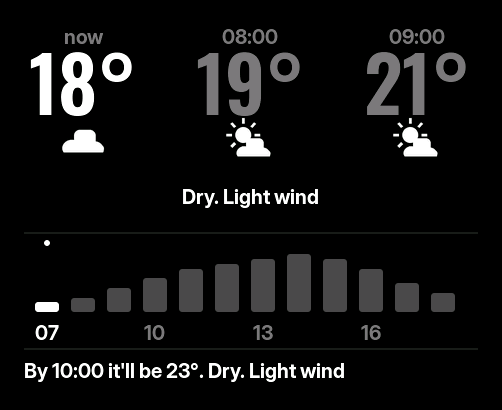
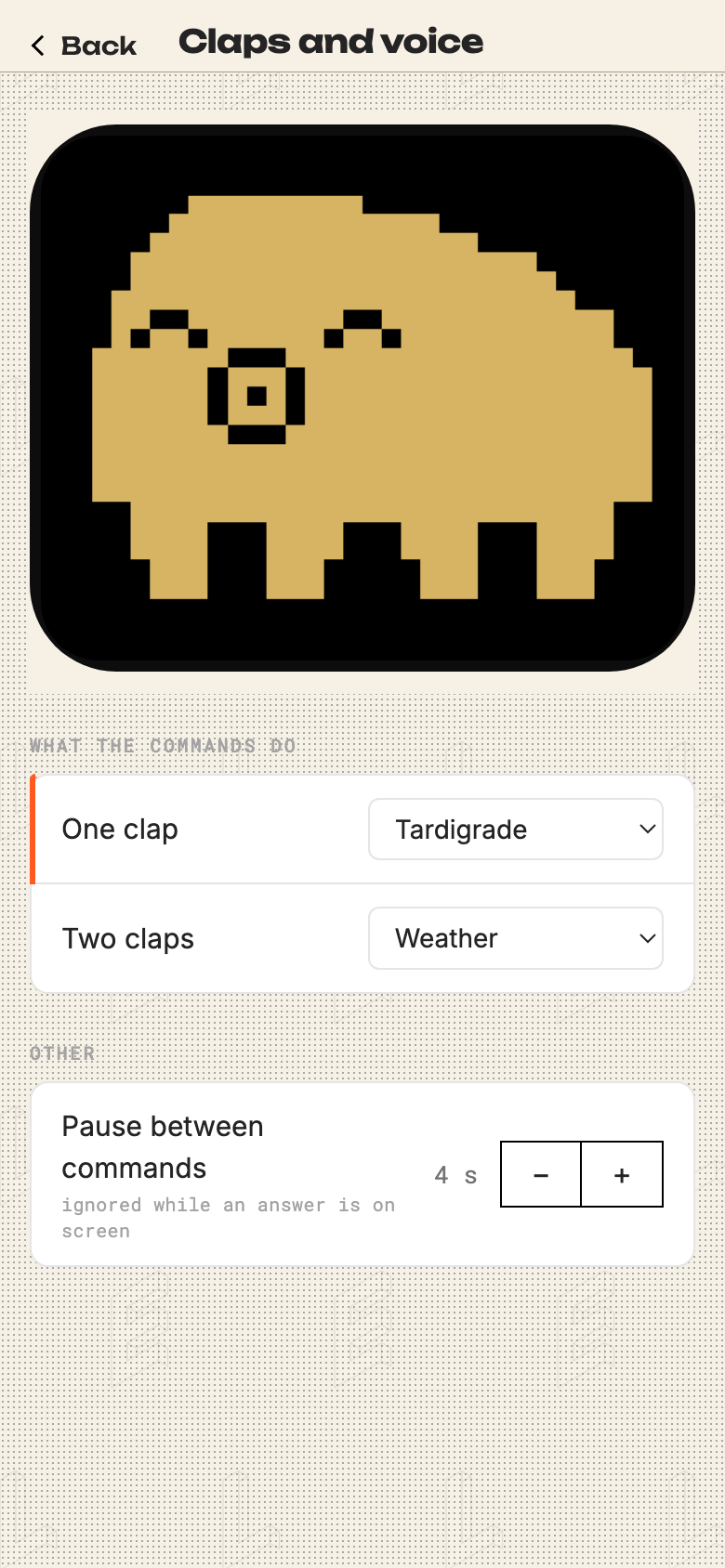
You are usually at the wrong end of the hallway, holding something, and walking over to a screen to find out whether the afternoon needs a jacket is a bad trade. So it listens: one clap brings the tardigrade, two claps bring the weather.

It recognises nothing. A clap has no meaning, only a shape: the level jumps tens of times higher than it was an instant before, and that jump is the whole detector. Saying «pum-pum» out loud works exactly as well.
I got that wrong first. Early measurements put a spoken «pum» in the same range as ordinary talking, so I wrote in the log that voice was impossible — having counted only the claps the detector caught and never the ones it missed. Letting the device run its own test, with a countdown on screen and a log it marked itself, the thresholds I had been so pleased with turned out to catch twelve commands out of twenty-five.
One clap used to bring up the tram minutes, and that went: in the twenty minutes when they matter, the screen offers them anyway. But something that answers nothing looks broken — you clap again, harder, then go and check whether it froze. So there is always an answer, and out of hours the answer is her.
One evening I wanted the timetable from the far end of the hall and had nowhere to put it: one clap and two claps were taken, and three is applause.
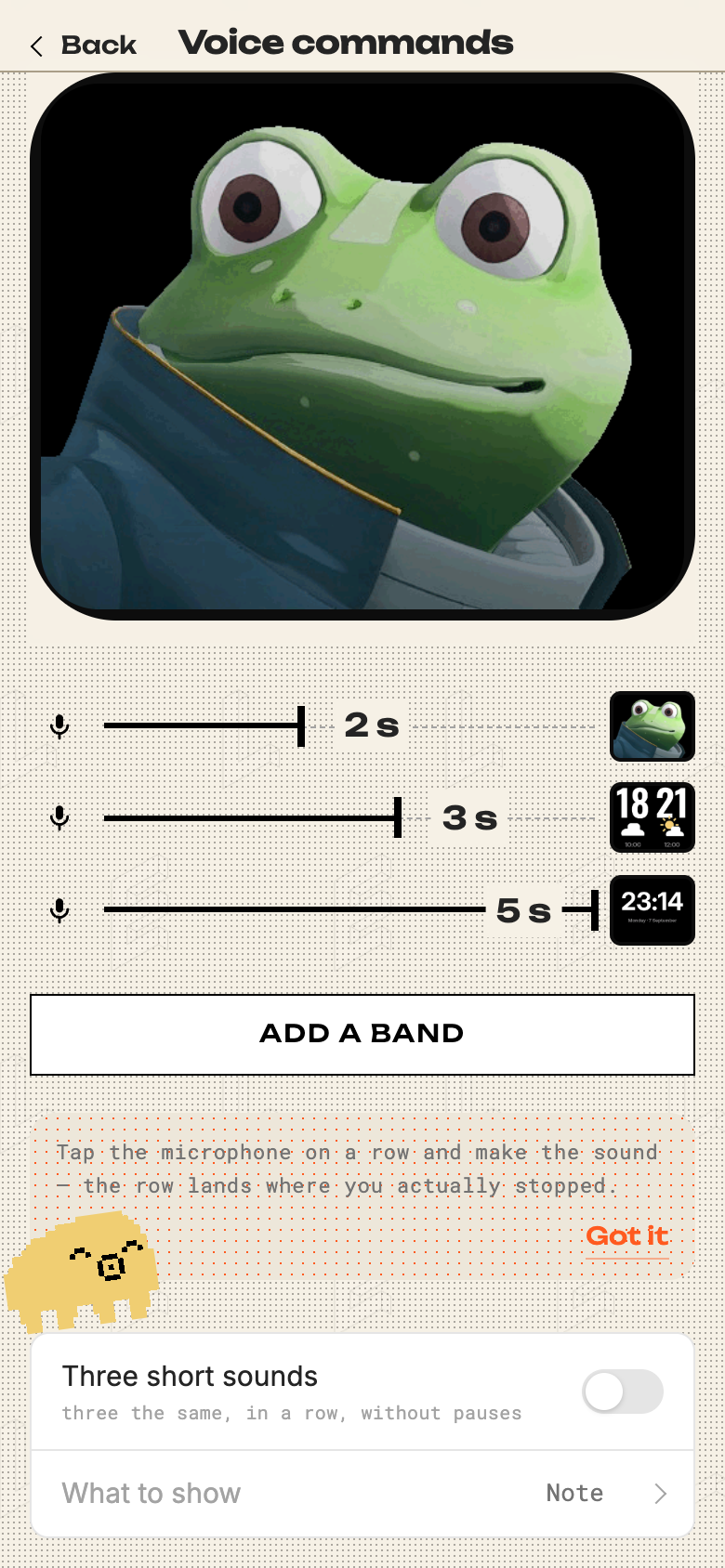
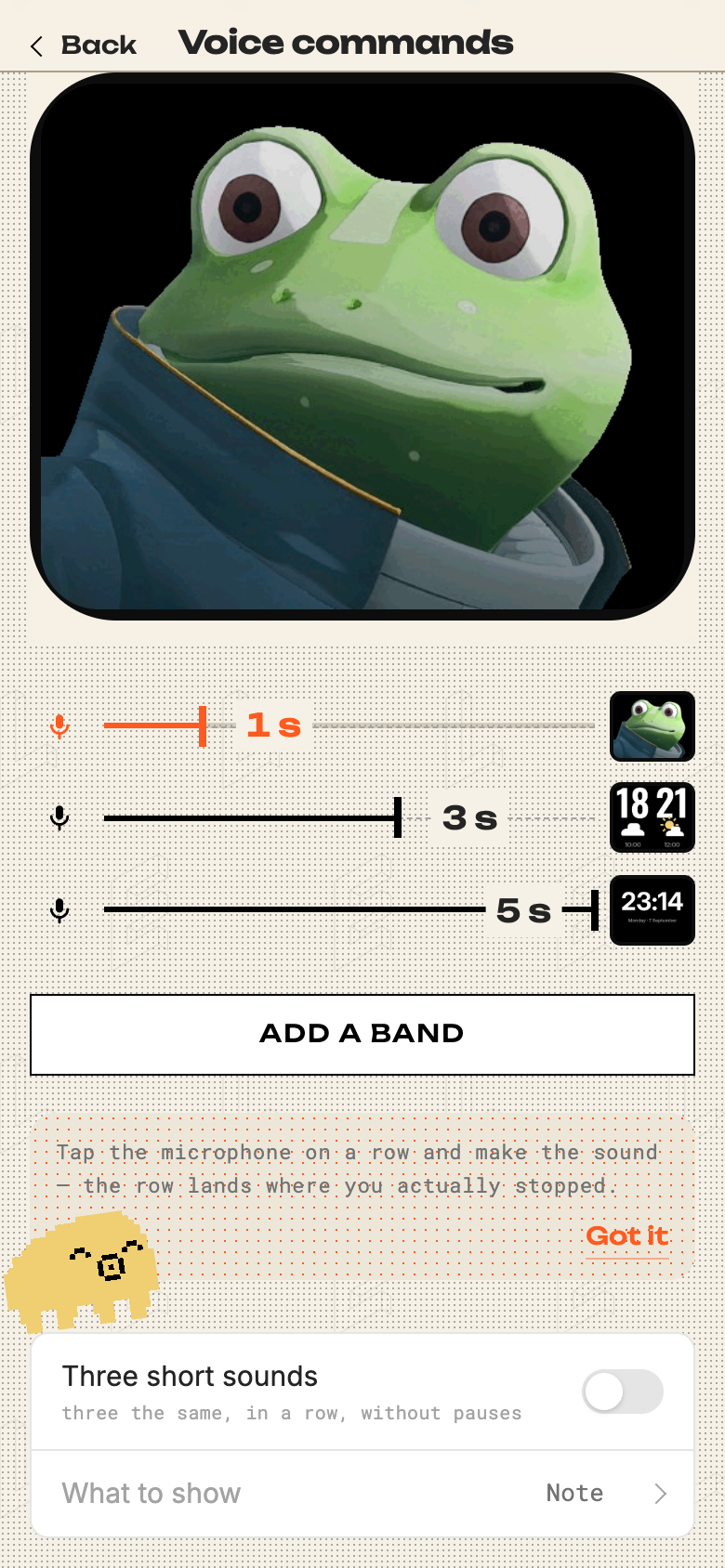
So I stopped counting claps and started timing them. Hold a sound for a second, for two, for three — the length is the command. While you hold it the row below steps along, a card per second; stop, and the card you reached takes the screen for as long as the hairline lasts.
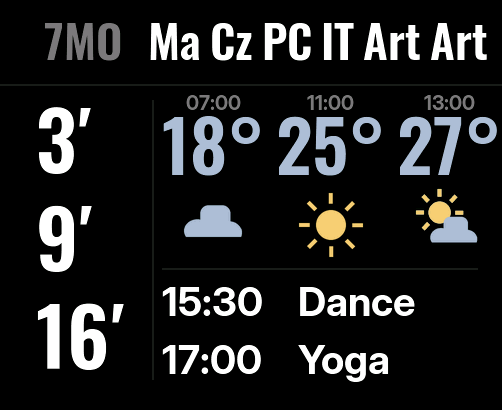 holding the
soooound and this hairline
is the answer's clock
Which second means what is set from a phone, and that screen took three goes. A scale along the top with a row per command underneath showed the same seconds twice over. Drawing the tolerance around every mark was honest and looked like dirt.
The third version stopped asking for numbers. Each row has a microphone: press it, make the sound, and the row lands where you actually stopped. Two seconds on paper and two seconds on one breath are different amounts, and only one of them is worth saving.
orange while it listens —
and the number is what
it actually heard
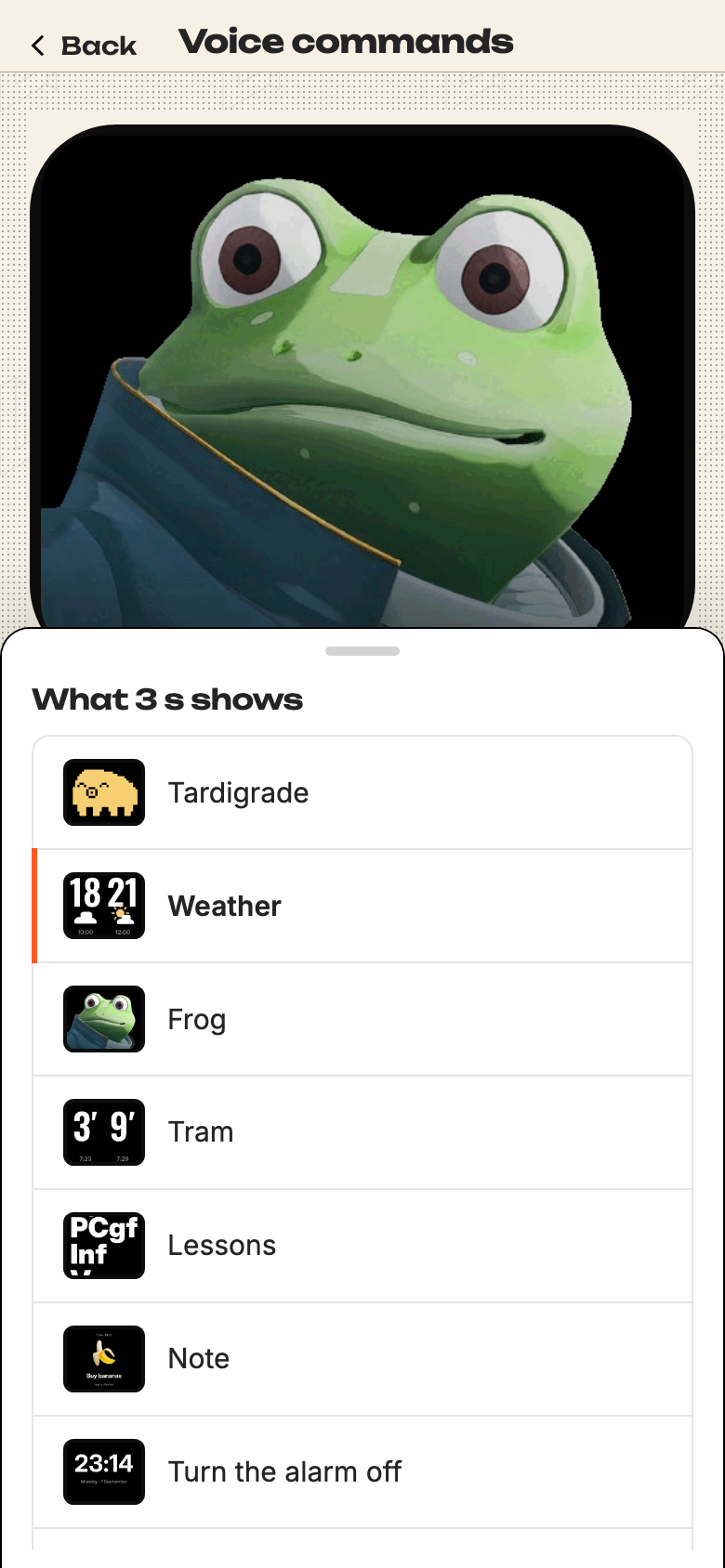
beside every band — the screen
it calls up on the wall
A second gesture works on rhythm instead: three short “ee”, even in length and spacing. Speech never comes out that even, so it never fires by accident. Underneath all of it is a level, a threshold and a count of hundred-millisecond buckets — no model, no cloud, nothing leaving the flat.
Something that doesn't answer reads as broken. It's cheaper to answer with a joke than to stay silent.
Everything it can put on the wall
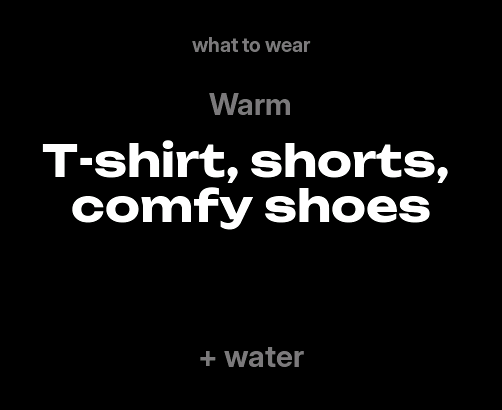
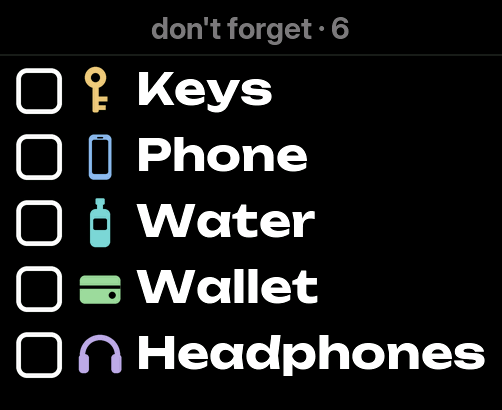
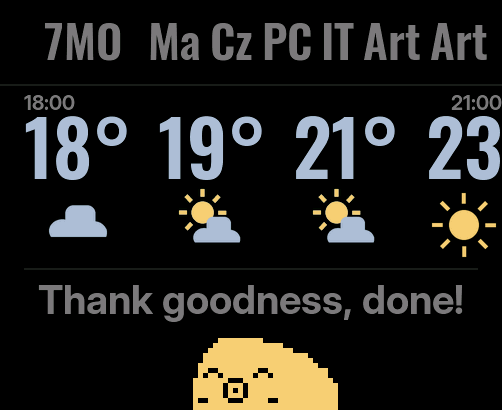
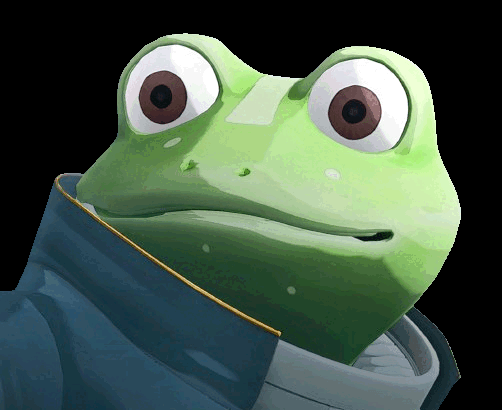
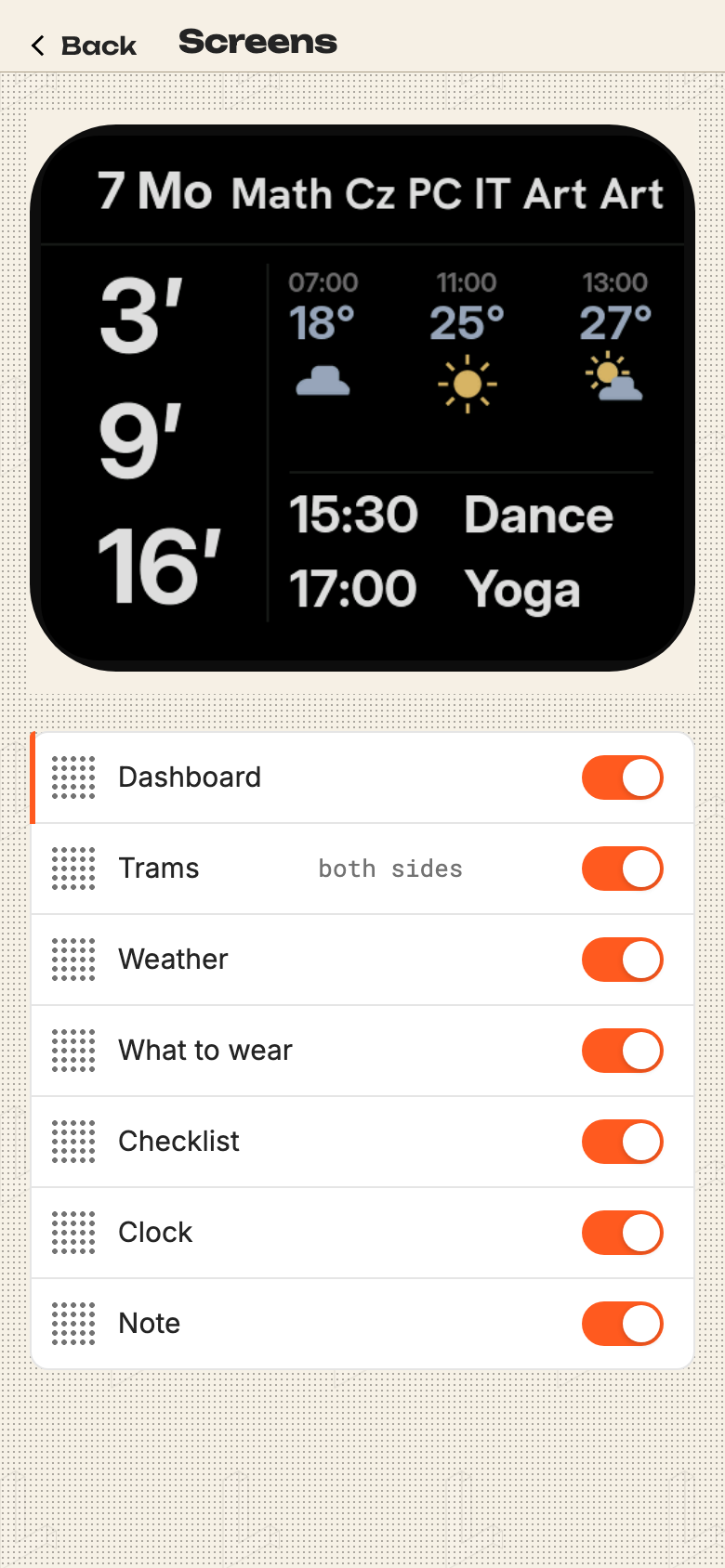
Seven screens sit in the carousel; the rest turn up when they are due — the timetable in the morning, tomorrow after supper, the frog when called for.
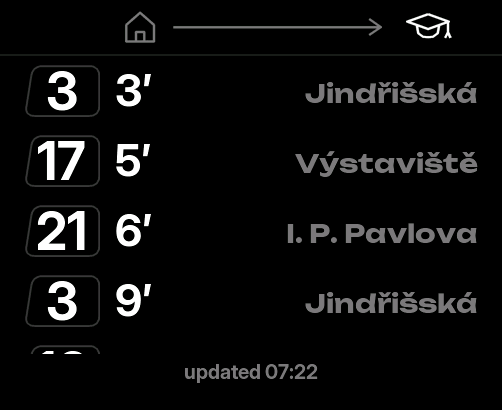

The settings live on a phone
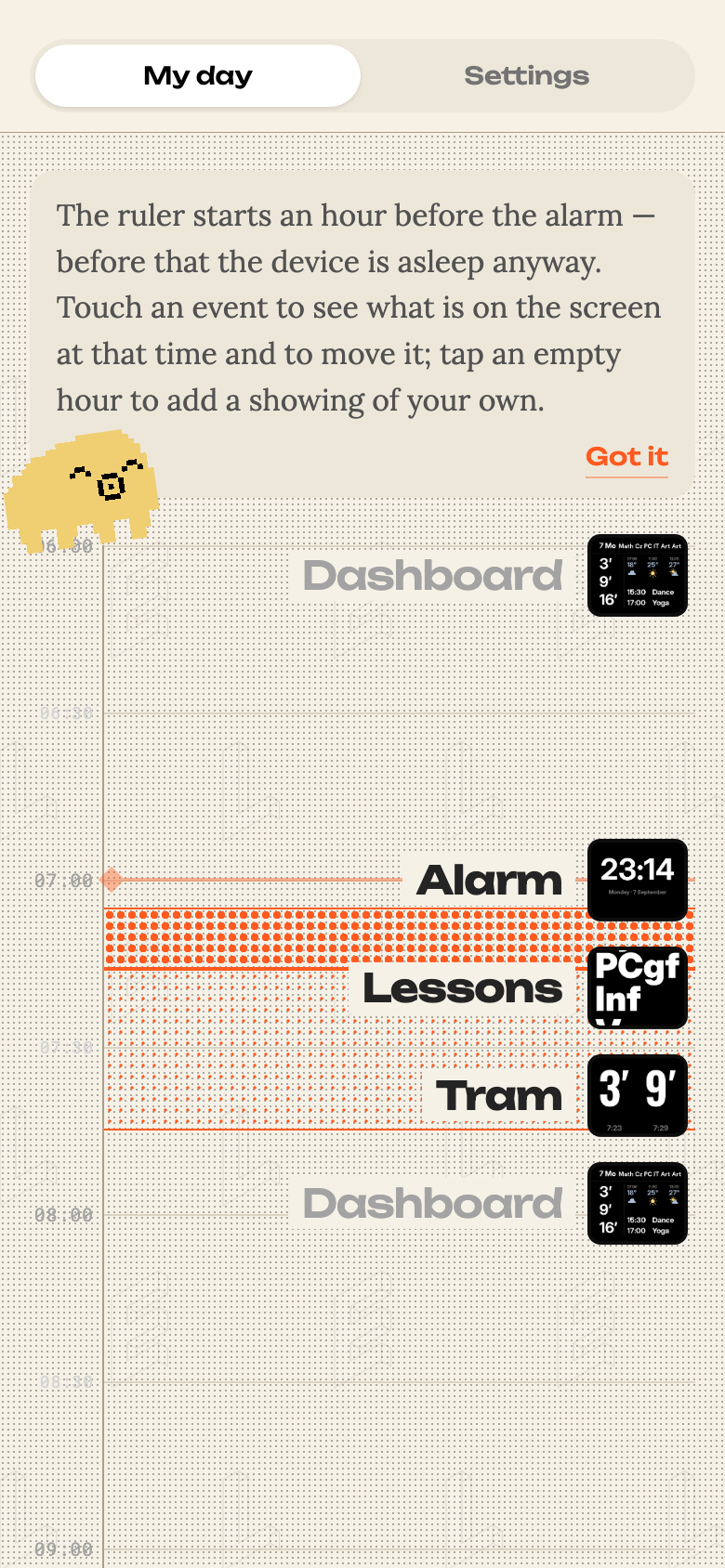
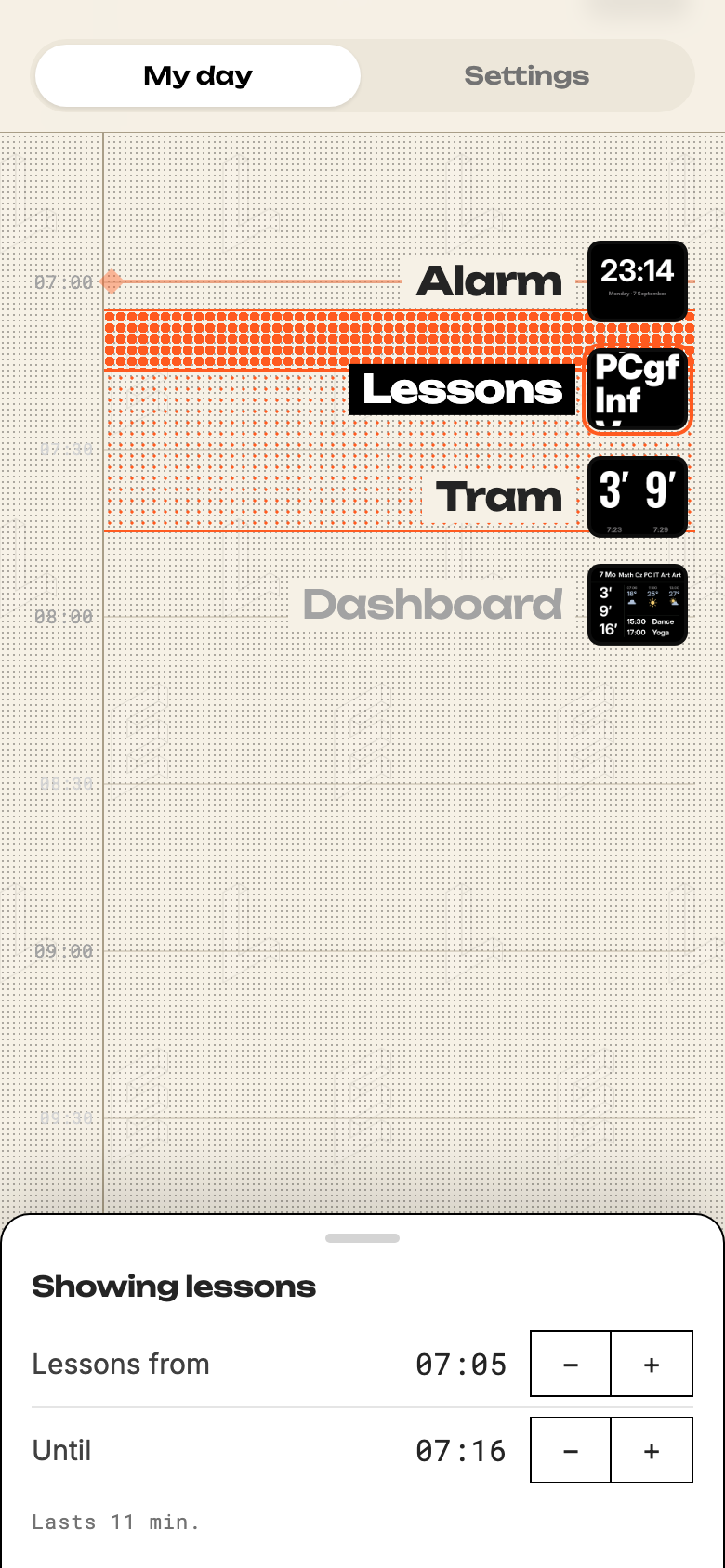
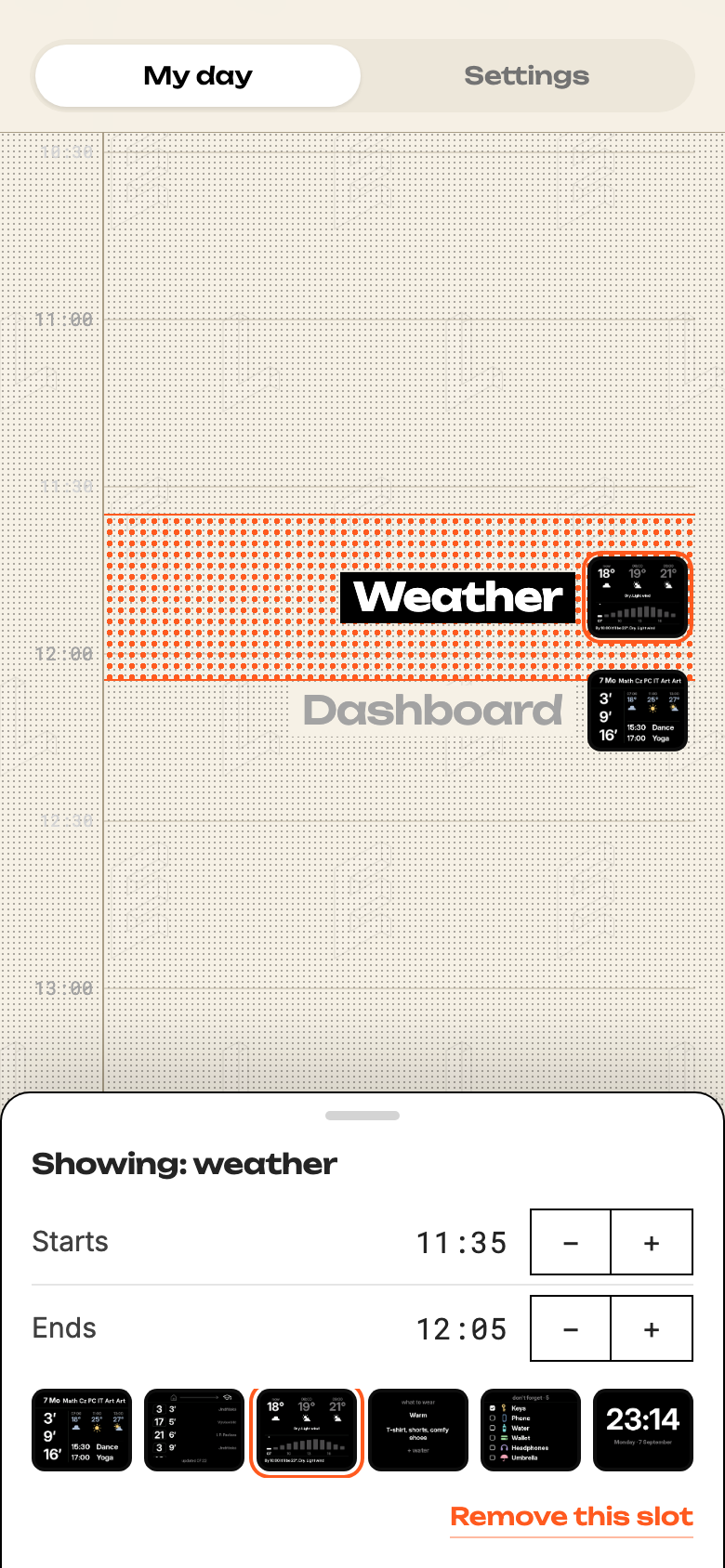
No buttons on the wall means every menu had to live somewhere else. It lives on a phone, and it opens on the day rather than on a list: each hour carries a picture of the screen the hallway will be running then.
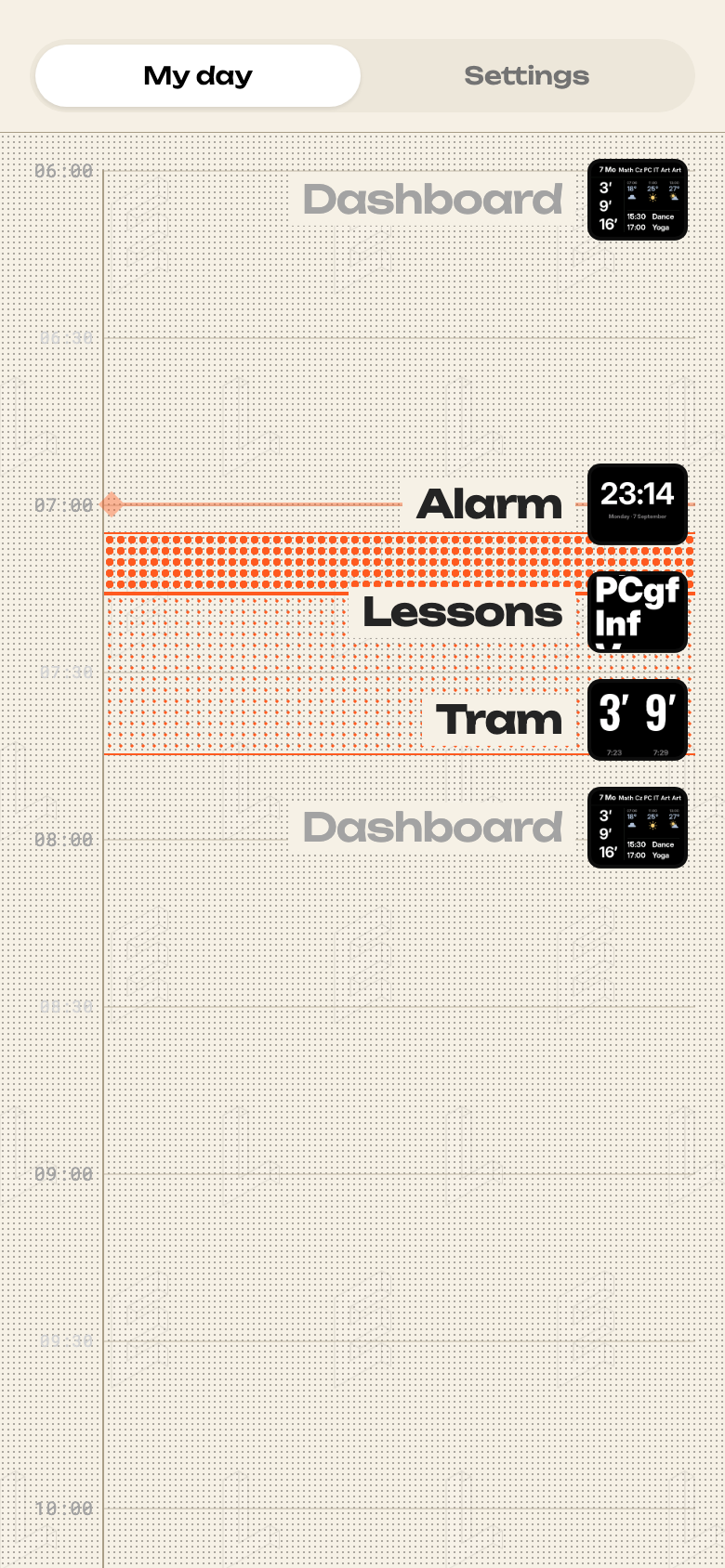
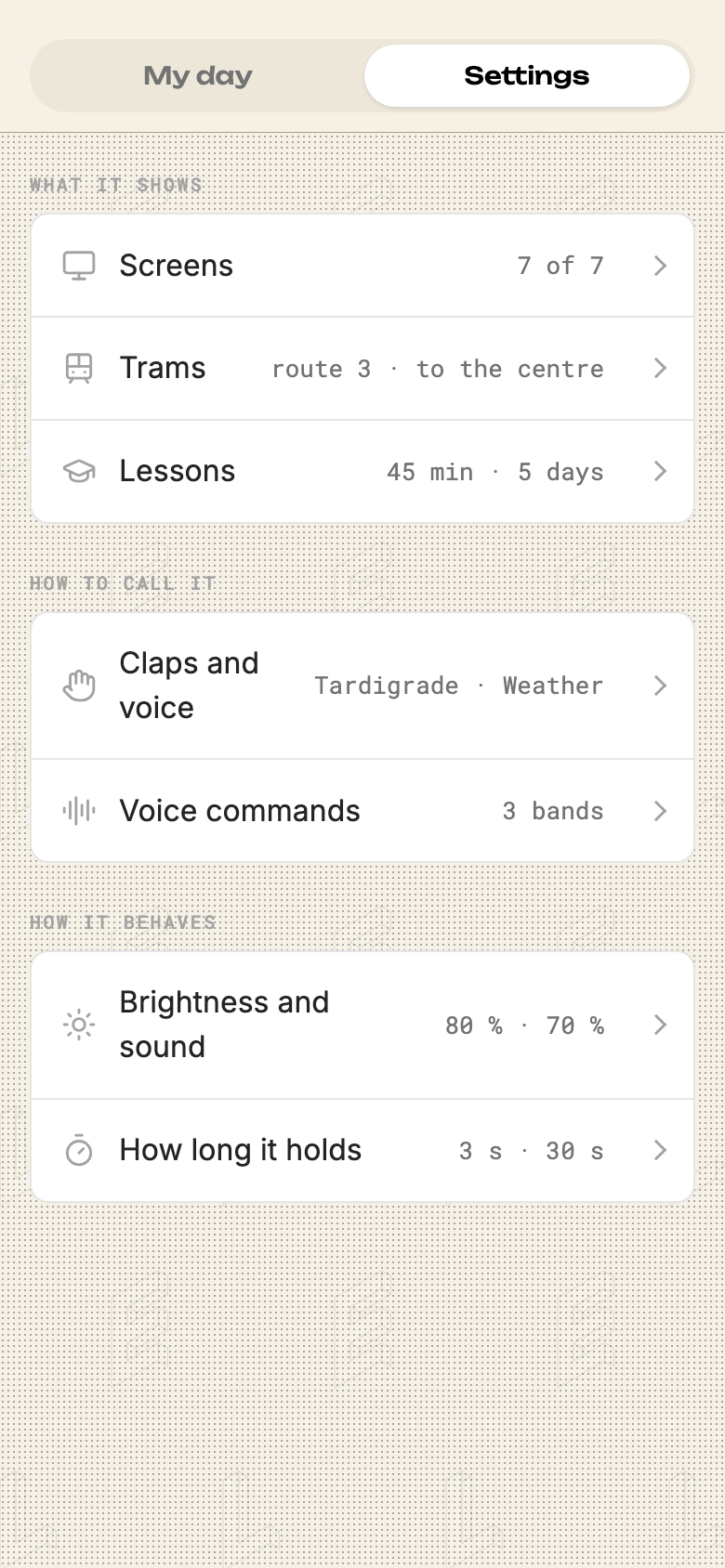
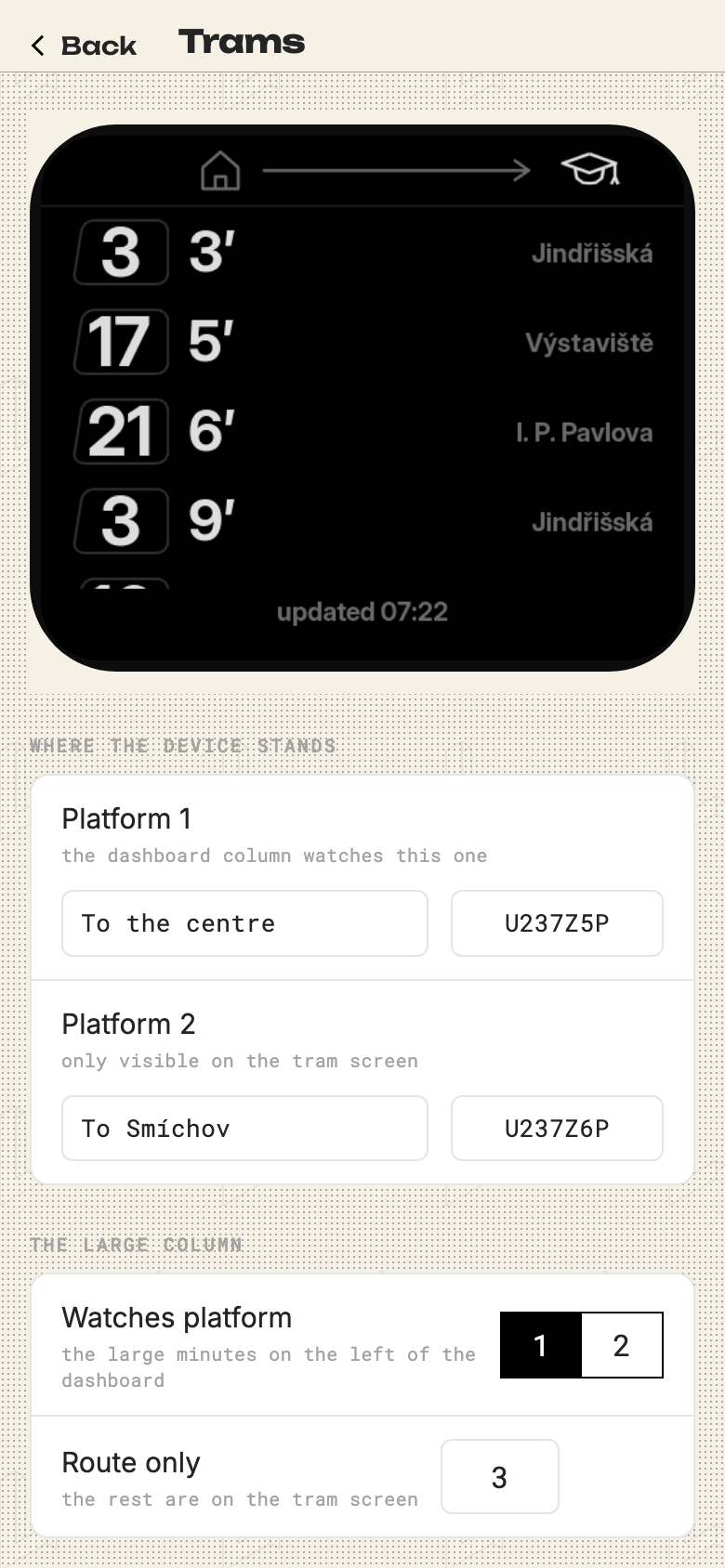
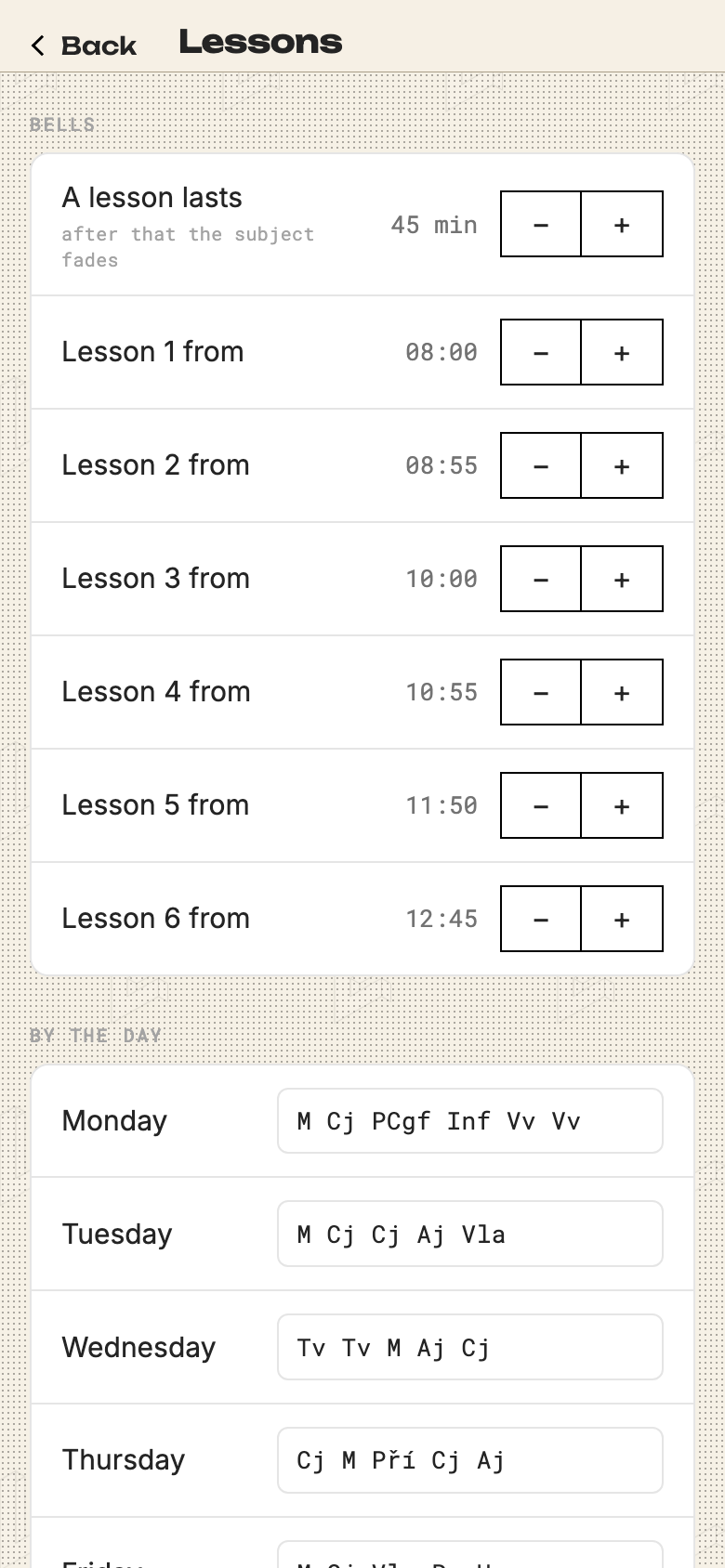
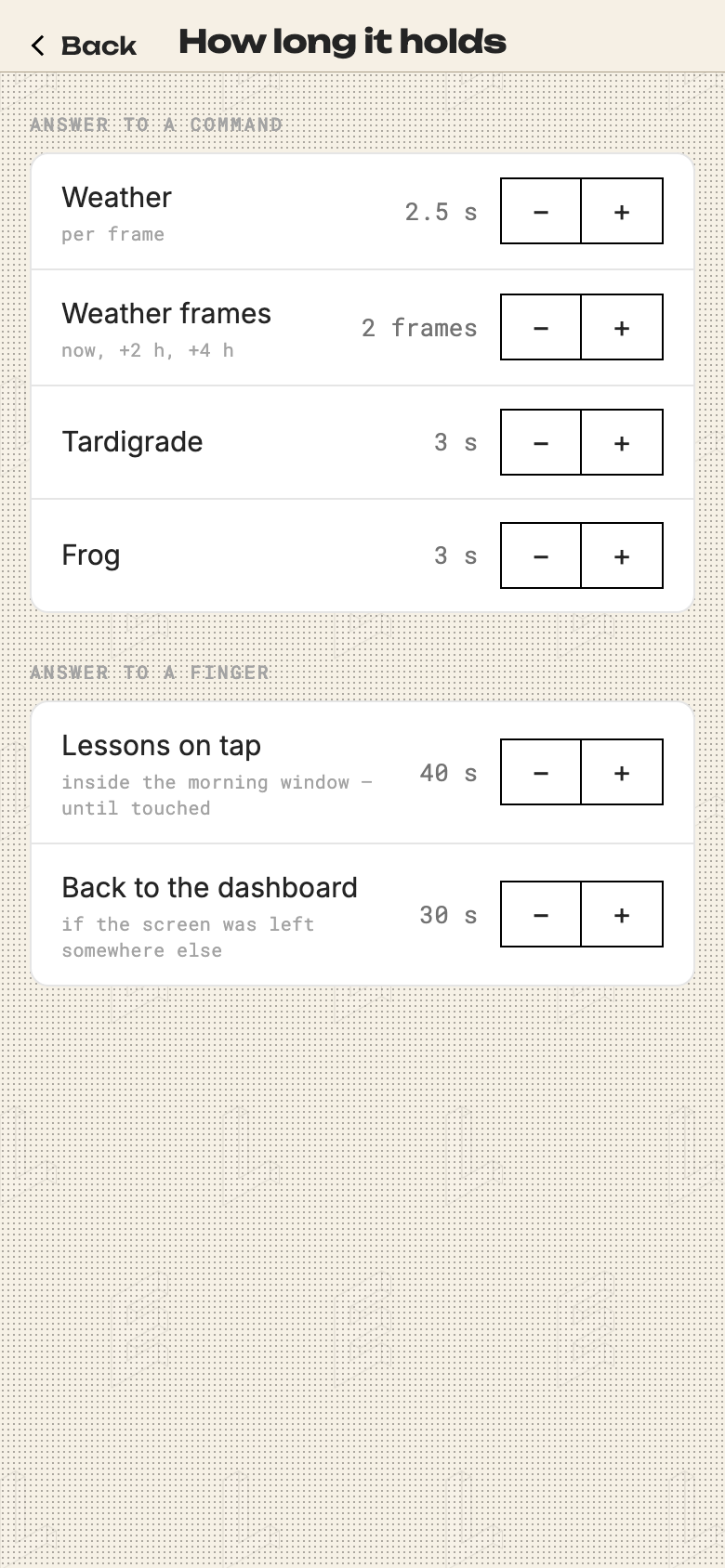
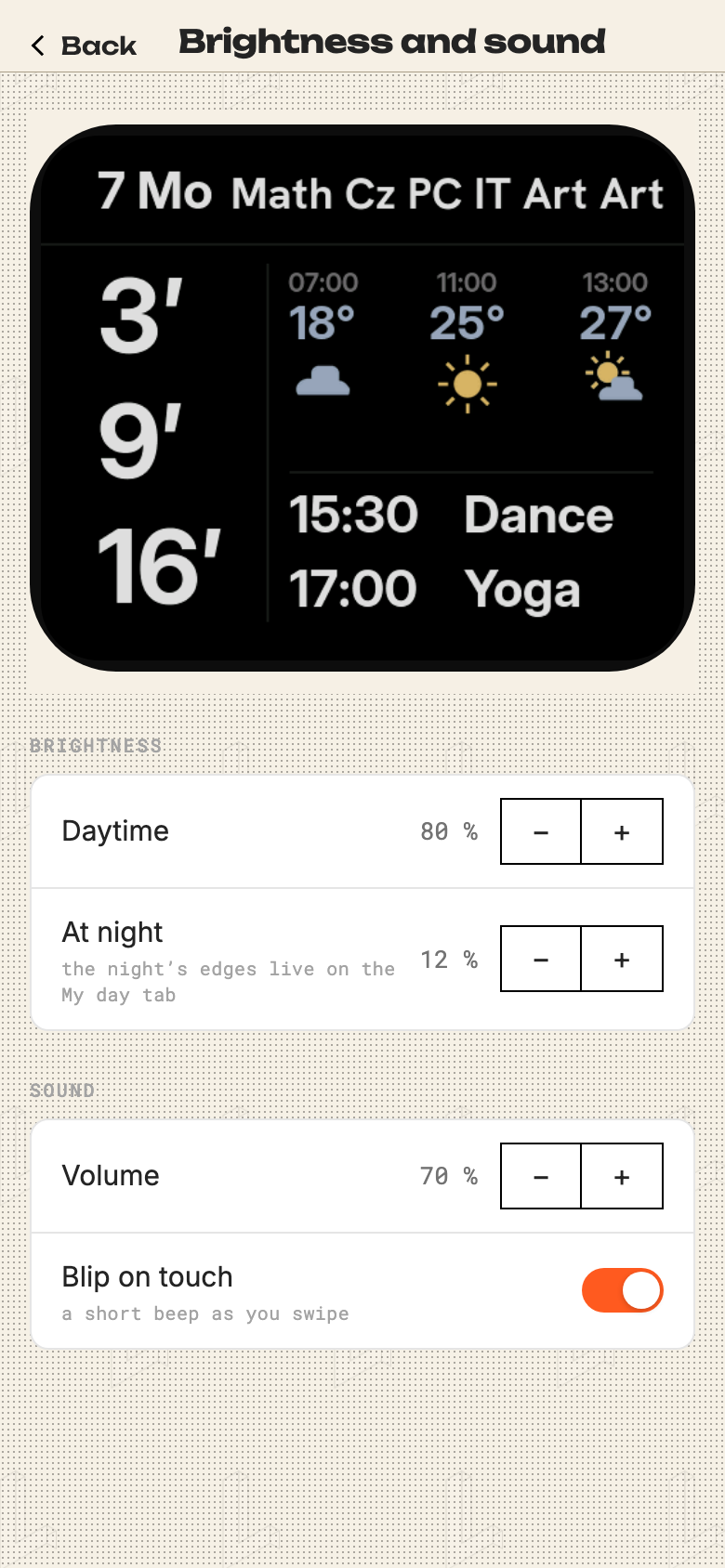
The rest is ordinary settings: carousel order, which tram platform the big column watches, the school bells, how long an answer holds, how dim it goes after dark.
Digits chosen with a ruler
A number read from the far end of a hallway wants to be tall, and what limits its height isn't the screen — it's the width of the digits. Everything here was set in Inter, whose digits are 0.82 as wide as they are tall. I squashed it horizontally, got 0.64, and was rightly stopped: squeezing a face by a fifth thins its strokes by the same fifth, which is the one thing a bold weight exists to avoid.
So I measured candidates instead of picking one. Oswald came out at 0.60 with the tallest digits of the lot. DIN Condensed measures 0.51, sits on every Mac and is the typeface of instrument panels — it would have been perfect, and it is proprietary, which settles it for an open repository.
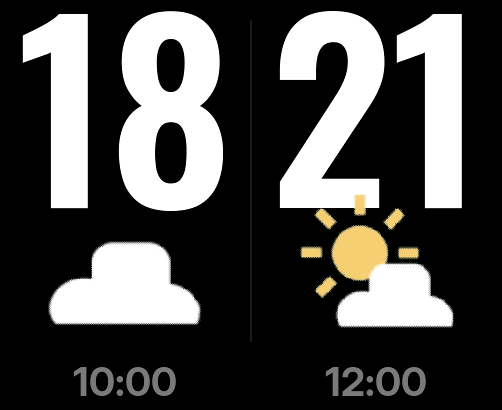
The temperature went from 120 pixels to 300. Four metres is about the distance from our front door to the kitchen, and at that distance 300 pixels is a number you read without stopping.
The narrow digits paid for something I hadn't planned: two numbers fit where one used to, so two claps show four hours instead of one temperature three times over. The degree sign went at the same time — it is two thirds as wide as a digit, and there is a weather icon standing right beneath it anyway.
What a nine-year-old caught twice
The first version put both tram directions on one screen, mirrored: numbers on the outside, minutes towards the middle. Symmetrical, and wrong. Both halves are read the same way, left to right, so on the right-hand side the minutes arrived before the number. My daughter said so within about a minute of seeing it. Until she did, layout symmetry had been outranking reading order.
Her second remark was smaller and cost more: it's easier when there's only one direction on the screen. That deleted half the layout, and in exchange the numbers got big enough to read from the other end of the hallway. It also turned one screen into a carousel — which is where the weather, the checklist, the clock and the notes eventually went.
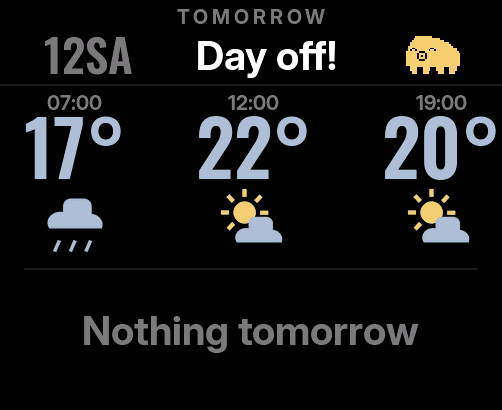
Months later she caught the second bug. An empty row where tomorrow's timetable should be looked unfinished, and she said what anyone would say: it's still loading, you have to wait.
It wasn't loading. It was Saturday. Now the row says so out loud.
Empty space doesn't say "there's nothing". It says "it hasn't arrived yet".
The tardigrade
The end-of-day phrases needed someone to say them. Nine attempts, nearly all of which opened with "not that": triangles, then squares, then cuter, then twice "now it looks like an octopus".
What finally worked was not drawing but naming the difference. A tardigrade has an asymmetric profile — a tall head at the front and a long shallow slope to the back — one continuous outline rather than a head glued onto a body, rounded bottom corners, four legs rather than eight, and a snout with a dot inside it. That last one is the feature people recognise her by.
She has sixteen moods on one body. The sprite is four layers — body, face, legs, and the little mark beside her — because she peeks in from different edges and her face has to land on whatever part is visible.
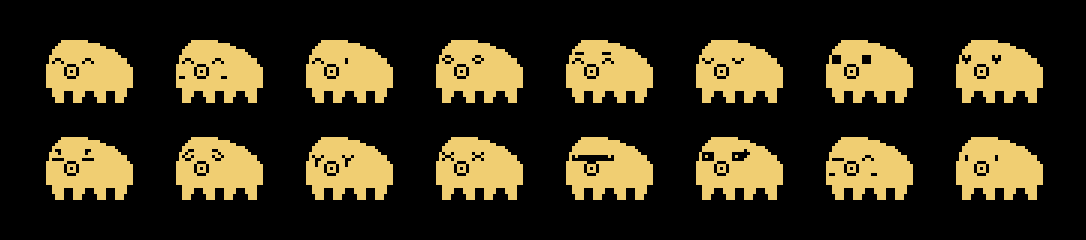
Animation must not change the silhouette. On one frame it reads as a defect, not as movement.
Rough edges
Twice a word came out as a row of empty rectangles. Not a typo either time — the fonts are baked into the firmware, and a font ships exactly the characters it was given. Nobody notices the missing ones until the device is back on the wall. It happens, it gets fixed, and then it happens again with a different word. A mistake that repeats is not fixed by paying more attention, so there is now a check that runs on every build and refuses to compile a label the font cannot draw. Its first run found a third instance nobody had spotted.
The lesson timetable is typed in by hand. The school's system has no usable export, and a scraper for one family's timetable is more moving parts than the thing is worth.
And the tardigrade only enters from three edges. She has a front and a back, so arriving from the left would show the reader her rear end. That needs a mirrored sprite, and it hasn't been drawn yet.
Under the hood
An ESP32-S3 with a 502×410 AMOLED, ESP-IDF and LVGL, about six thousand lines of C. Trams from Prague's open transit API, weather from Open-Meteo, the family calendar over ICS, notes over a Telegram bot. Every sprite and icon is generated by a script rather than drawn in an editor, so the silhouettes can be argued with in code.
The screenshots on this page were not photographed. The same firmware compiles for the desktop and renders the real screens — same layout, same fonts, same animations and timers, with only the clock, the data and the hardware simulated. That desktop run has since found three bugs the device never showed me.
A board, a socket by the door, and a wall at eye level. That is the whole of it.
More projects