Share one list and let everyone quietly take a different present
- Wooden chess set
- Manual coffee grinder
- Stanley thermos
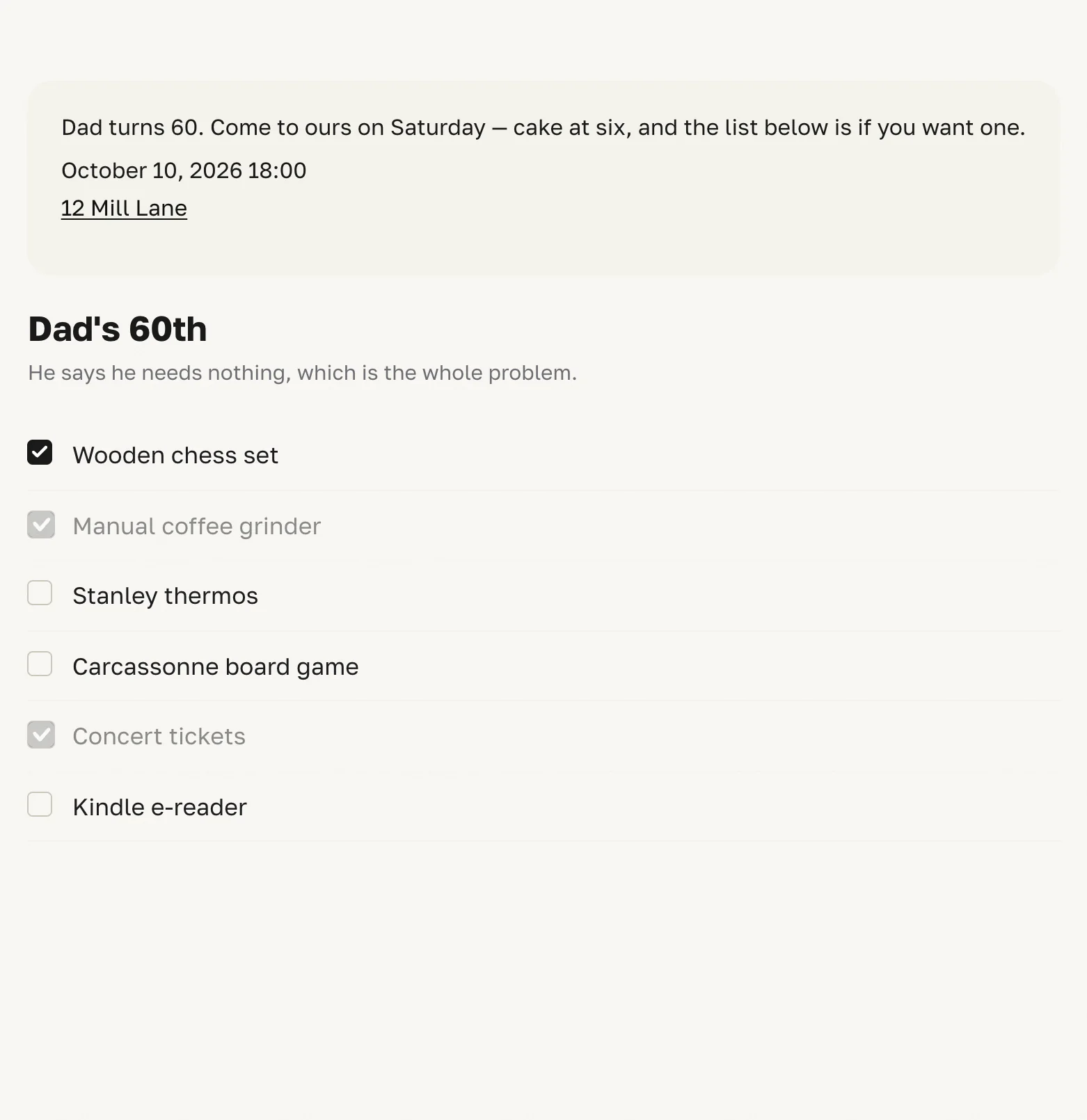
Black is what you took. Grey is what somebody else took, and it will not budge. Everything else is still free. That is the whole of Wishlistun — write the list, send the link, and nobody signs in.
Write the list before you sign in to anything
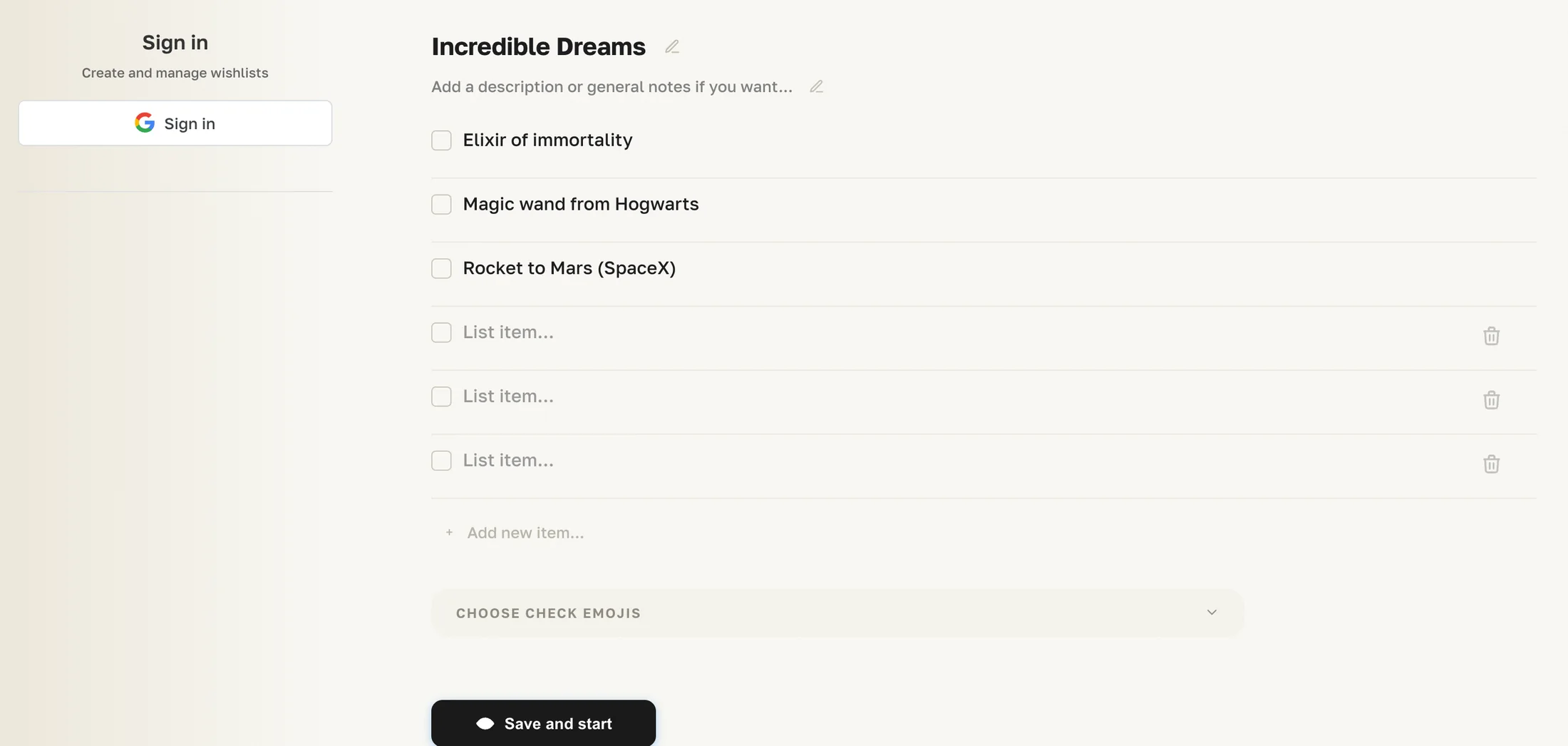
Open wishlistun.com and a list is already sitting there, waiting to be typed over. Change the title, replace the lines, add more of them. The draft stays in your browser until you press Save and start — the first and only time Google comes up, and the list you already made comes with you.
Send one link and stop answering “what does he want?”
One field, one black button. Anyone who opens that link gets the list and can tick things on it. No account, no app, nothing to install — which is the point, because the people you are sending it to are your family, not your users.

Let each person take a different thing
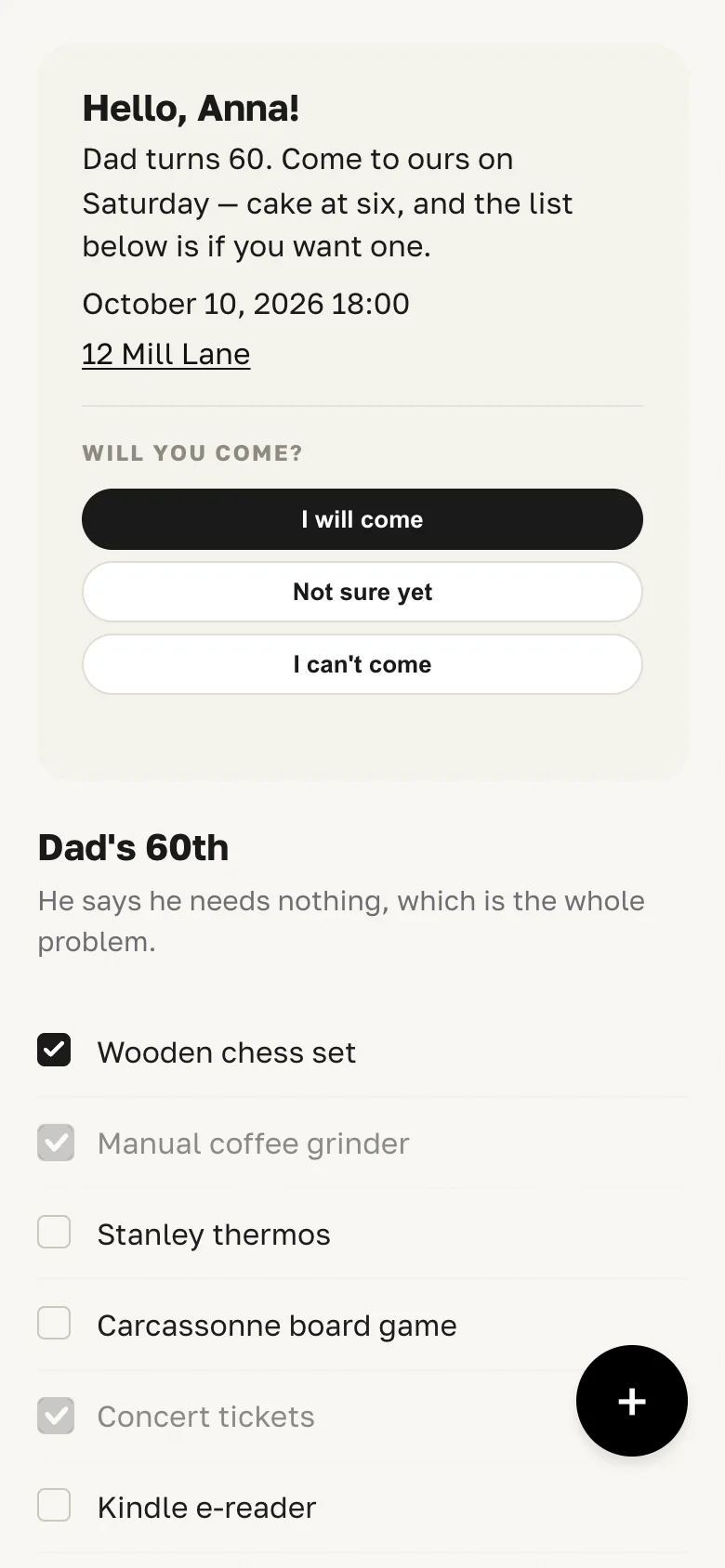
This is what lands in the family chat. Lines with a black tick are the ones you took, and you can untick them. The grey ones somebody else took: half faded, and they do not take the click. No message, no argument — the row simply will not go.
Give every guest their own page
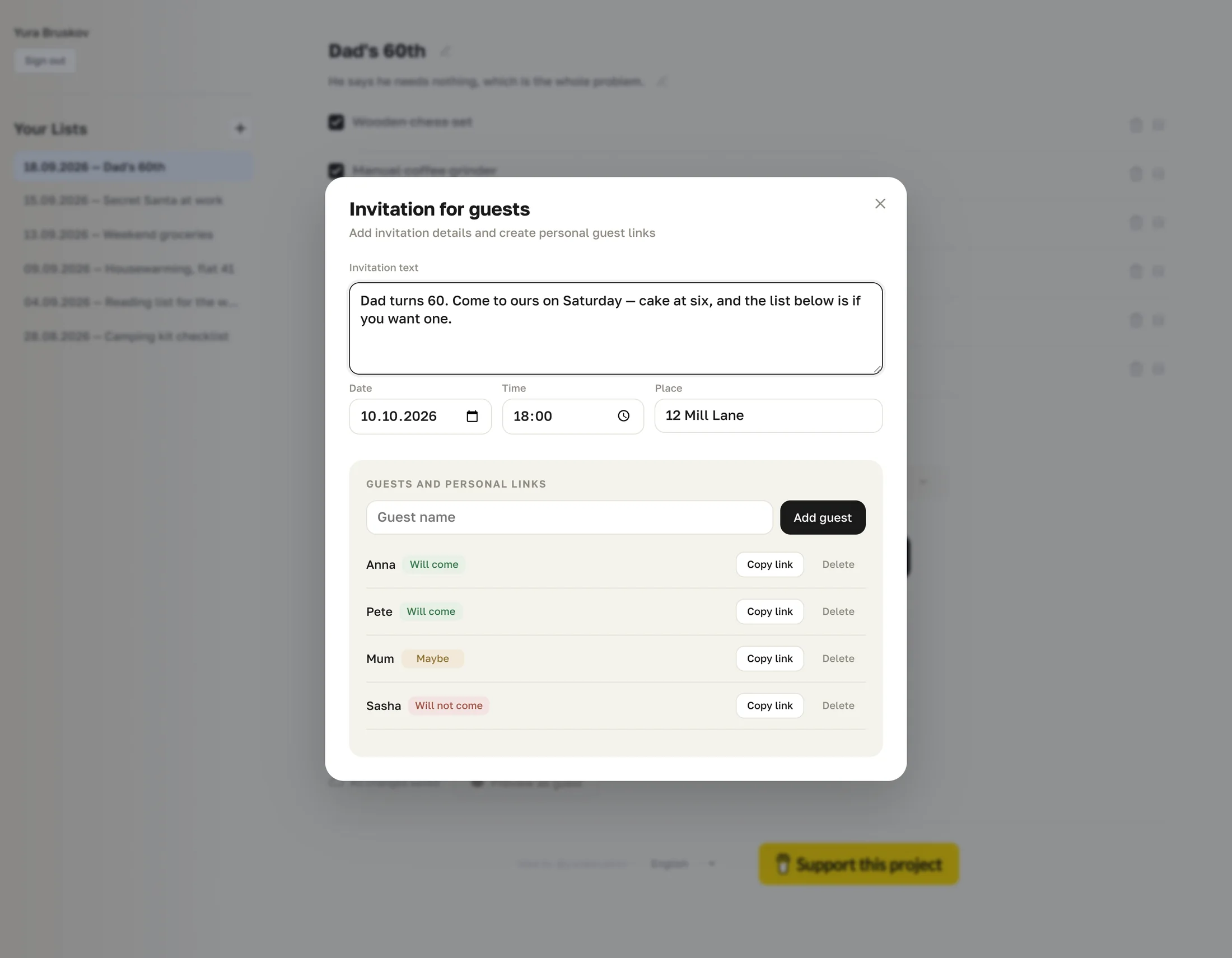
Write the invitation once: a line of text, the date, the time, the place. Then add the names. Wishlistun builds a separate link for each one, and whoever opens it gets their name in the greeting and three honest buttons — I will come, Not sure yet, I can’t come. The answer turns up beside their name on your side.
See what is still free without asking anyone
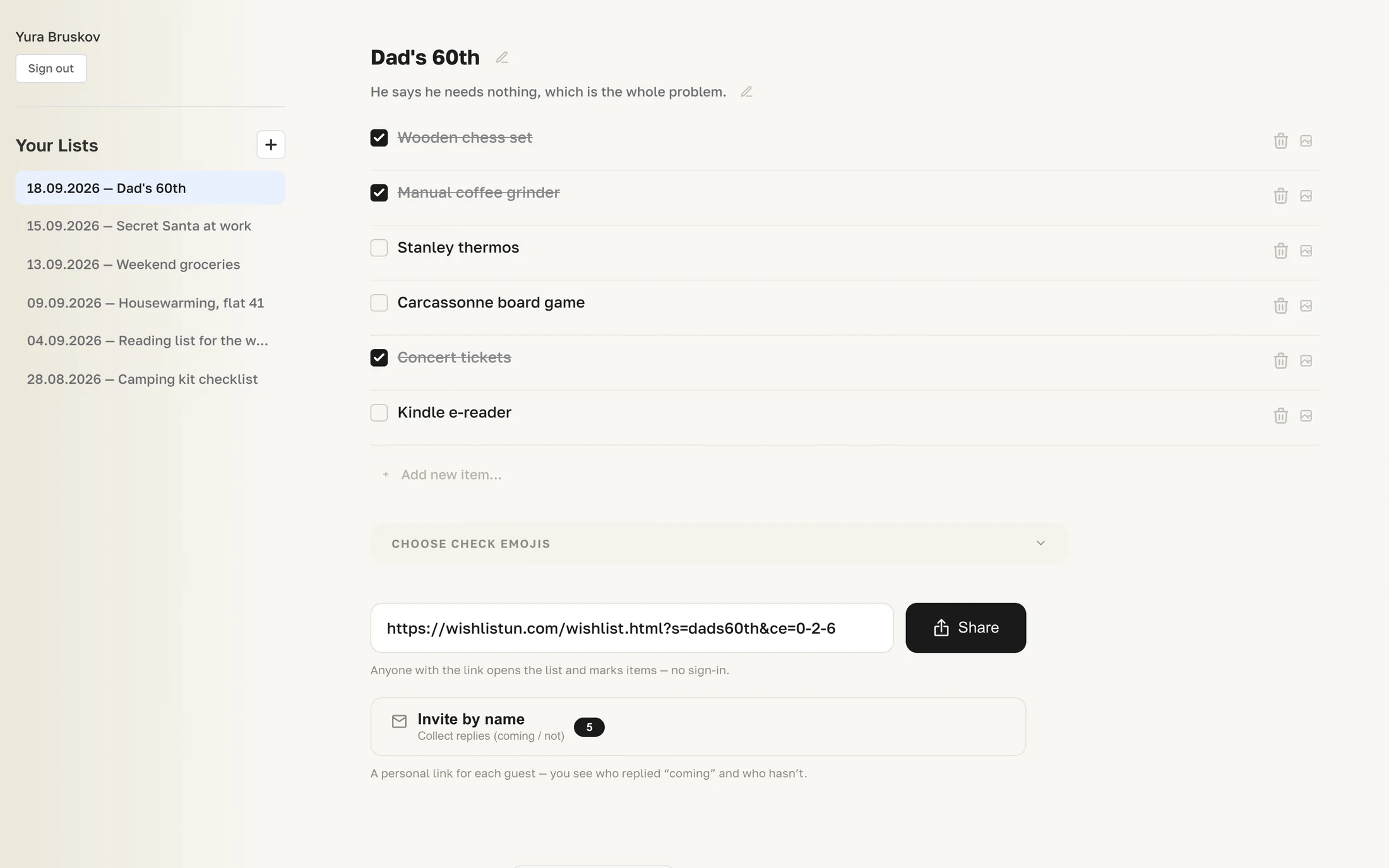
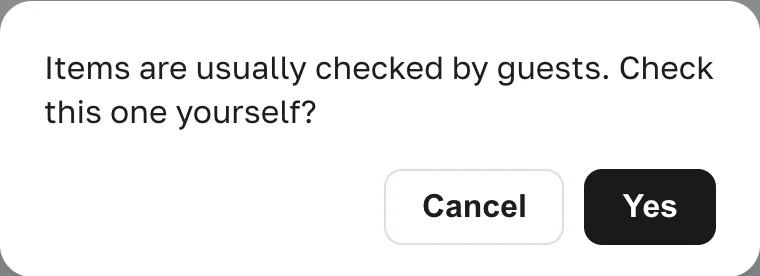
Your side of the same list. Taken items are struck through, free ones are plain, and nobody has to be asked who is bringing what. Tick one yourself and the app stops to check first.
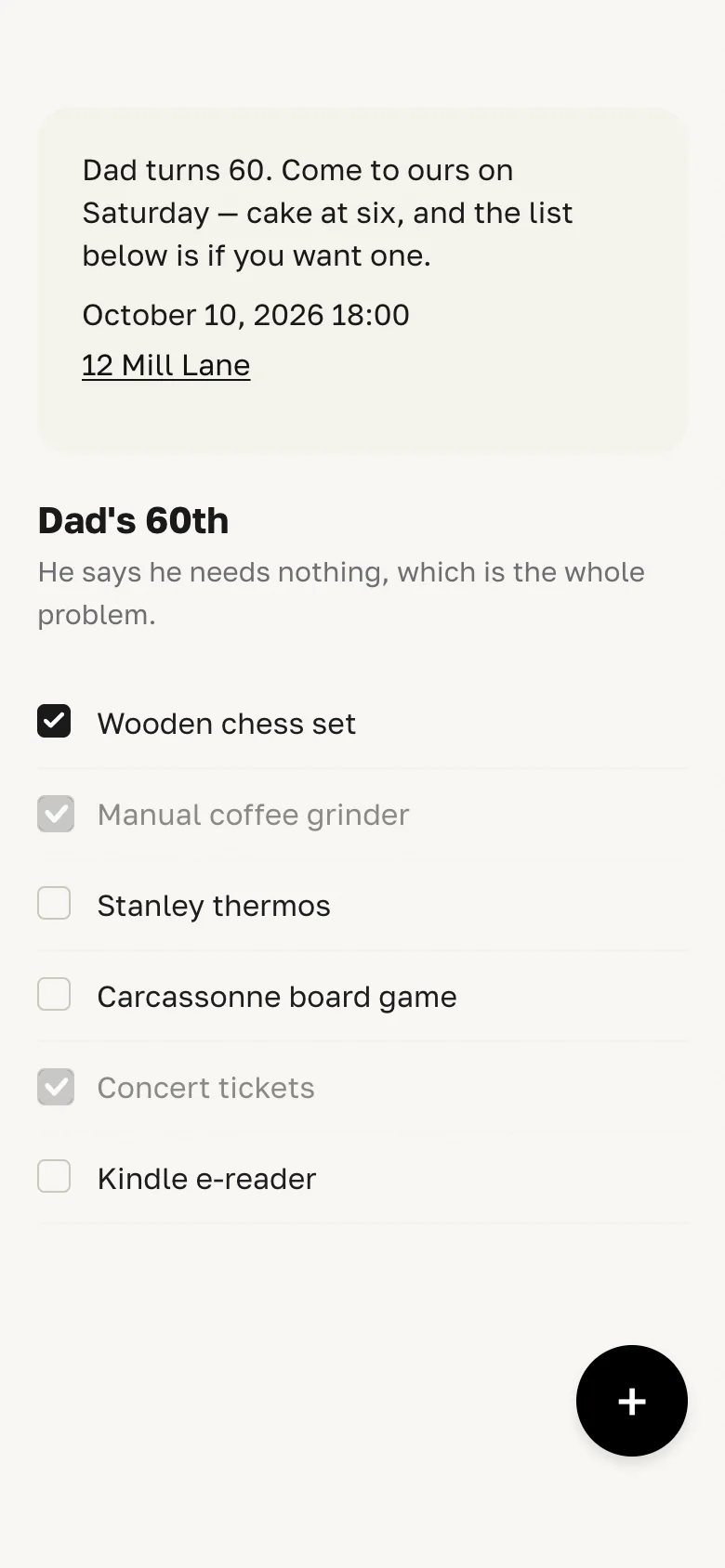
Open it on a phone, in your language, for nothing
Pick what flies when a box is ticked
Ten emoji to choose from, three of them on by default. The choice is stored with the list, so your guests get the same burst you picked.

Read it in eight languages
Picked from the browser, switchable at the bottom of the app.
- English
- Deutsch
- Español
- 中文
- Français
- Português
- Русский
- 日本語
Edit from the phone in your hand
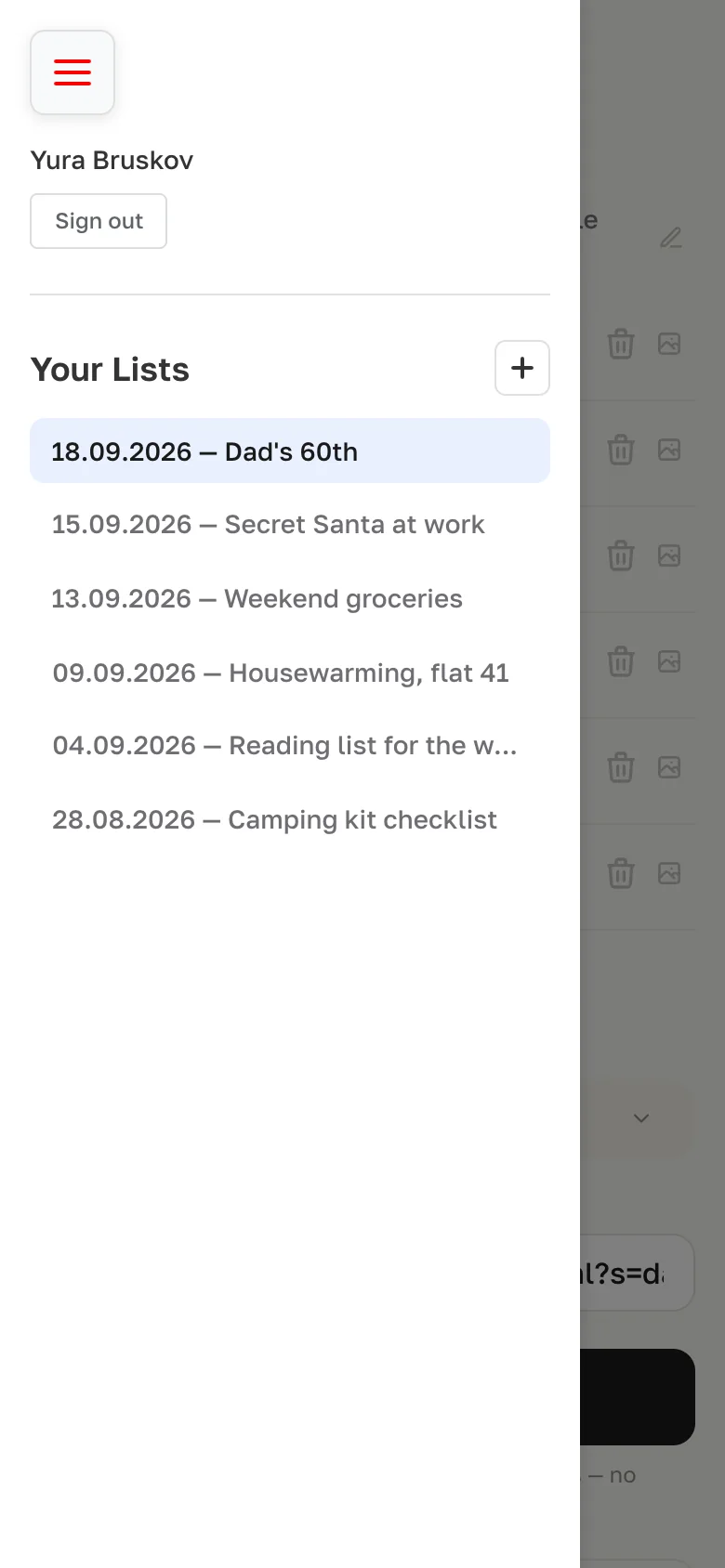
The same editor; your lists live behind the menu button.
Pay nothing and ask nobody to sign up
Wishlistun is free, and the people you send a list to never make an account. There is a quiet support link at the bottom of the app, and that is the whole of the business model.
Put the list up before the next birthday lands
It takes about a minute, and the people you send it to never have to sign up for anything.