Learn one English word a day without opening an app.
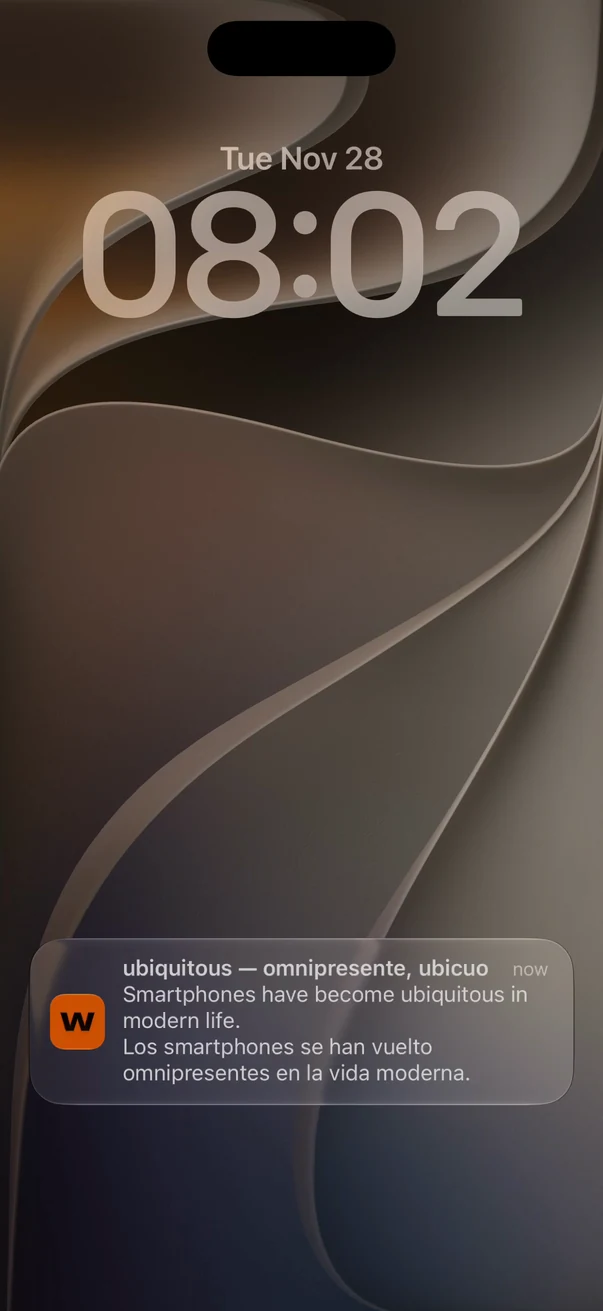
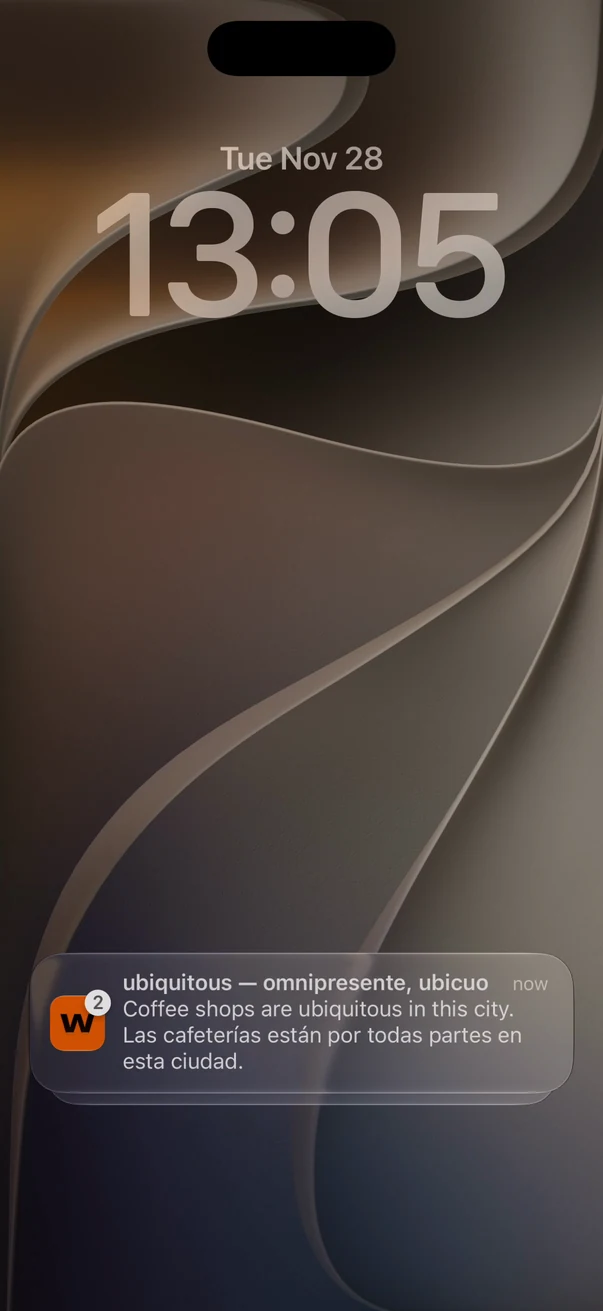
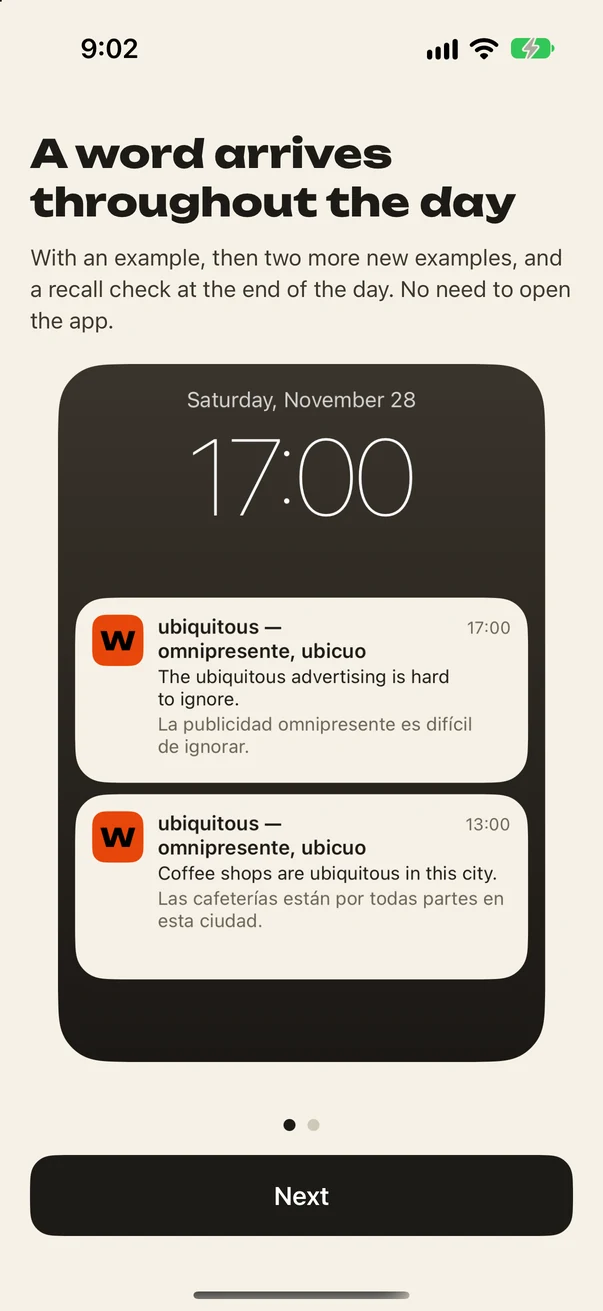
Wordayun sends the word to your phone: the word, its translation and a real sentence with it. You read it in the banner, between two posts, and carry on. Later in the day it brings another example, and at night a short check asks you to recall the sentence in English.

Every screen on this page is the app itself, shot in the iOS Simulator. The feed is the app's own demo screen, made for the App Store preview; the word drops onto it as a real iOS banner.
Translate it in your head, then check.
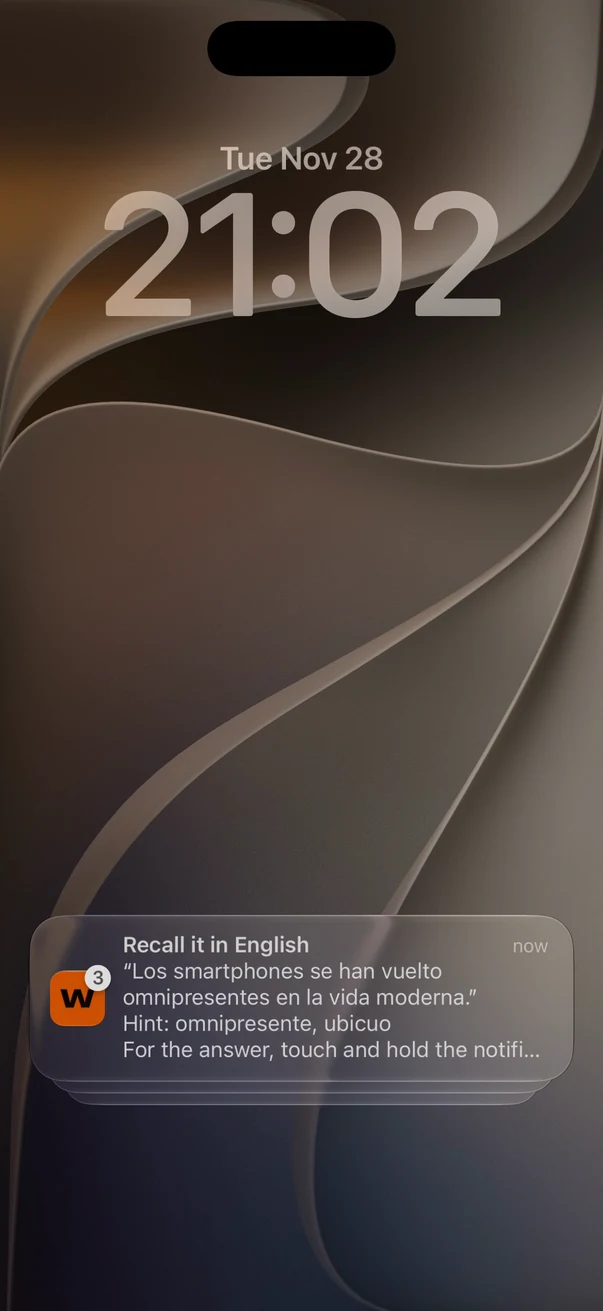
This is the evening notification, with real words from the app's packs. Read the sentence in your language, say it to yourself in English, then press Show Answer. On the phone you touch and hold the notification; here a long press works too.


Recall it in Englishnow
Your language
The words come from the app's packs as they ship: 27 of the 770, three from each pack. The sentence is the first example of the word, the same one that arrived in the morning.
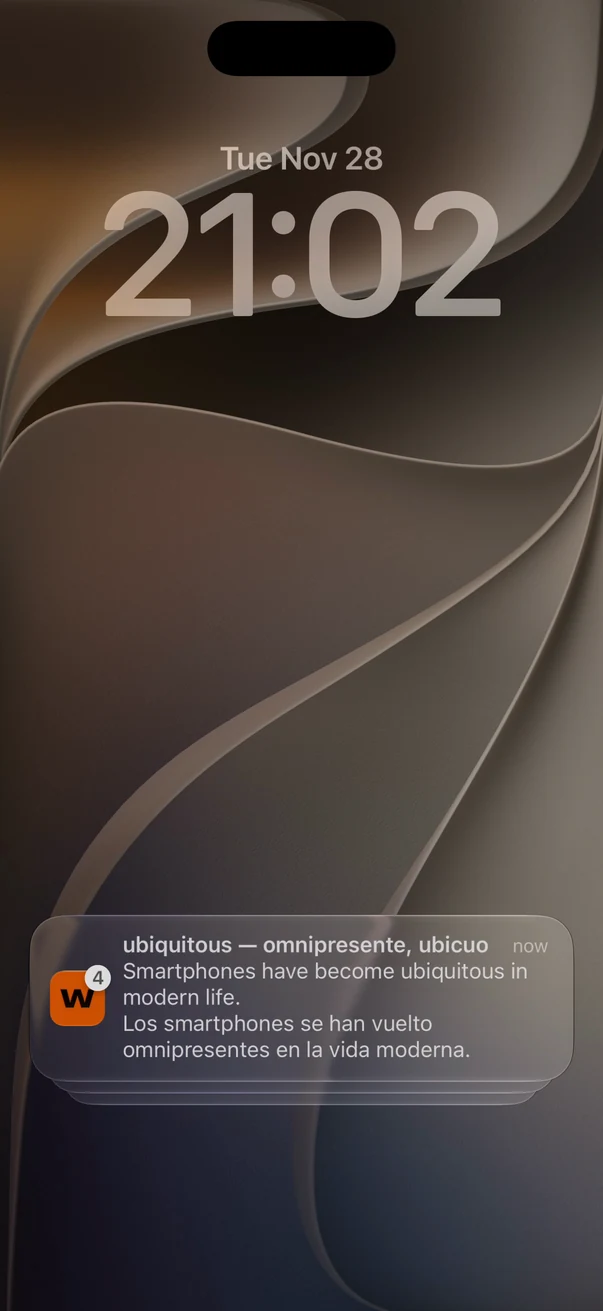
Why the check is at night. In the morning you read the word with a sentence. By the evening the sentence has had a day to fade, so recalling it takes a small effort, and that effort is what makes the word stay. The hint shows the translation of the word; the answer is the morning notification again.
See the same word three times a day.
By default the reminders come at 9, 13 and 17, each with a different example of the word, and the check comes at 21. They land where you already look: the lock screen and the banner over whatever app is open.
Open the app when you want the whole day at once.
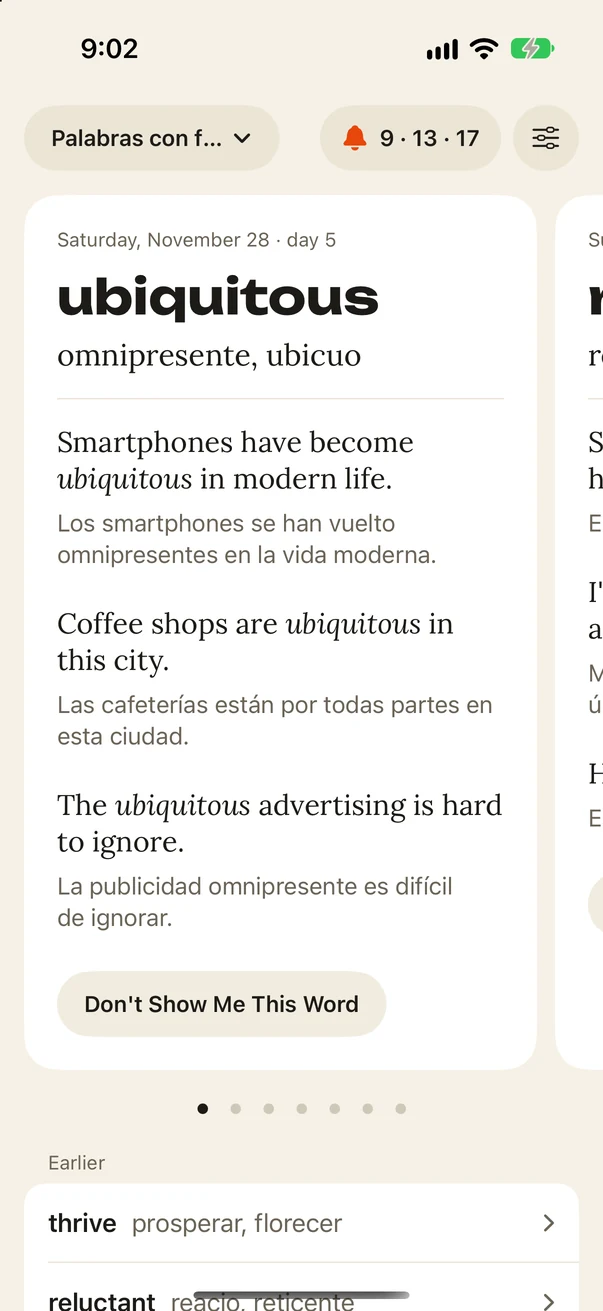
The app shows today's word with all its examples and the words that came before it. Don't Show Me This Word takes a word you already know out of the cycle.
Right from the notification
Don't Show Me This Word, Show Another Example and Show Answer are buttons on the notification itself. Touch and hold it, pick one, and the new text arrives in the same place.
Choose when the words come.
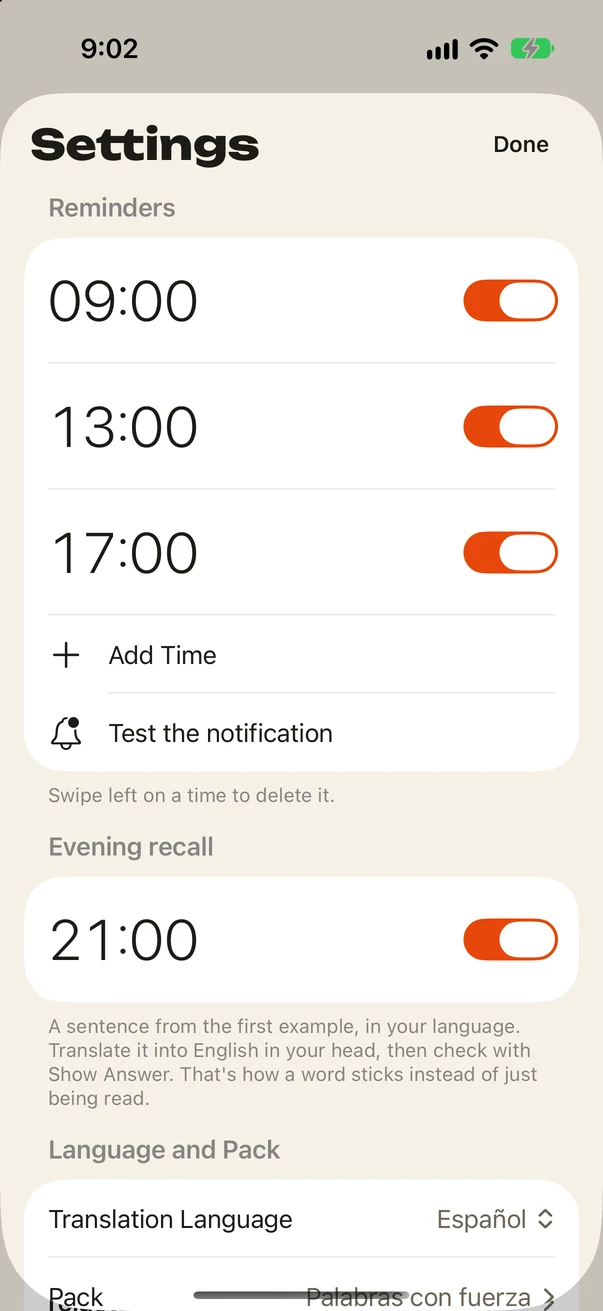
Set up to 24 reminder times, each with its own switch, and a separate time for the evening check. Swipe a time to the left to delete it. Test the notification sends one two seconds later, so you can see how it looks.
Pick a topic: nine packs, 770 words, all free.
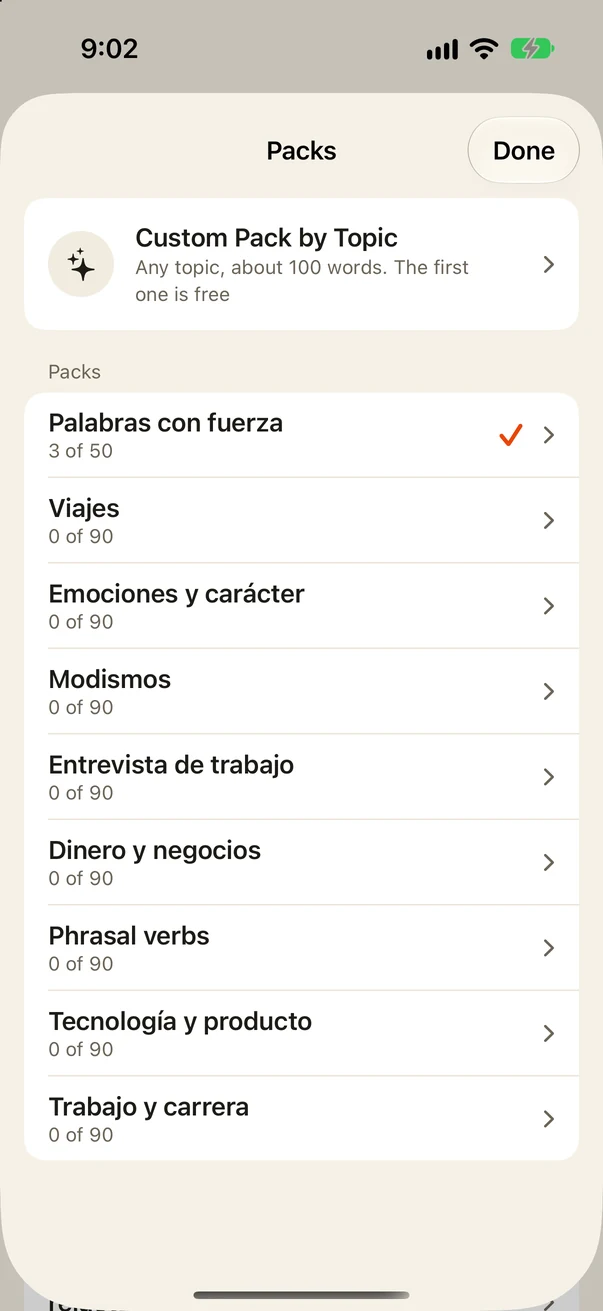
The packs are made for B1 and B2 learners, and every word comes with three examples. Here is the first word of every pack, as it comes in the app.
Strong Words
ubiquitous
Travel
layover
Job Interview
background
Work and Career
deadline
Tech and Product
workaround
Money and Business
revenue
Emotions and Character
anxious
Idioms
learn the ropes
Phrasal Verbs
figure out
Ask for a pack on any topic.
Type a topic, for example a trip around Japan, football or buying a flat, and the app puts together about 100 words with examples at your level. The pack then works like any other: word of the day, notifications, the evening check. The first one is free; after that, 20 more cost $1.99 in one purchase, with no subscription.
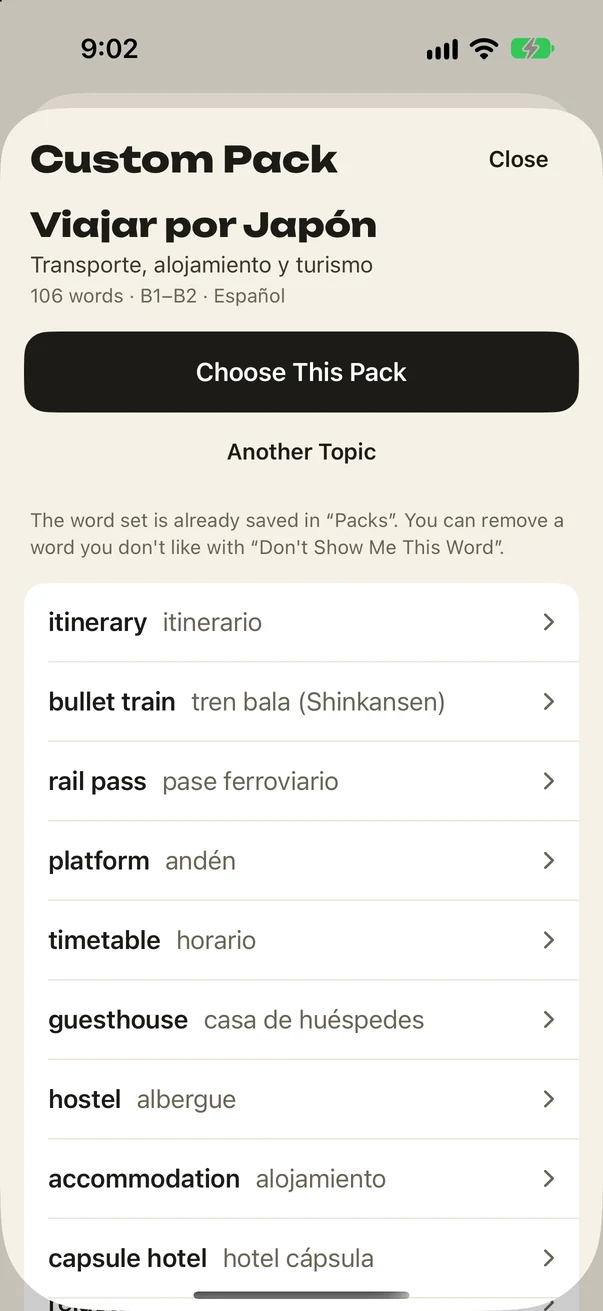
Read the translation in your language.
Translations come in Russian, Spanish, Ukrainian, German, Portuguese, Japanese, Korean and Czech. The app takes the first of your phone's languages that it has, and you can change it in Settings.
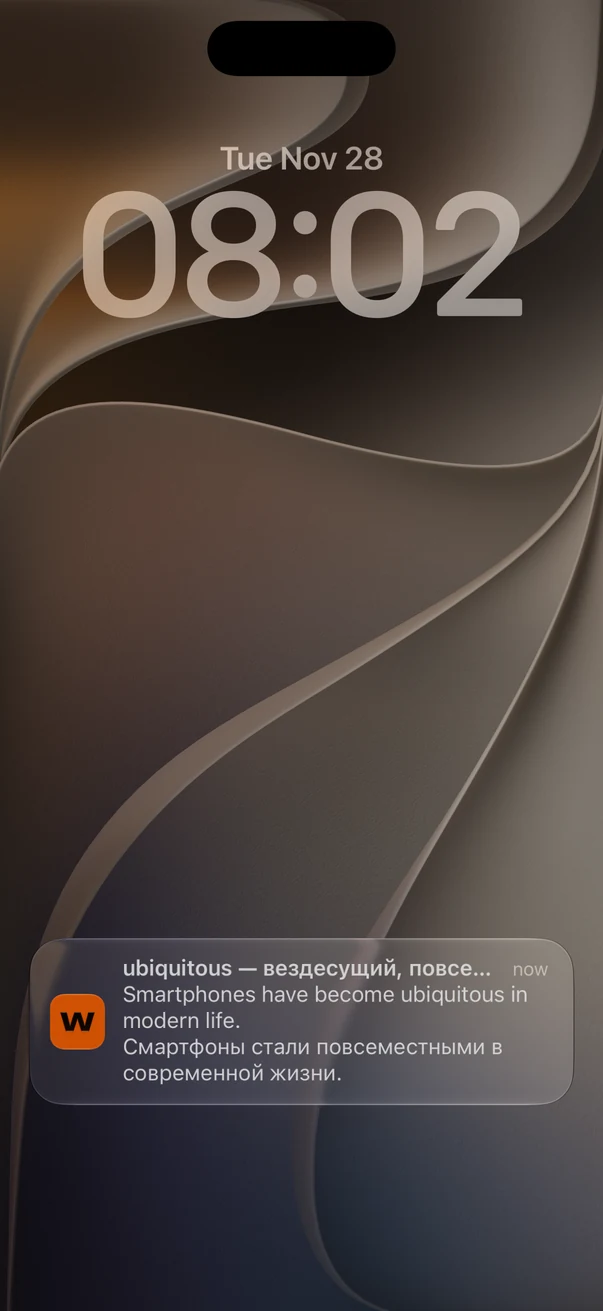
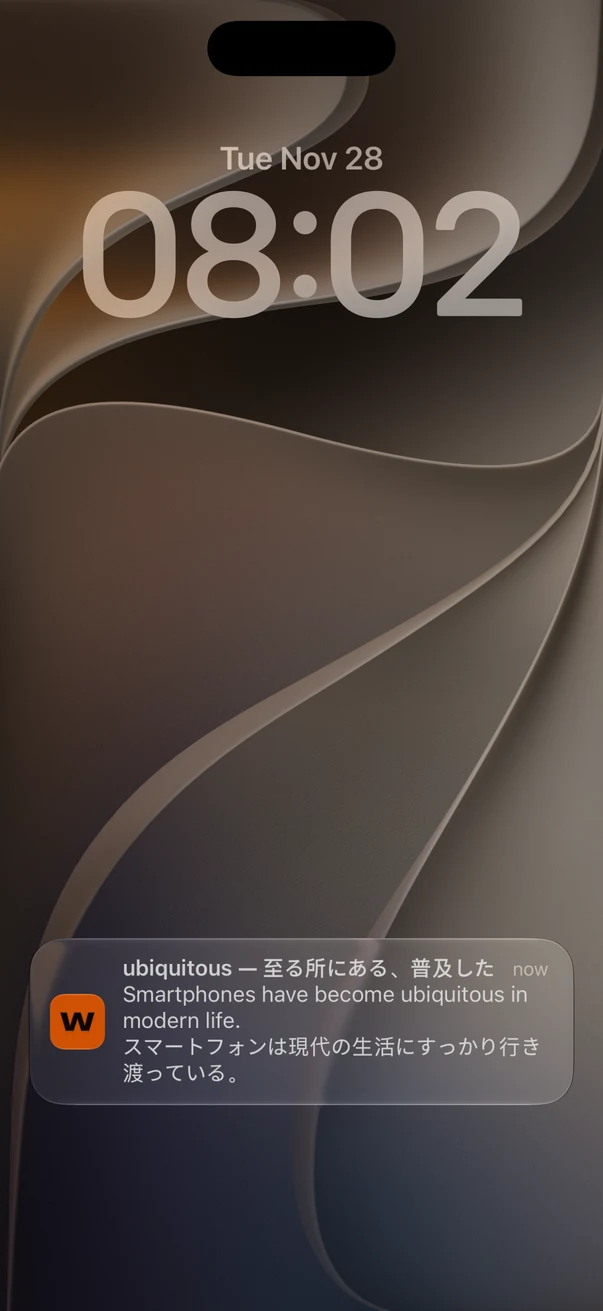
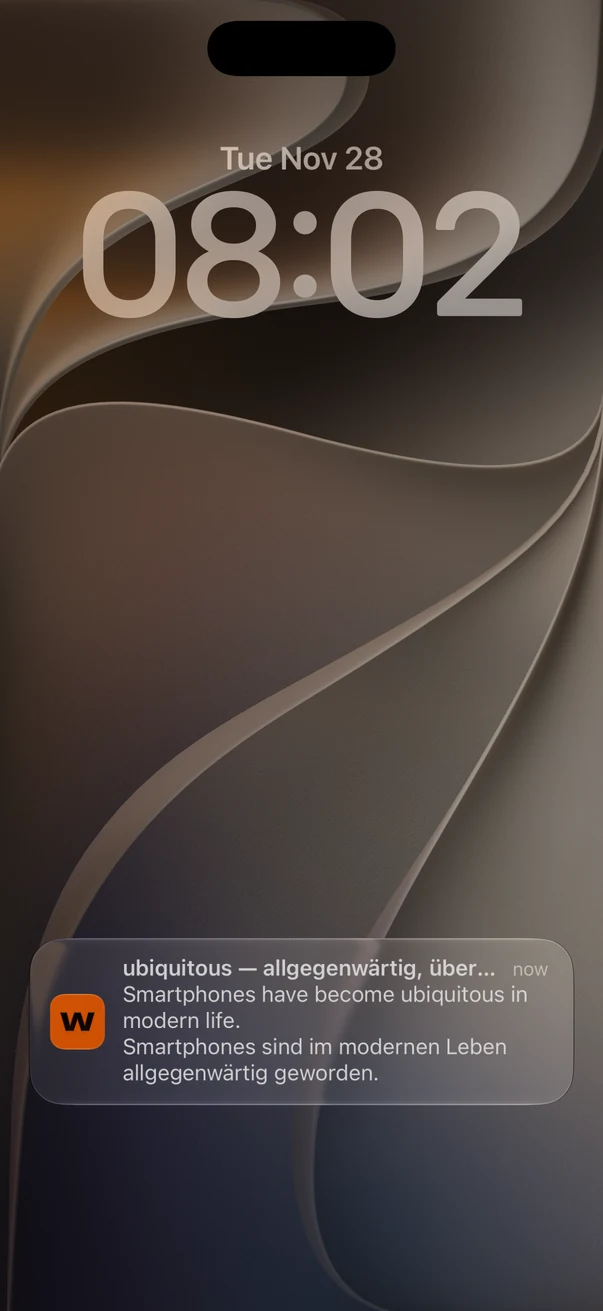
Watch a day in 26 seconds.
Cats in the feed at 8, another example at lunch, the check and the answer at night. The phone on the desk is drawn in Blender; the screens are the same Simulator recordings as on this page.

Get one word today.
Free. iPhone and iPad with iOS 17 or later, Mac with macOS 26.5 or later. No account, no ads, no analytics: your words and progress stay on your device.