Alarmun. The alarm you talk your way out of
An iOS alarm you silence by saying a phrase out loud. Cheerful, absurd, or unrepeatable — your call.
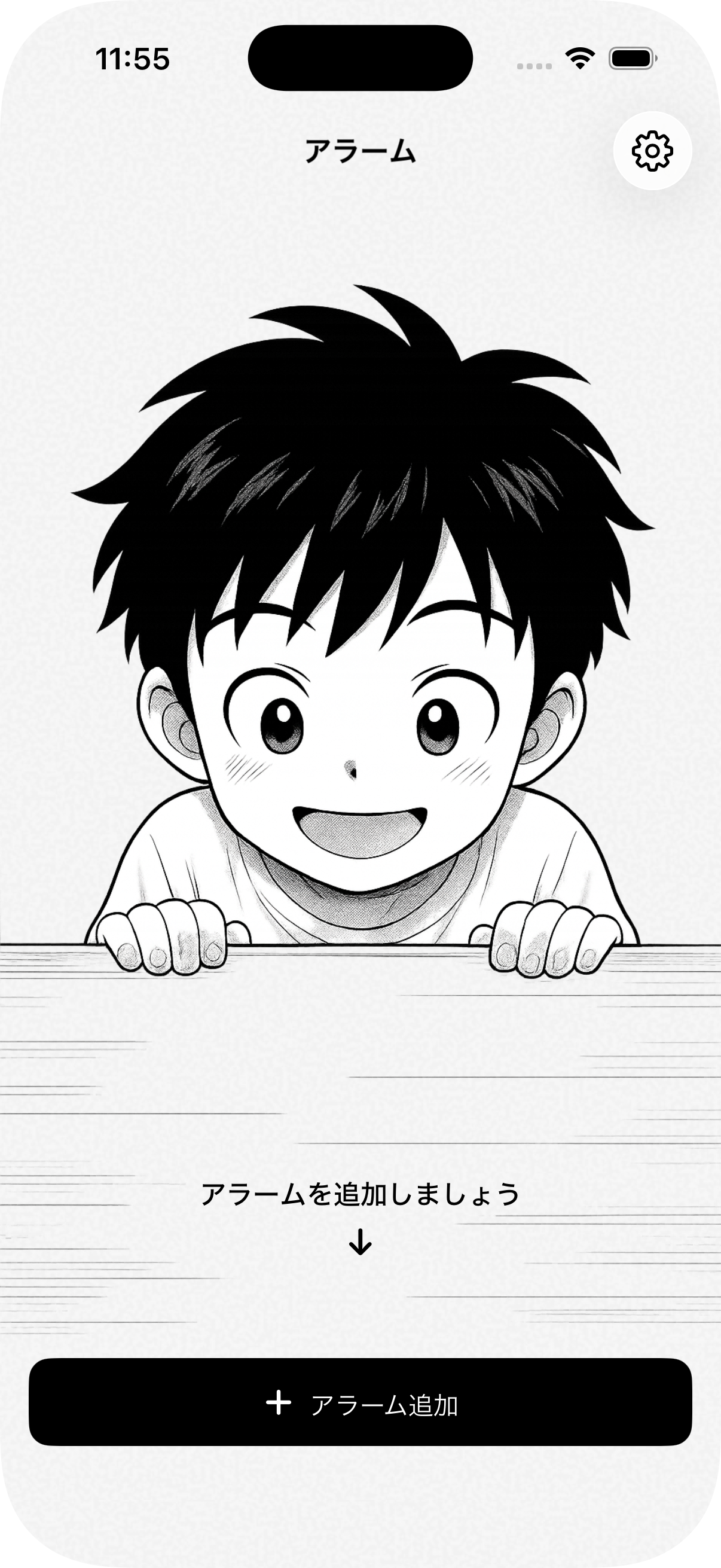
The premise began as pure morning laziness: leave the phone across the bedroom on a dresser, and when the alarm screams at seven, shout at it from under the covers to shut up without leaving the duvet. No cold floorboards, no throwing off the blanket, no fumbling with a blinding screen before your eyes can focus.
Apple had other ideas. The microphone stays dead while an iPhone is locked, so shouting across the bedroom was dead on arrival. But yelling into the pillow was a flawed premise anyway — you grunt half-asleep, the room goes quiet, and you drift right back off.
The real answer turned out to be much funnier. When AlarmKit finally arrived, it gave the app genuine system authority: an unkillable alarm that cuts through silent mode, and one massive button: Speak. To turn it off, you have to look it in the eye and recite a full, coherent sentence out loud.
Muscle memory can tap snooze in your sleep. Articulating words forces the brain to reboot.
The app splits the ritual in two: locking your phrase the night before, and reciting it in the dark when the clock strikes.
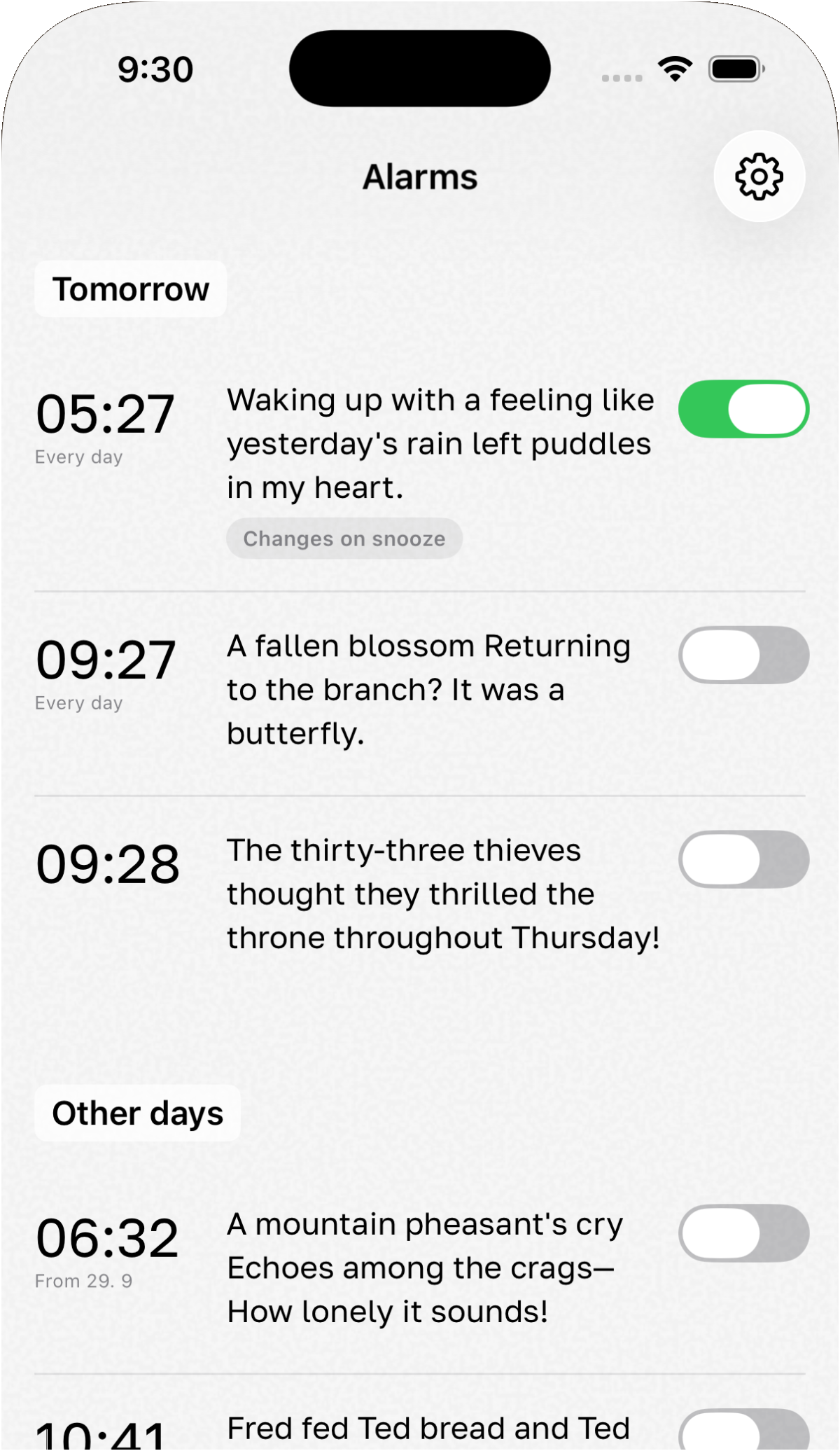
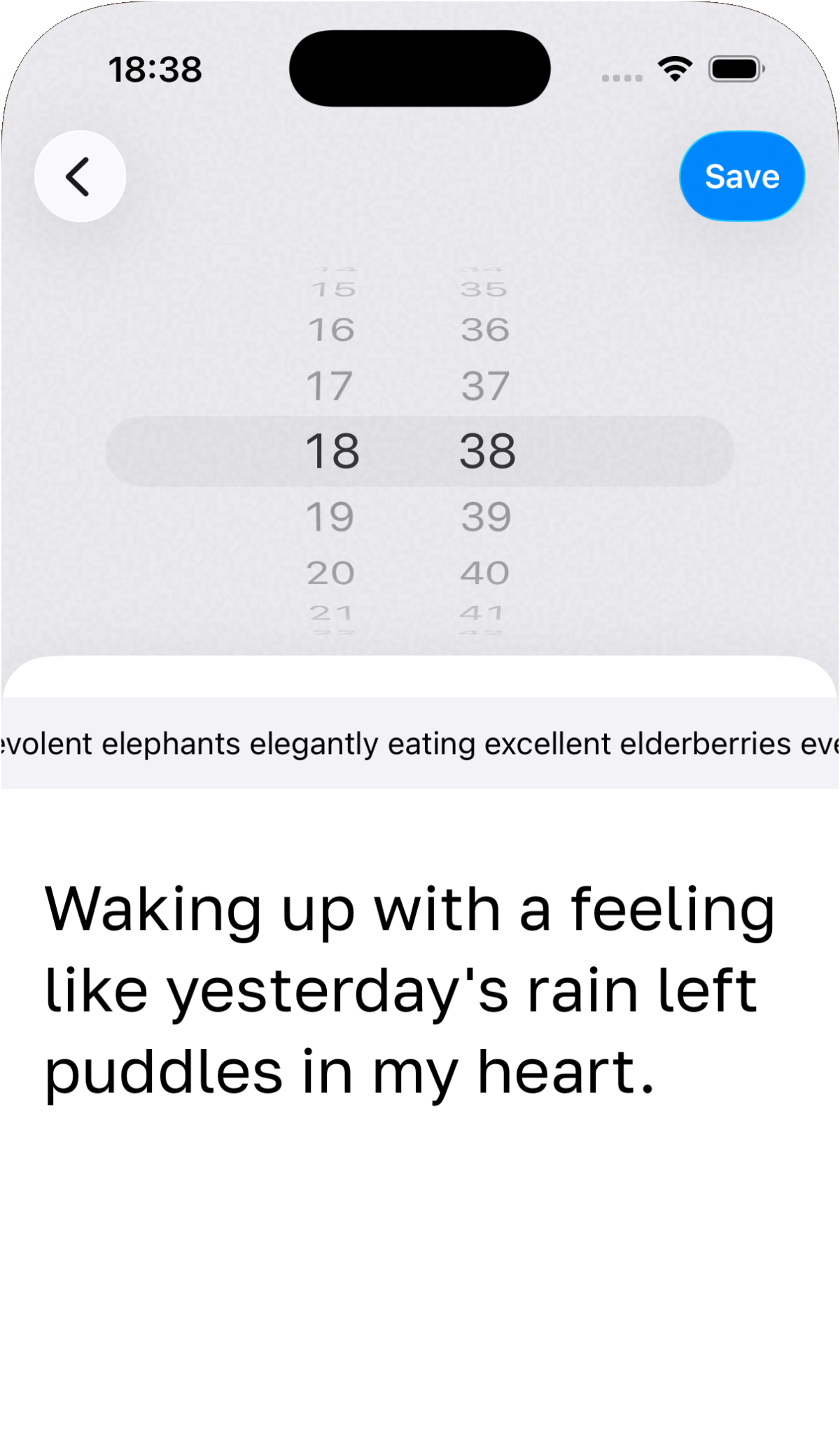
1. The Night Before
Pick a wake-up time and lock it with a phrase: gentle haiku, morning grumble, or custom tongue twisters.


2. Morning at 07:16
Recite the line in the dark — words turn green as the app hears you, and the alarm shuts off.
Phrases, haiku, and morning grumbles
Nobody wakes up with enough cognitive energy to invent clever prose at dawn. So the phrase is locked the night before: stoic morning grumbles in the spirit of Sergei Dovlatov, phonetically treacherous tongue-twisters, or seventeen syllables of quiet Japanese haiku.
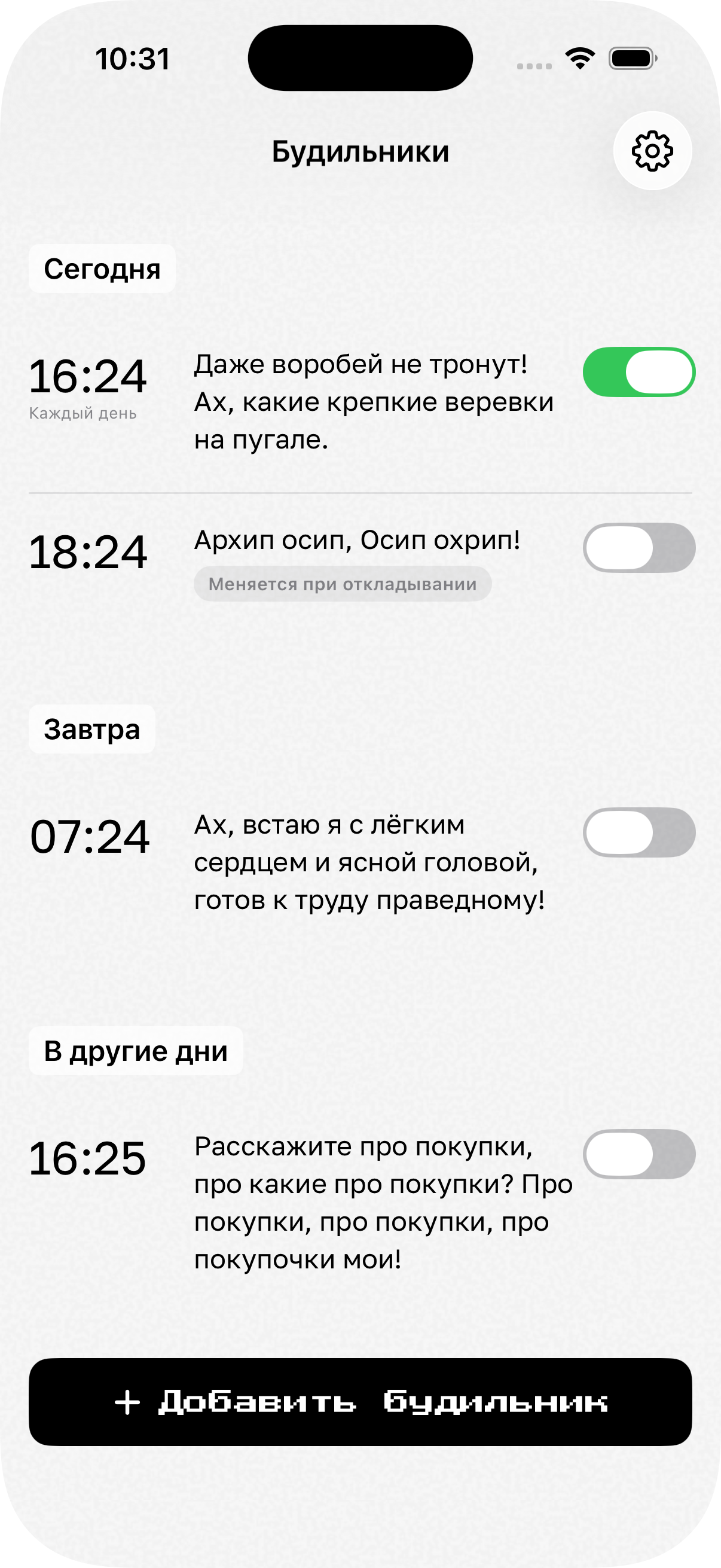
Language detection is completely automatic — you don’t touch a setting to wake up to German verbs, English poetry, or Russian syllables. Speak in its native tongue and the engine understands. If you hit snooze, the app shuffles the line, so you wake up to a fresh challenge rather than mumbling the same syllables from muscle memory.
Under the hood
Speech processing runs entirely on Apple’s Neural Engine, 100% locally on-device. Zero audio packets leave the phone, keeping response instantaneous and morning privacy intact — nobody on an external server is eavesdropping on your waking mumble.
A custom sequential matcher algorithm ensures every token arrives in exact order. A groggy throat-clear or mumbling one lucky keyword won’t fool it: you have to say the line. And by the time the last word turns green, sleep inertia has already lost.
More projects