Alarmun. How it was built
An iOS alarm you silence by saying a phrase out loud. Cheerful, absurd, or unrepeatable — your call.
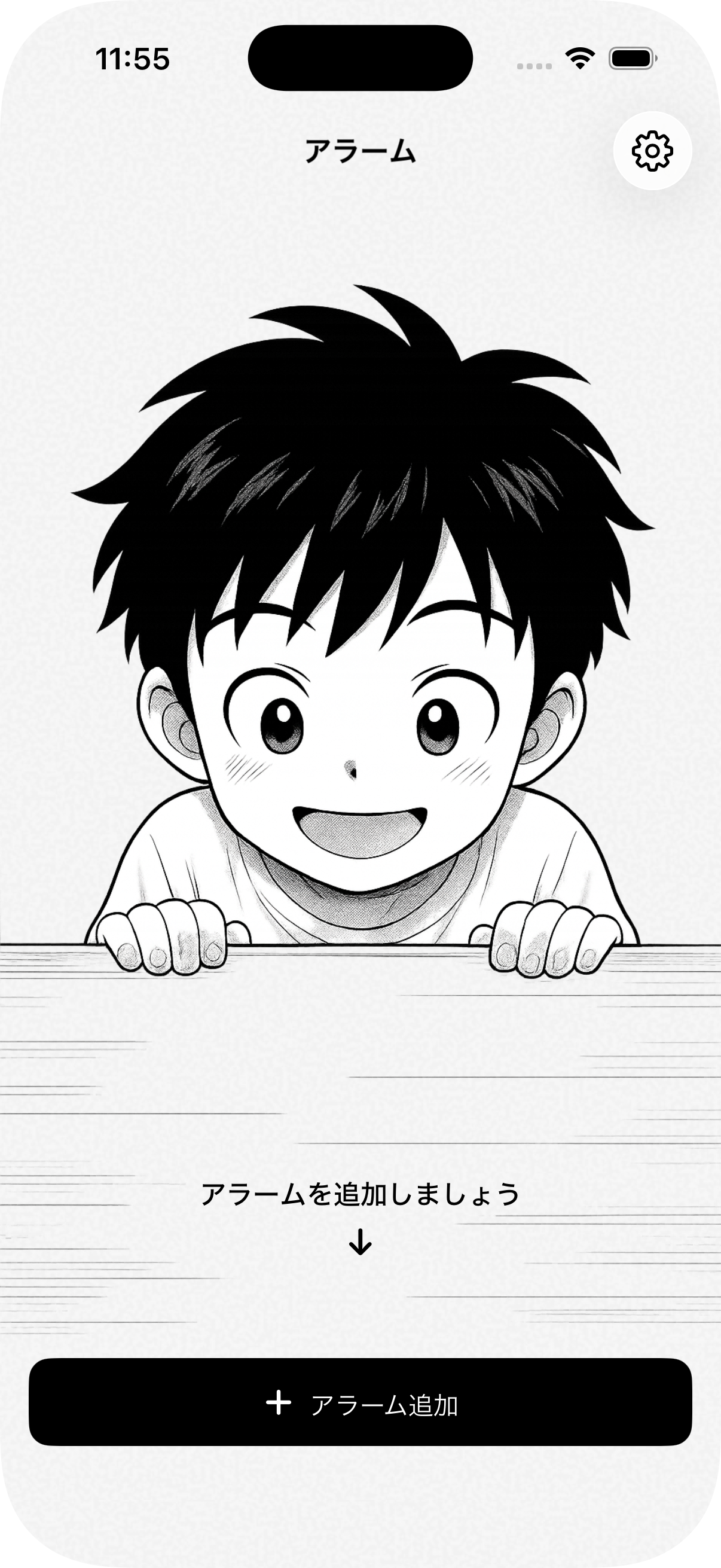
The premise began as pure morning laziness: leave the phone across the bedroom on a dresser, and when the alarm screams at seven, shout at it from under the covers to shut up without leaving the duvet. No cold floorboards, no throwing off the blanket, no fumbling with a blinding screen before your eyes can focus.
Apple had other ideas. The microphone stays dead while an iPhone is locked, so shouting across the bedroom was dead on arrival. But yelling into the pillow was a flawed premise anyway — you grunt half-asleep, the room goes quiet, and you drift right back off.
The real answer turned out to be much funnier. When AlarmKit finally arrived, it gave the app genuine system authority: an unkillable alarm that cuts through silent mode, and one massive button: Speak. To turn it off, you have to look it in the eye and recite a full, coherent sentence out loud.
Muscle memory can tap snooze in your sleep. Articulating words forces the brain to reboot.
The app splits the ritual in two: locking your phrase the night before, and reciting it in the dark when the clock strikes.
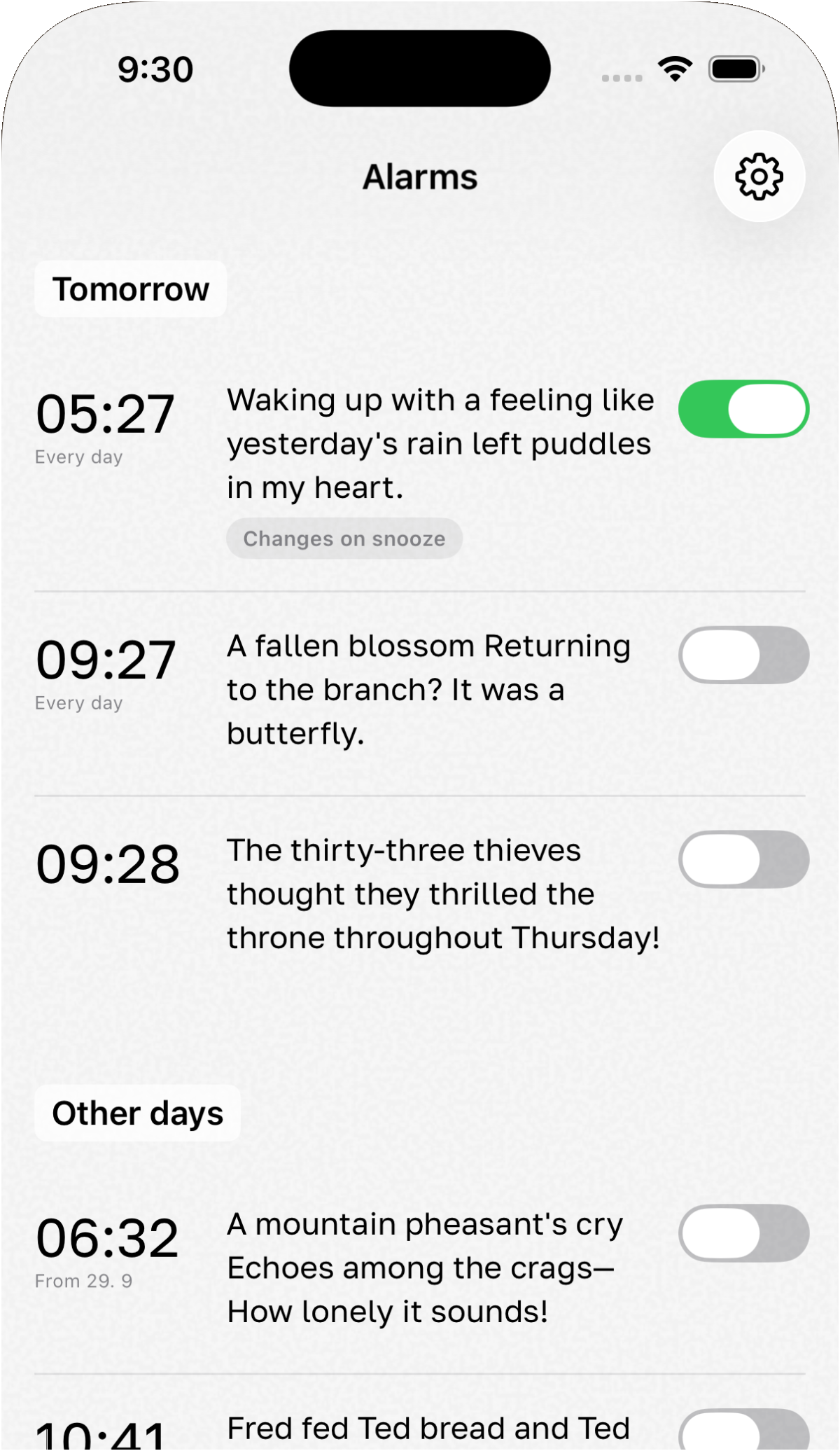
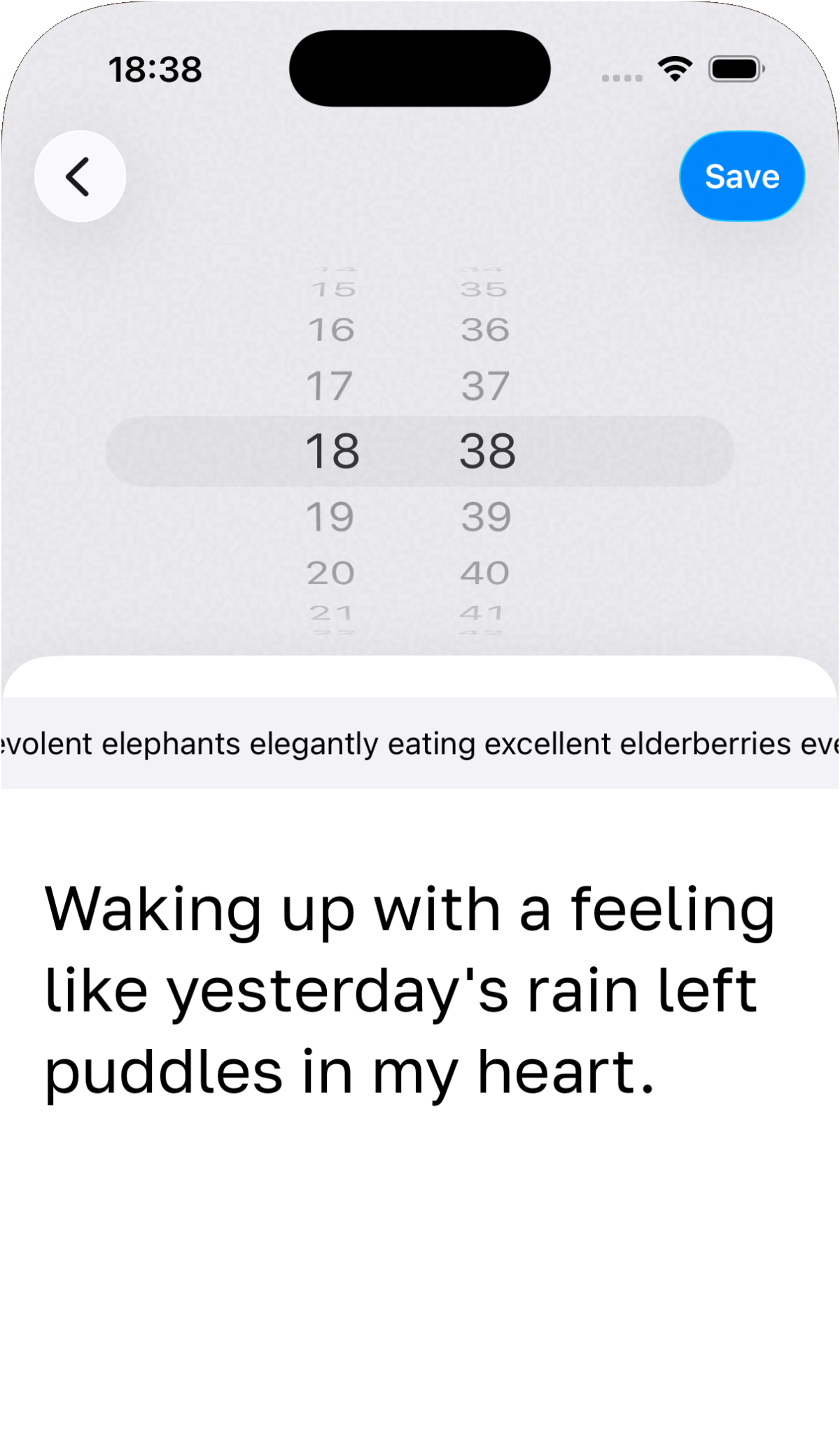
1. The Night Before
Pick a wake-up time and lock it with a phrase: gentle haiku, morning grumble, or custom tongue twisters.


2. Morning at 07:16
Recite the line in the dark — words turn green as the app hears you, and the alarm shuts off.
Phrases, haiku, and morning grumbles
Nobody wakes up with enough cognitive energy to invent clever prose at dawn, so the line is locked the night before. Six collections: morning grumbles, morning blues, sunshine and rainbows, tongue twisters, haiku and bright spirit, and whatever you write yourself.
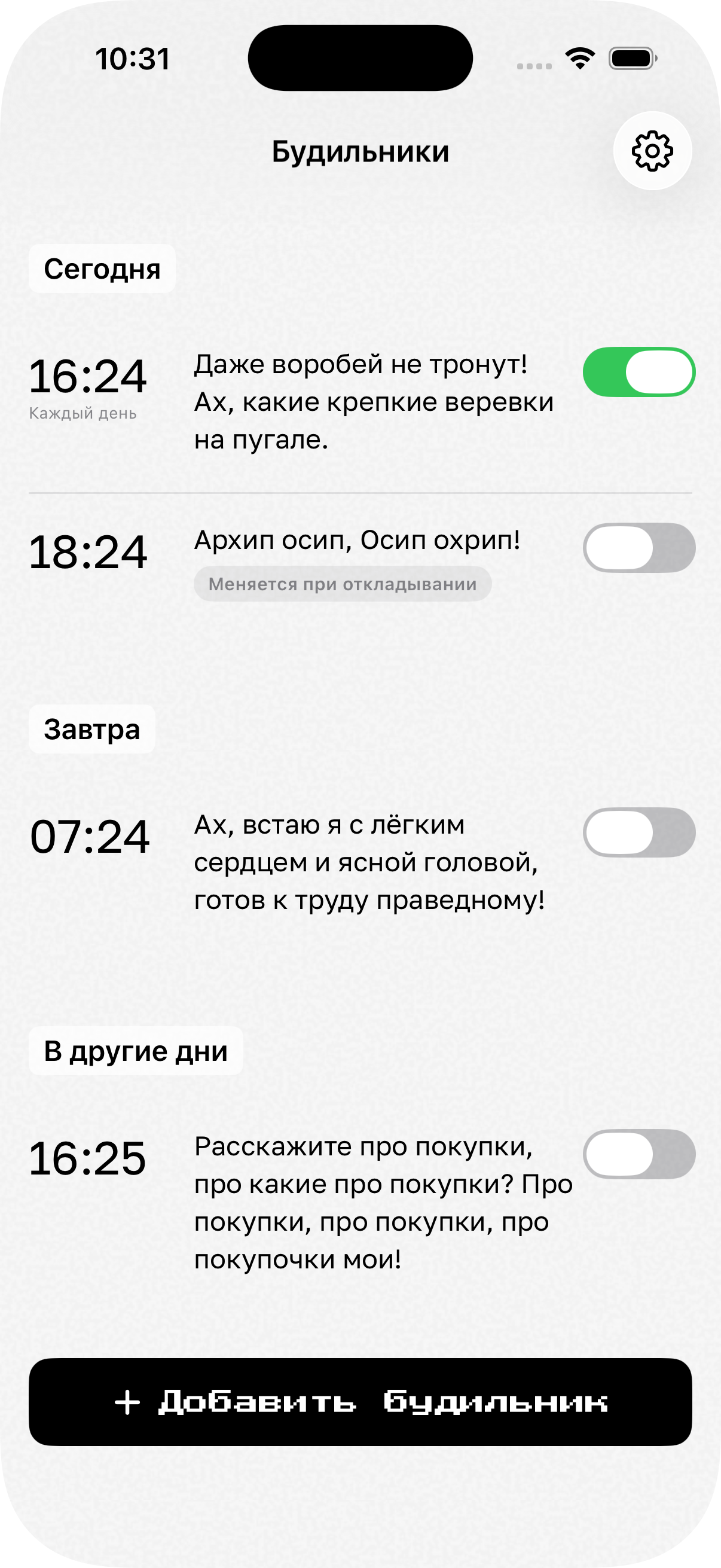
The collections come in eight languages, and the app picks the recogniser from the line itself rather than from a setting. Turn on «Change phrase on snooze» and the next round hands you a different line, so the words you mumbled once are no use five minutes later.
Under the hood
Recognition asks iOS for the on-device engine, so the waking mumble is matched on the phone itself rather than on somebody’s server.
A custom sequential matcher takes the words in the order they are written: the next one is looked for among the following five it heard, and anything said in between is ignored. Closeness is forgiven on purpose — a short English word has to be almost exact, a long one can be half wrong — because a voice at seven in the morning is not a dictation machine.
More projects