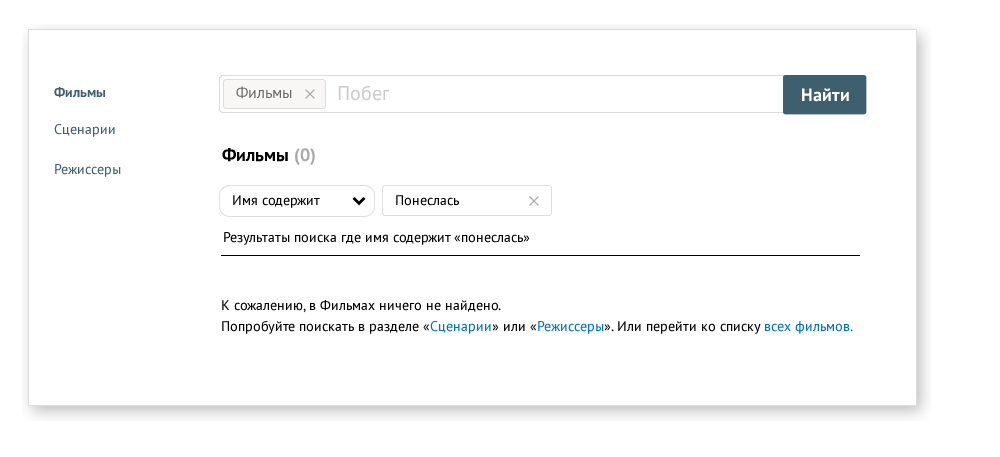
Sometimes search can be conducted over a specific list or across multiple categories where no list exists.
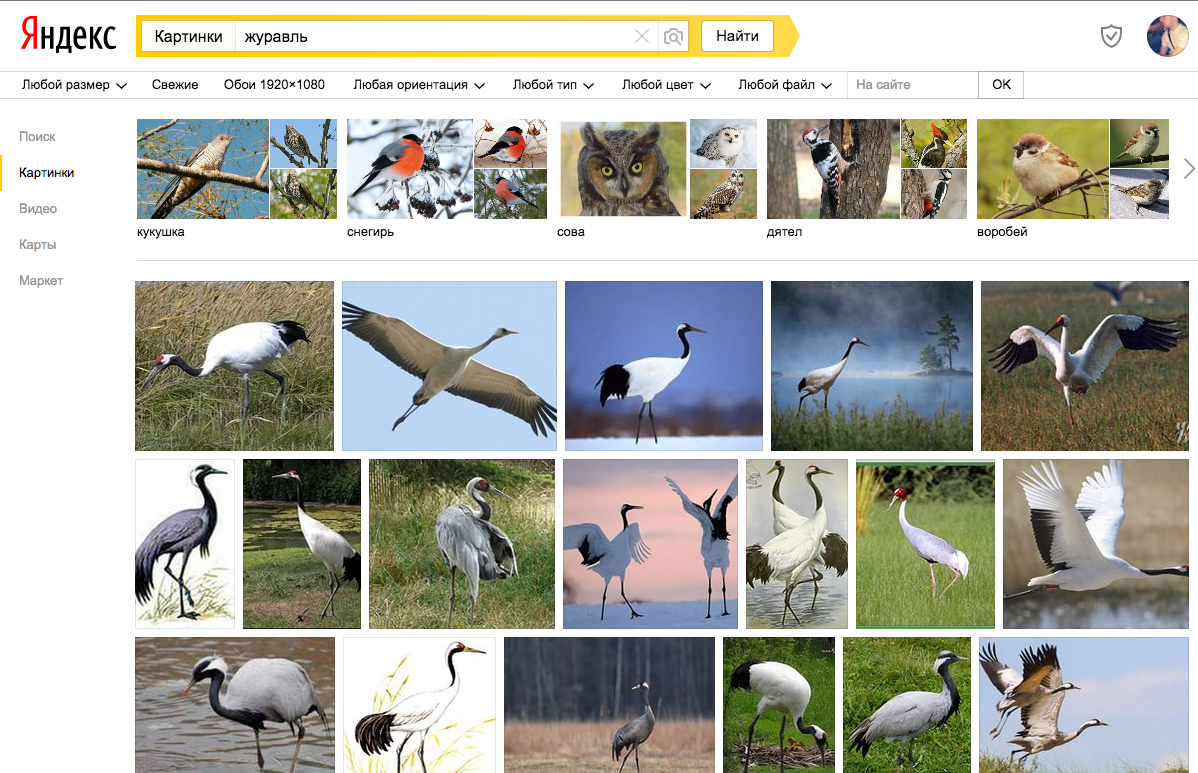
For example, where there is no list and it's not needed.

Yandex. Let's search for pictures of cranes
https://yandex.ru/images/search?text=%D0%B6%D1%83%D1%80%D0%B0%D0%B2%D0%BB%D1%8C&redircnt=1434356569.1It's simple: you wanted cranes, you got them. But try looking at the entire 'Pictures' category. https://yandex.ru/images/ — here you won't find a list of all pictures, nor filters.
Why is there no list of all pictures?
Because there's no point in displaying a list of a billion pictures, no point in sorting and scrolling through them.
In the case presented in this article, there is a point to a list and filters. Let's figure out how to organize their joint work.
Theory: joint operation of search string and entity list
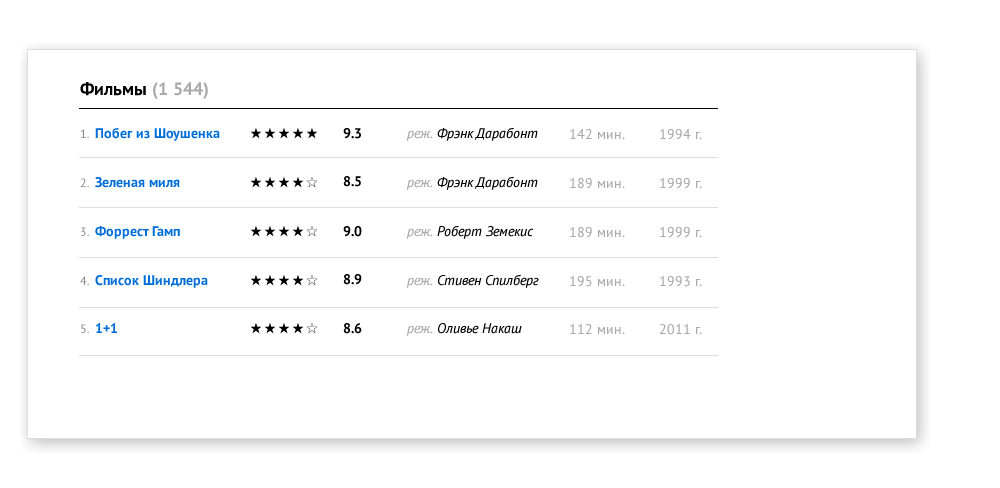
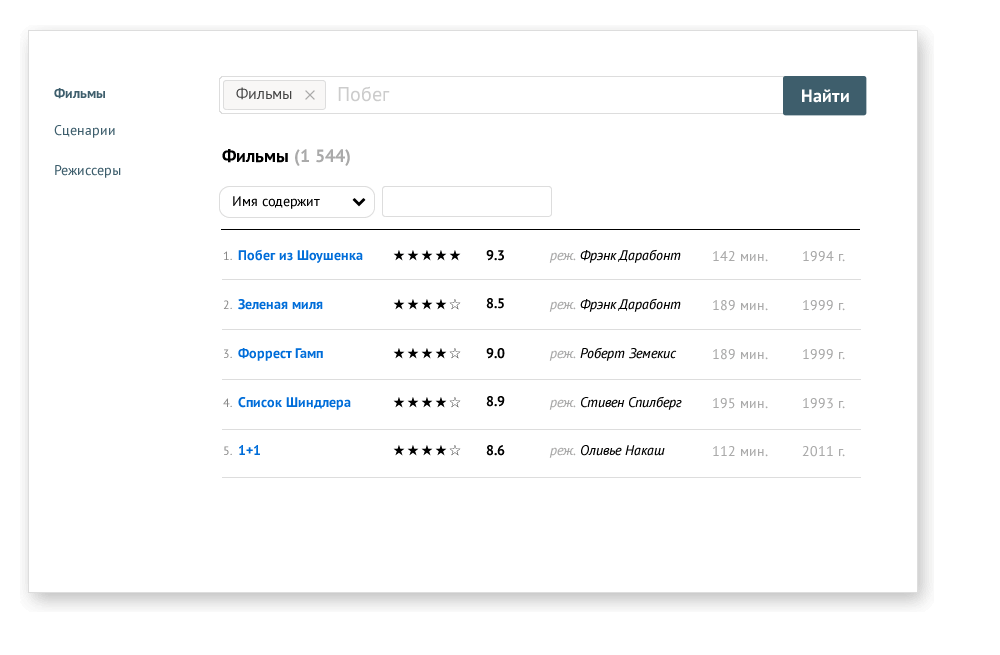
We have an ordinary list in front of us...
... and we also have search categories and filters for working with the list and the main search bar. So how should they all work together?
It's proposed to do it so that the filter processes the entered search query. And in case of clearing (or deleting) the filter, the original query in the search bar remains unchanged.How it looks in practice
During search we reduce emphasis on the search bar and make it clear that now we're working with the list (this behavior is only relevant where there are lists!)
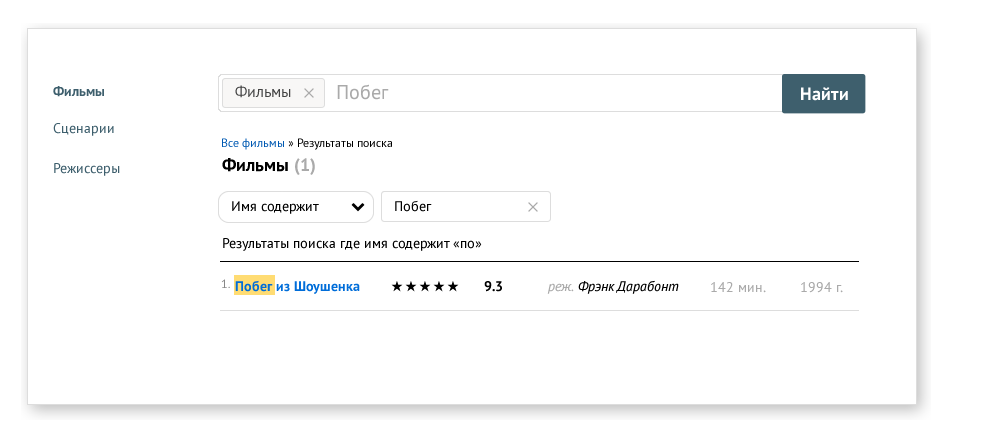
How to return to the list after searching? Here a cross next to the filter input solves this task, as well as breadcrumbs above the heading: move the cross outside the input
And then after deleting the search query we can observe the list in the following view:
Option when nothing is found in filters: