Create unique landing pagesfor your products instead of AI slop.
~/Dev/HomeBuddy/cell.blendUse it if one of these is you.
You built something and it deserves a better page than it has.
You are a designer with real projects and no portfolio to show them.
You build products for clients and want each one to become a case study.
You make physical things, and the model in Blender is the best photo you have.
Watch one prompt become a page.
Go from your project folder to a live page in five steps.
-
/landing-studio Make a landing page for my app. The code is in ~/code/my-app, the 3D model in ~/3d/device.blend. Look through all of it.
 Xcode
Xcode Blender
 Terminal
 QuickTime
 Photos
 Finder
-
Answer what only you know.
It asks before it builds anything, and it stops until you answer.
- What is it, in one sentence you would say out loud?
- Who is it for, and what were they doing five minutes before?
- Can I run it on this machine?
- What material already exists?
- Where does this page end up?
- Is there anything I should not show?
-
Pick a hero and approve the shots.
It builds three hero drafts from your product’s own look. You pick one, then check every frame on a contact sheet.
-
Get a page that passes its checks at five widths.
1728, 1440, 1100, 820 and 390 pixels. It fails on sideways scroll, console errors, crooked edges and dark flashes between clips.
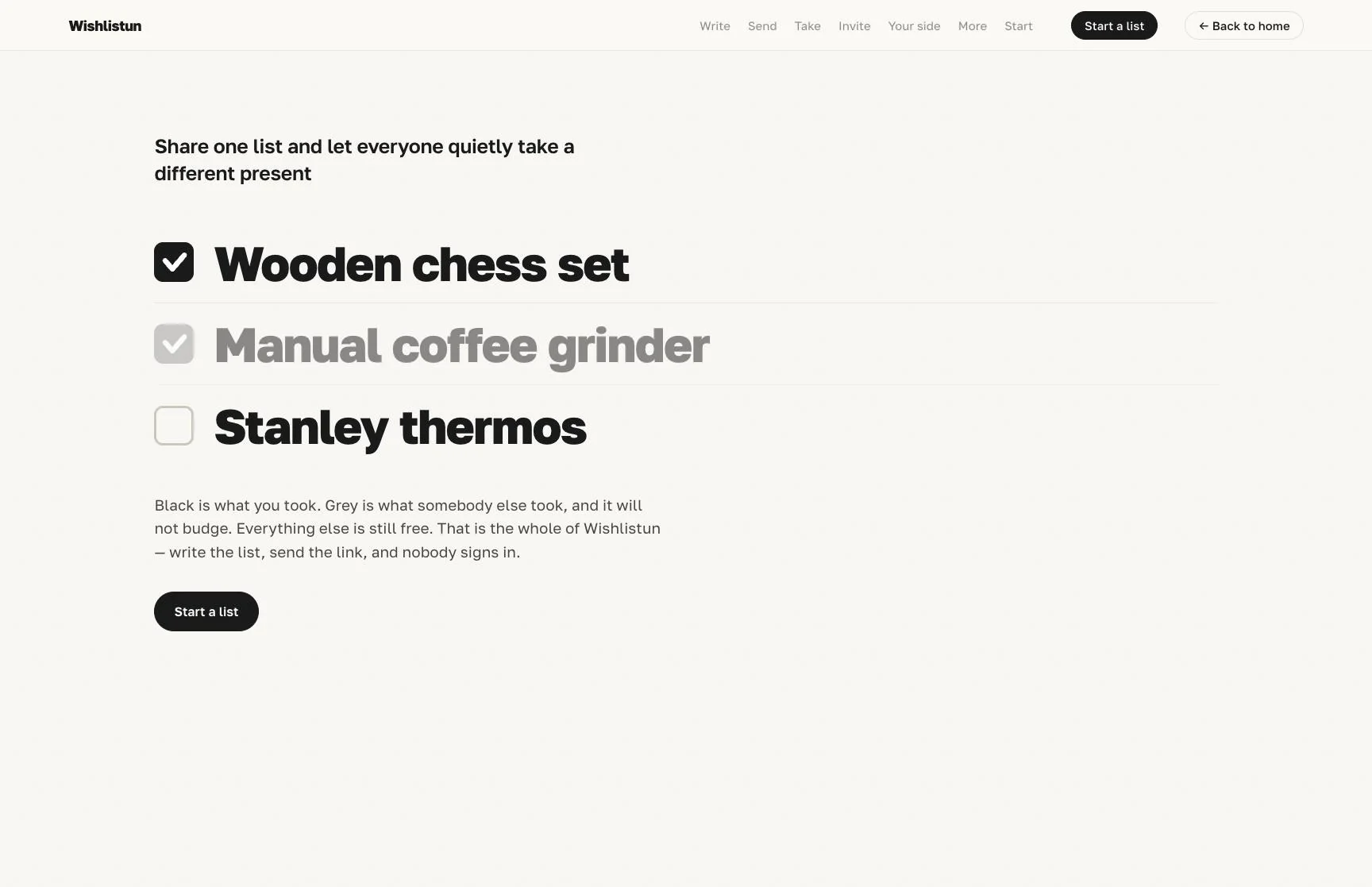
1728 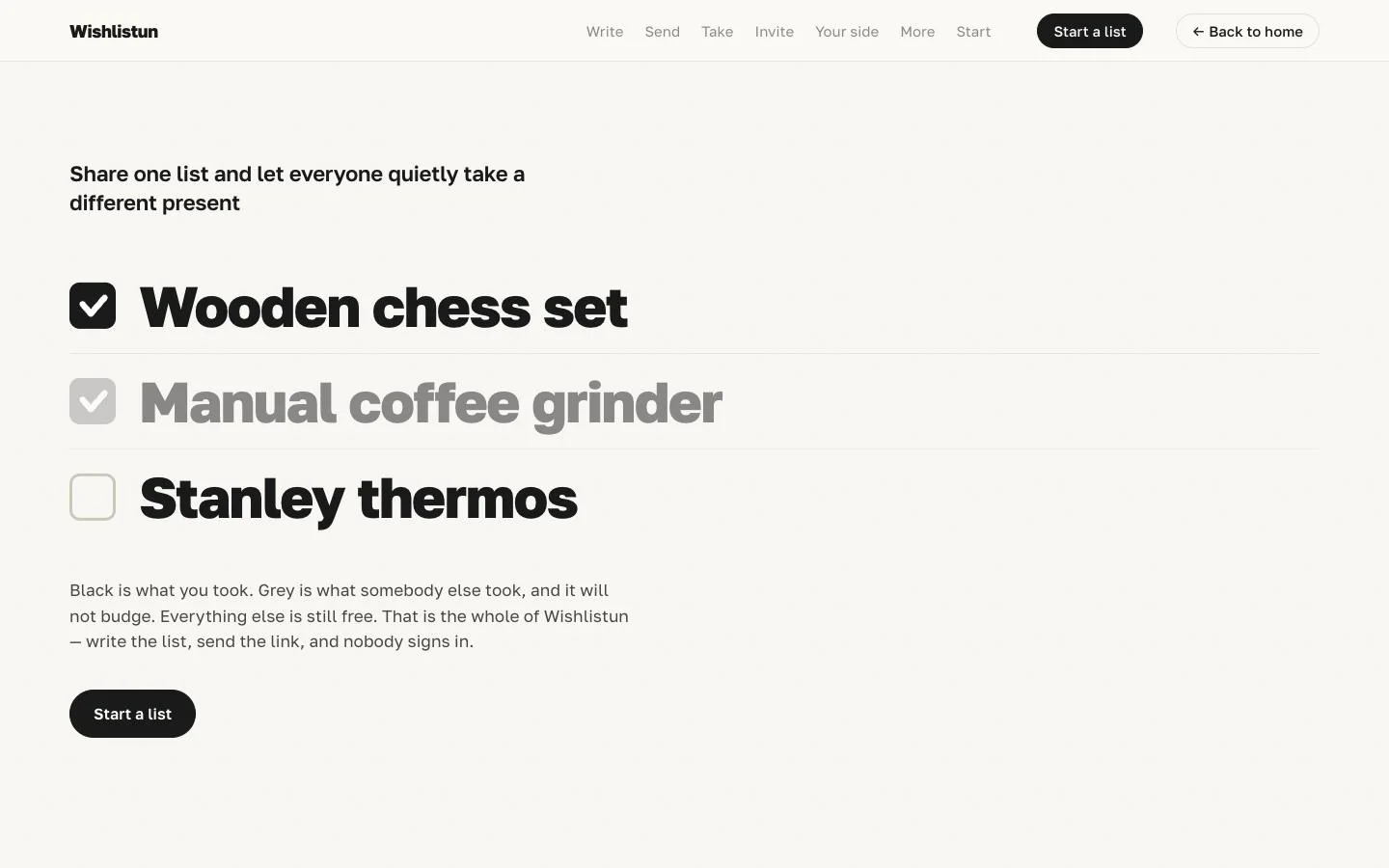
1440 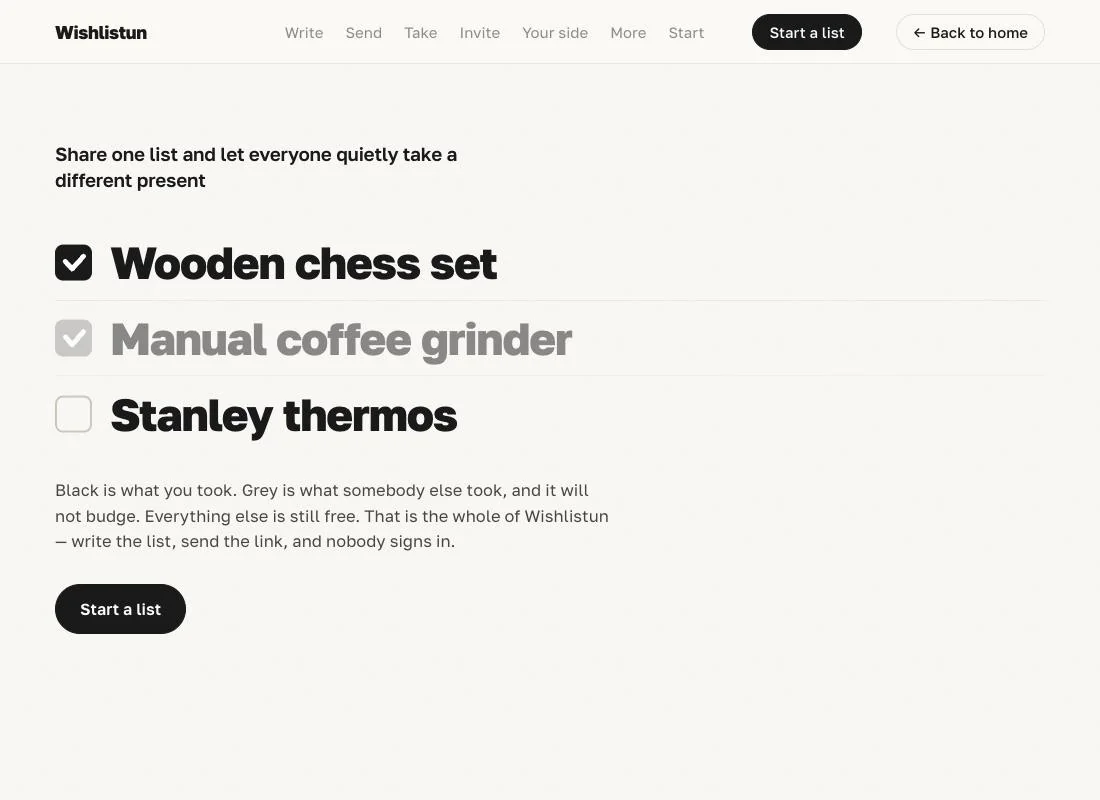
1100 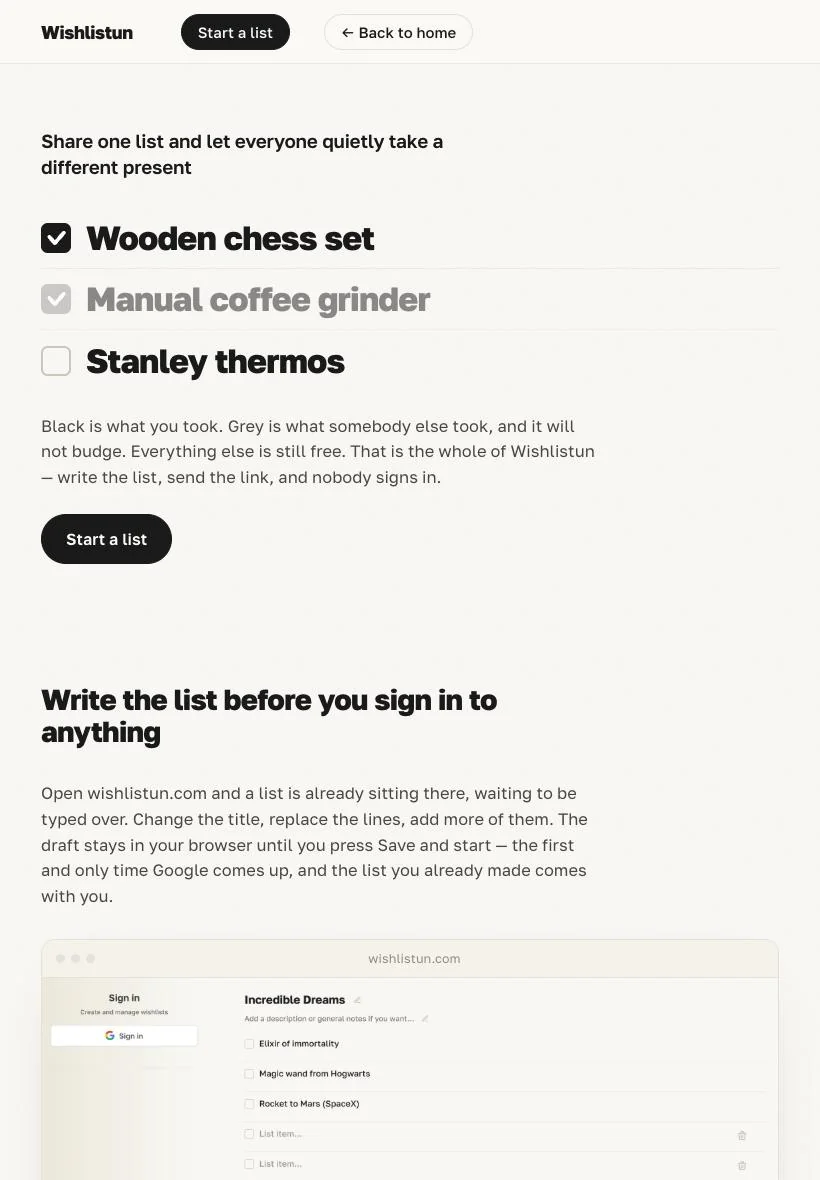
820 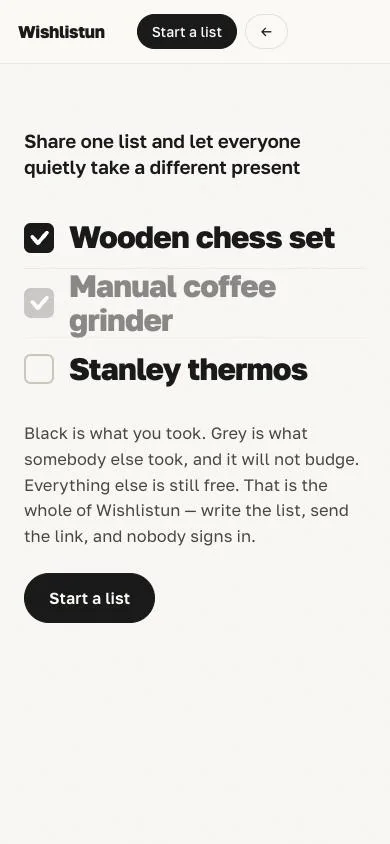
390 -
Say yes, and it ships.
Nothing goes live without your yes. You keep the scripts, and one command reshoots every clip when your interface changes. These are this page’s own.
- page.py
- pack.py
- record.mjs
- clip_encode.py
- contact.py
- shoot-pages.mjs
- shots/film-prompt.mjs
- shots/home-buddy-scroll.mjs
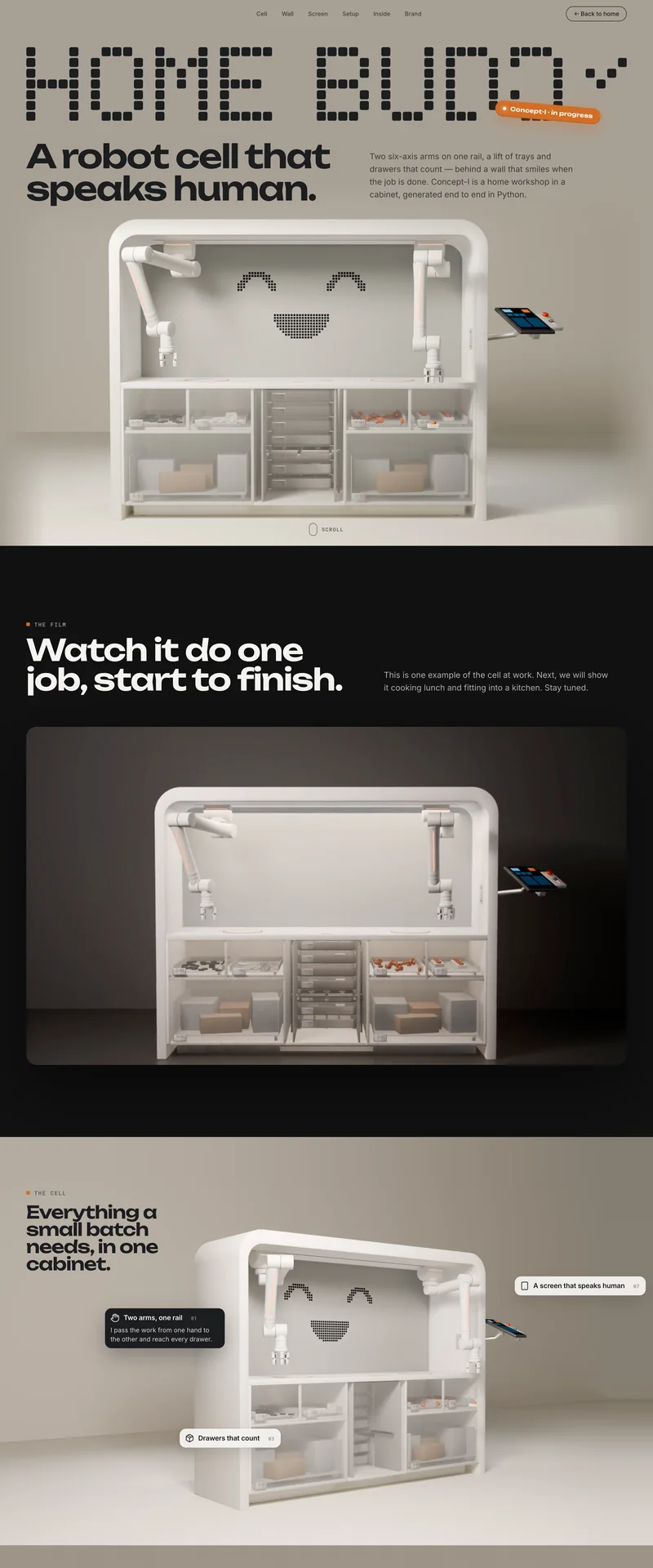
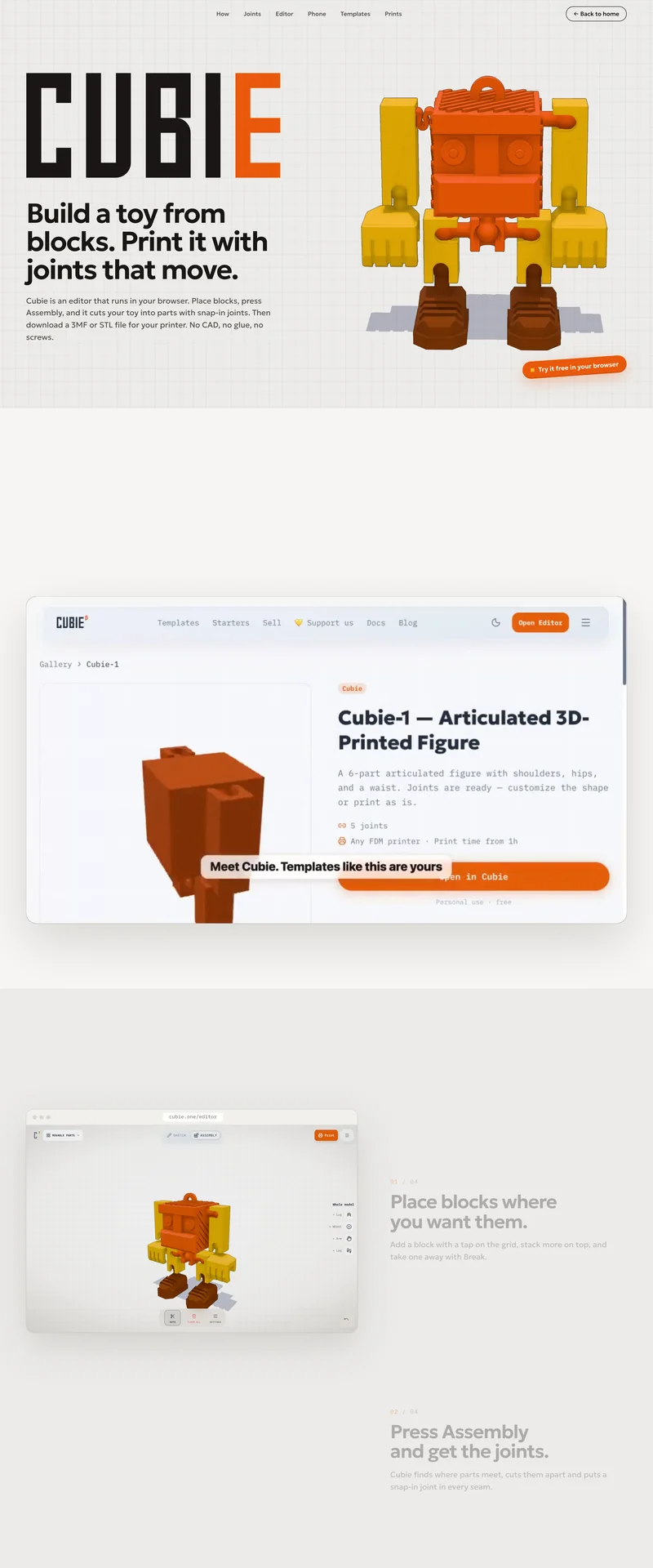
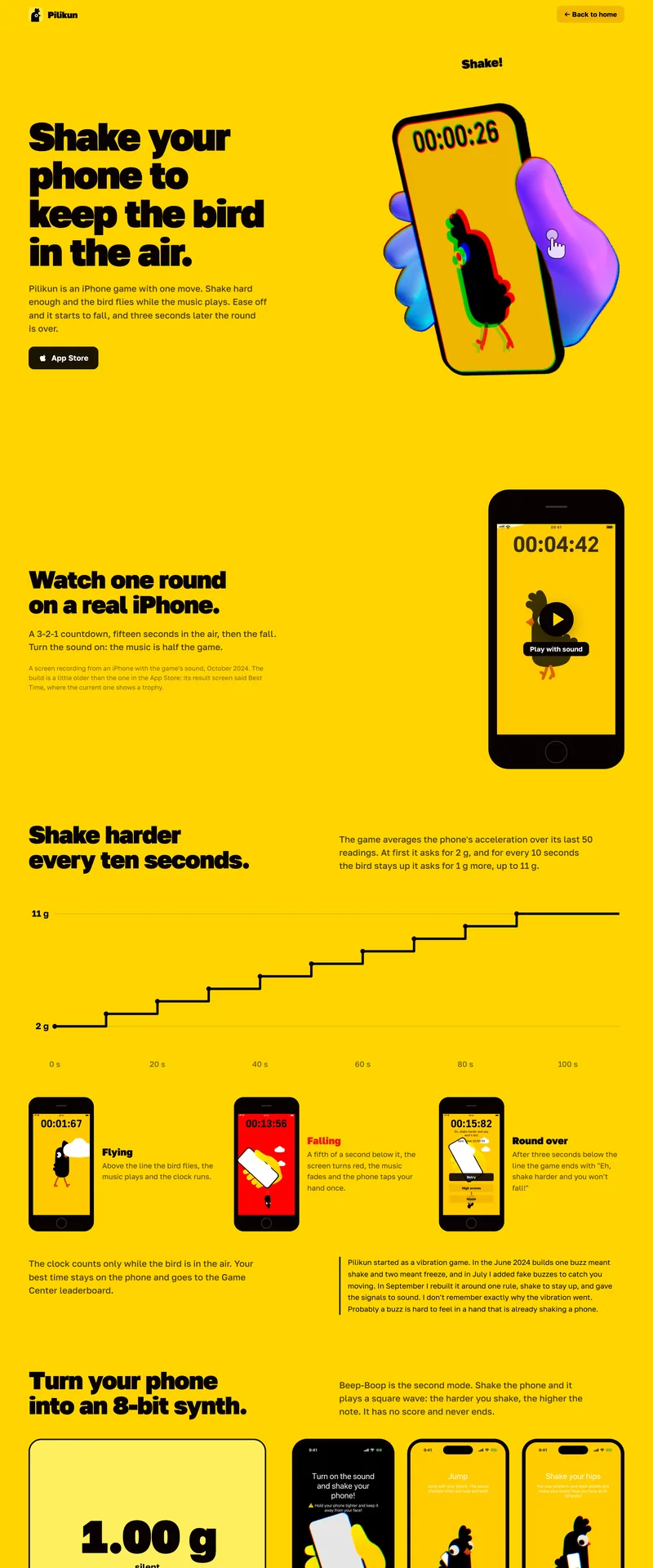
Four products, four pages that look nothing alike.
Run it on the agent you already pay for.
Landing Studio runs in Claude Code on your computer, in the terminal or in the desktop app’s Code tab. We tested it with Claude. You can try it with your own LLM.
- Node and Google Chrome
- Python 3 with Pillow
- ffmpeg for video; without it, you get stills
- Xcode or the Android SDK for phone apps
It needs a product that runs. Without one, there is nothing to film.
The chat on claude.ai cannot open your project, so it needs Claude Code.
Get Landing Studio for $19.90.
The skill, a nine-page guide and a README with the install steps.
- landing-studio/
- Landing Studio Guide.pdf
- README.md